
Tip: if the post is set to sticky, it will not show in the slider
This help doc applies to publishers running non-Blocksy/PaywallProject themes.
To add a story to the featured spot in the middle of your site, go to All Posts and select the star under “Featured” for the story that should appear.
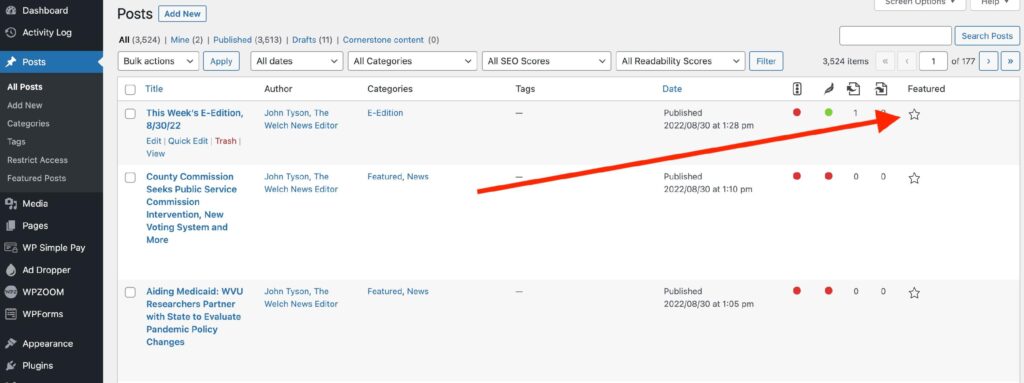
Multiple stories can be in the slider at a time. Up to 5 stories can show at a time. If you’d like to increase that number, feel free to let us know.
And lastly, make sure the post has a featured image attached to it otherwise, the slider will appear empty.