
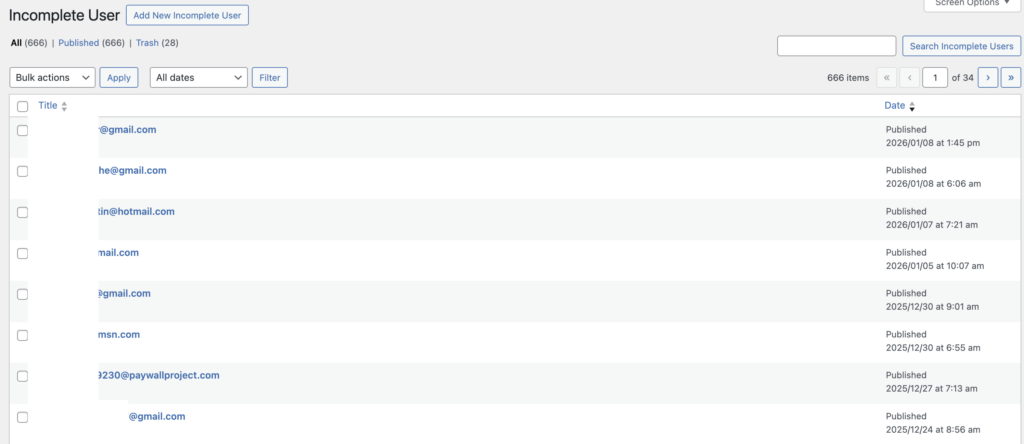
On rare occasions, you might find a subscriber in Stripe, but there’s no sign of an account in Leaky Paywall. In cases like this, go to: example.com/wp-admin/edit.php?post_type=lp_incomplete_user (be sure to replace example.com with your domain).
Find the user’s email in the list if it exists -> select the user’s email,
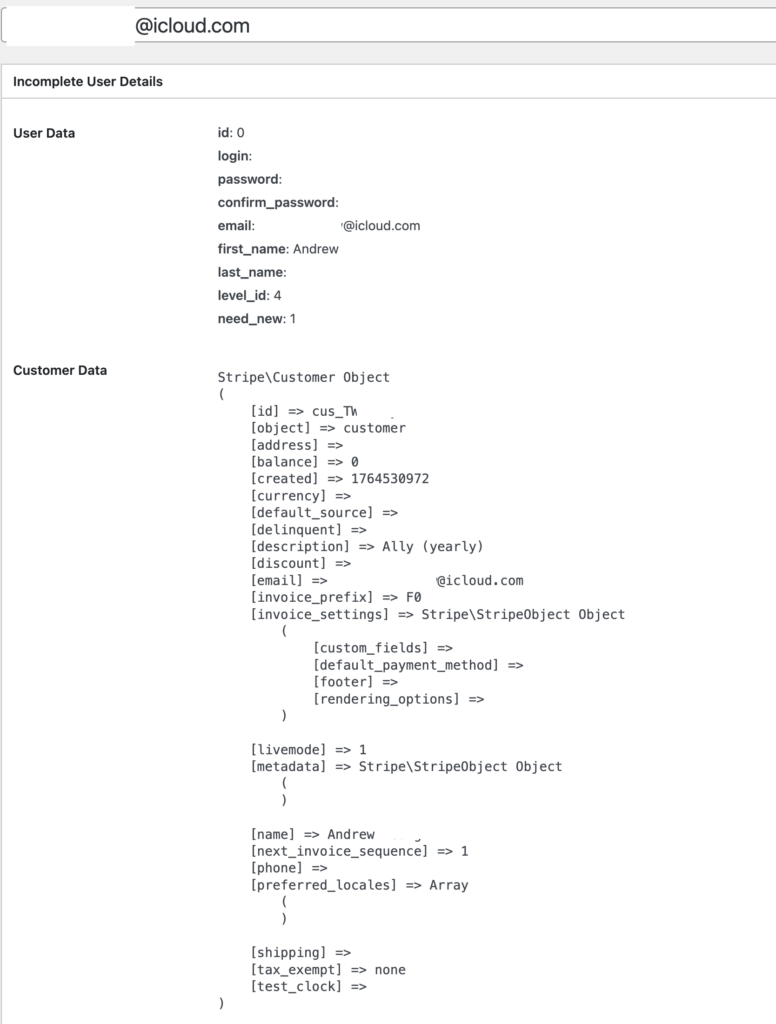
Use the credentials you see to create an account manually in Leaky Paywall for the user. Be sure you include the cus_id and set the payment gateway as Stripe.
Why does this issue happen?
There are a number of issues that could have occurred, but generally, it involves someone refreshing or exiting the page accidentally at checkout.