
If you use Advanced Ads and insert an image as the ads, in some case the image is appearing too small. Here are few reasons:
Predefined size
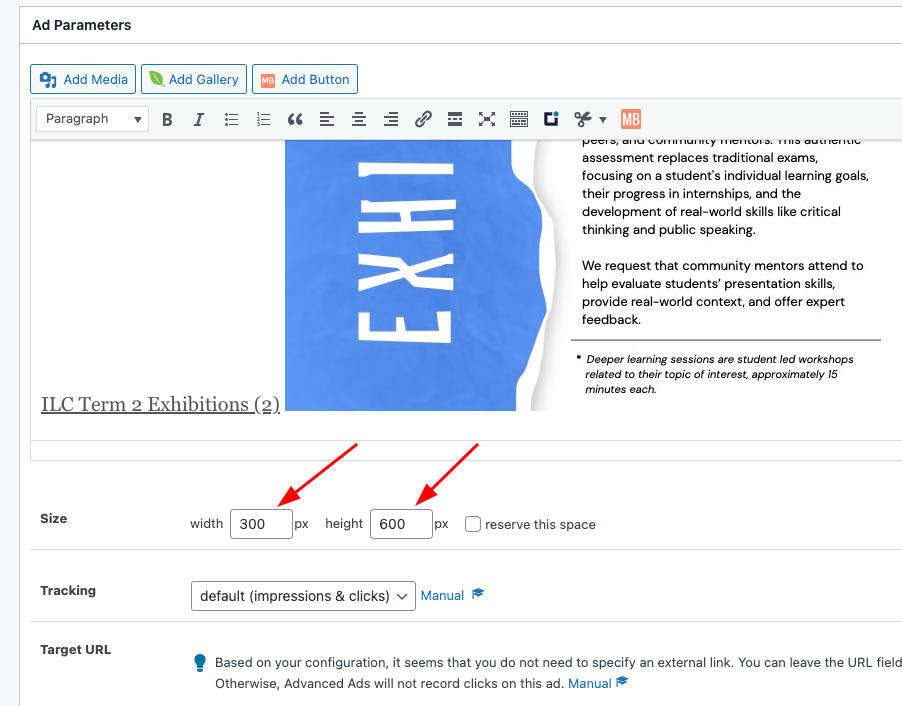
If you have predefined size here, it will limit the ads space to have those exact width and height. Clearing this should allow your image to be shown as their original size
Image Size
The other reason is due to image being set to smaller size. You can check the image size by clicking the edit button here:
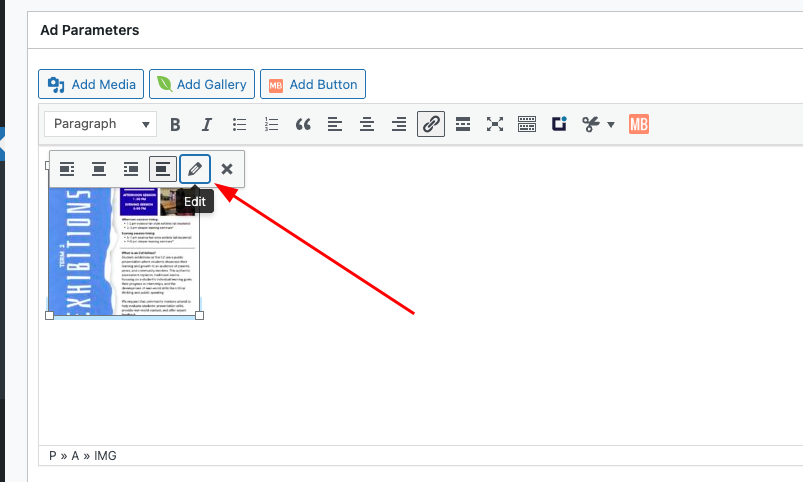
Then check on the size field:

Make sure you are using Full Size option to get the original size of the image.