1. Home
  2. Webmail
  3. How to automatically forward specific emails to a different address with PaywallProject inboxes

How to automatically forward specific emails to a different address with PaywallProject inboxes

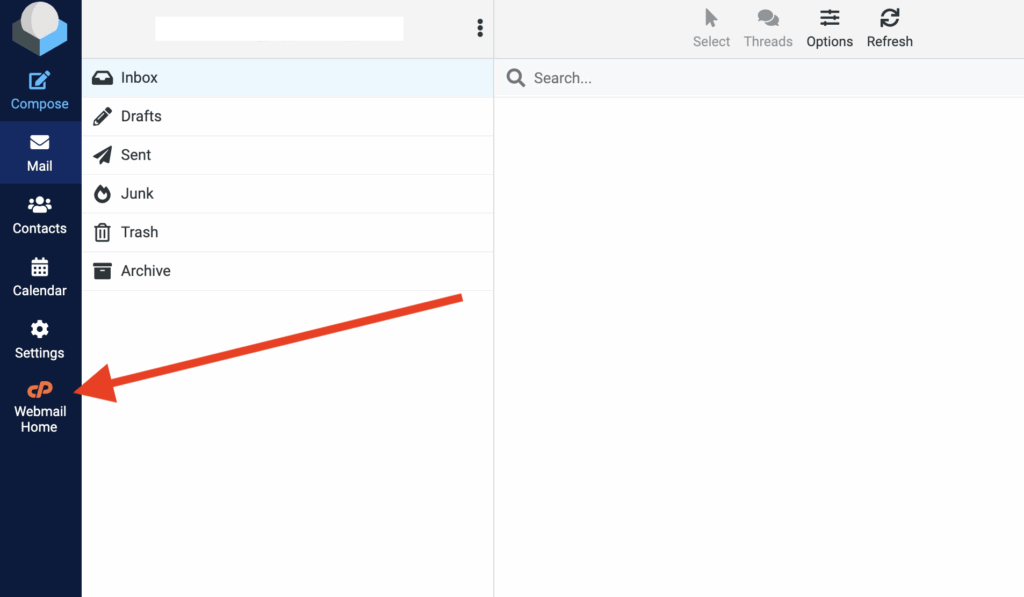
Log in to your webmail account and select the “Webmail Home” option.
Select “Email Filters”.
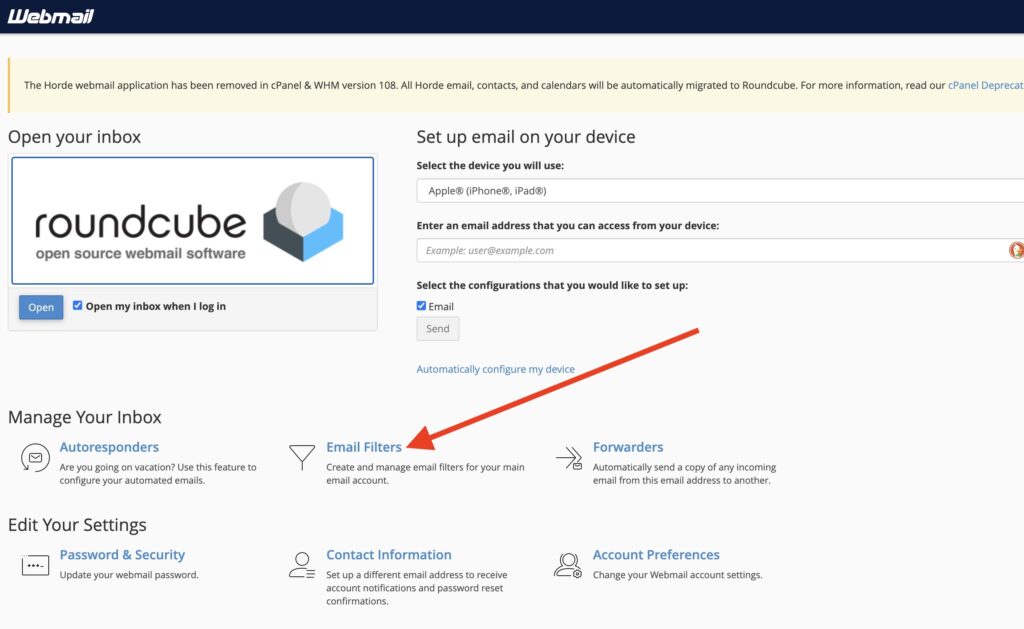
Screenshot

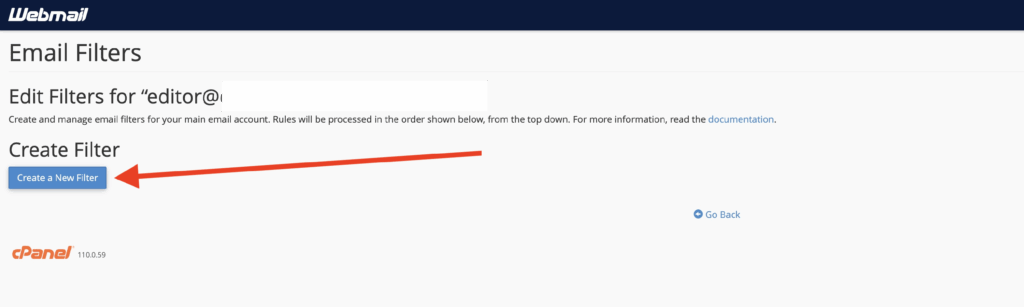
Select “Create a New Filter”.

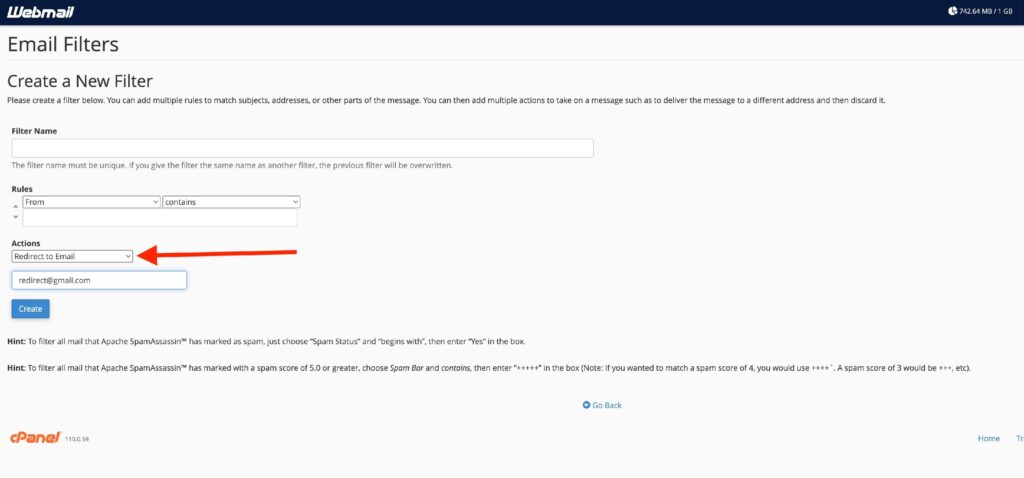
Create a “Filter Name” for your reference and specify the rules for when to apply the redirect. Be sure to change “Actions” to “Redirect to Email” and enter the desired email address.
Updated on November 22, 2025
Was this article helpful?
Get more help
Can't find the answer you're looking for? Get in touch.
Contact support