
Depending on your PDF export tool, you may have an option within your current desktop software. However, if you need to quickly combine PDFs to upload to DearFlip or Real3D Flipbooks, follow the steps below:
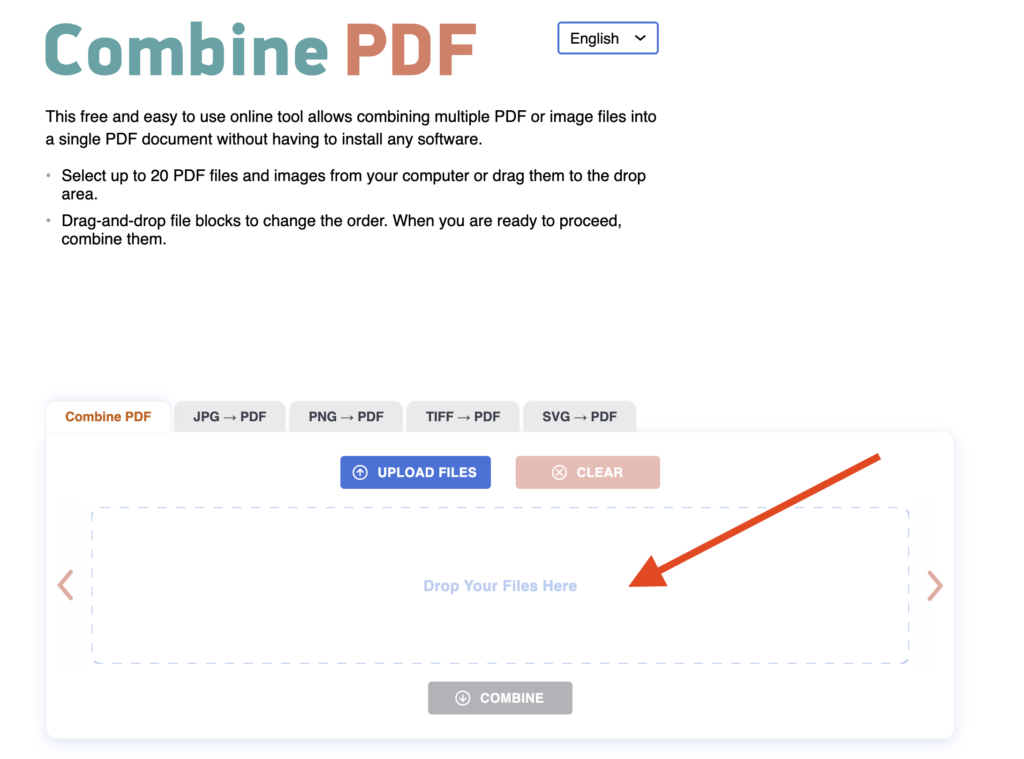
1) Got to combinepdf.com
2) Drag and drop all PDFs at once into combinepdf.com.
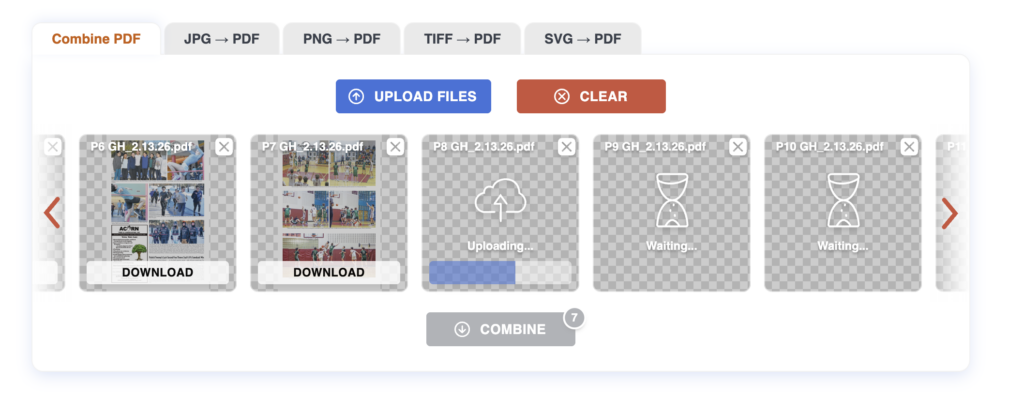
3) Drag and drop the order of the PDFs as needed.
4) Select COMBINE.
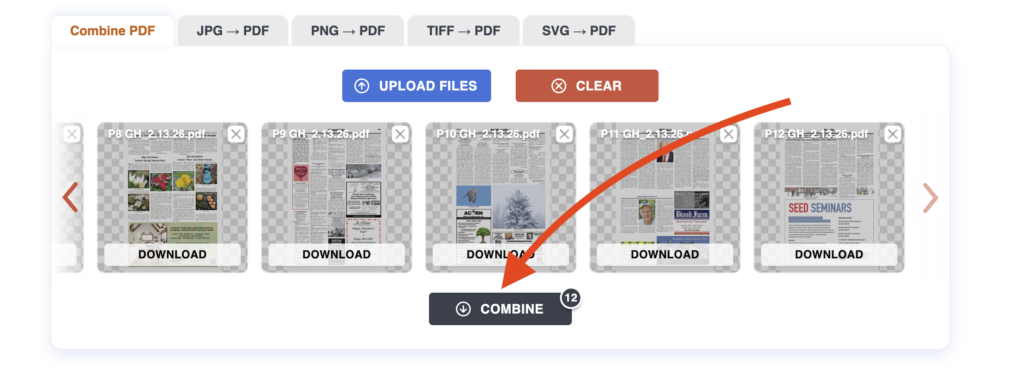
That’s it! Now you can unzip that file and upload a single PDF to your flipbook plugin.