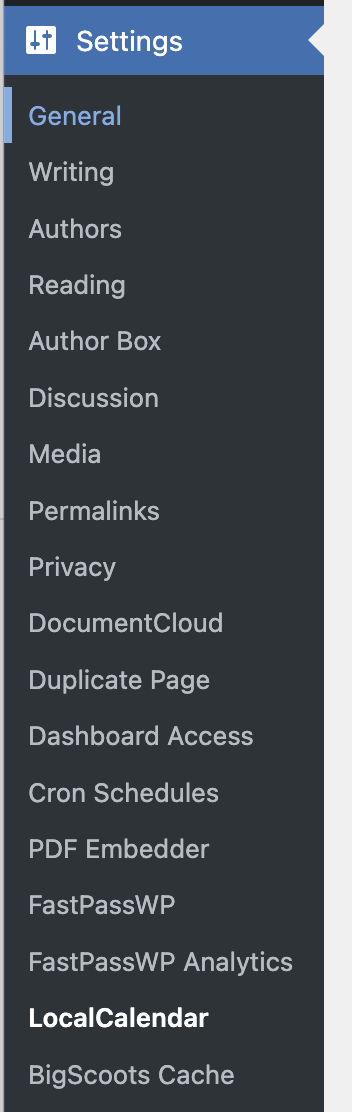
Go to Settings -> LocalCalendar
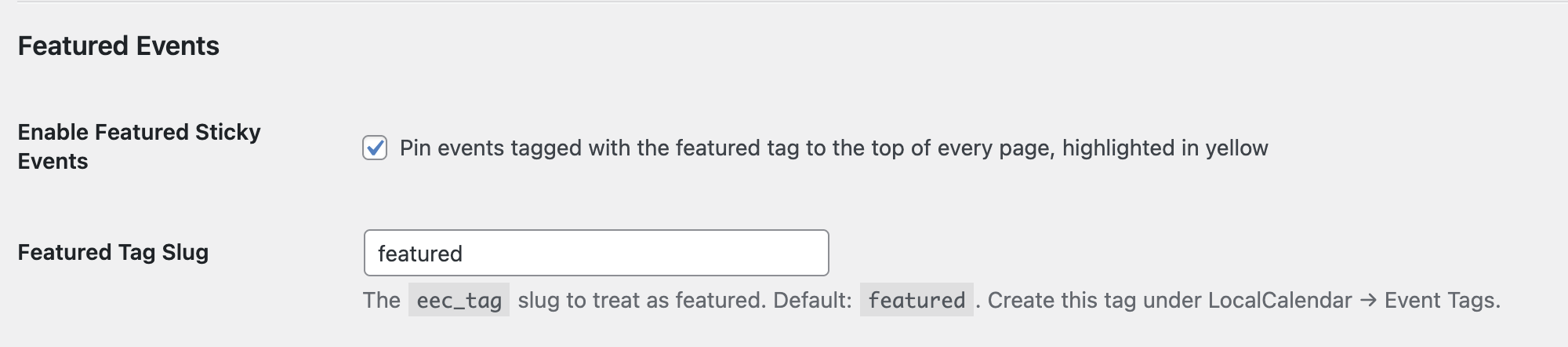
Enable Featured Sticky Events by selecting the box below.
Create a tag that should be featured. In this example, we’re using featured.
Go to LocalCalendar -> LocalCalendar Events
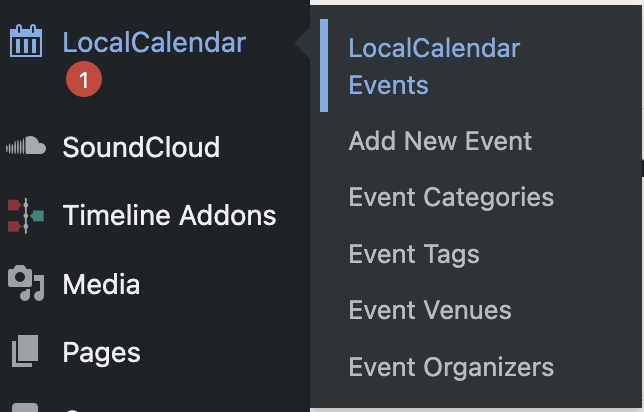
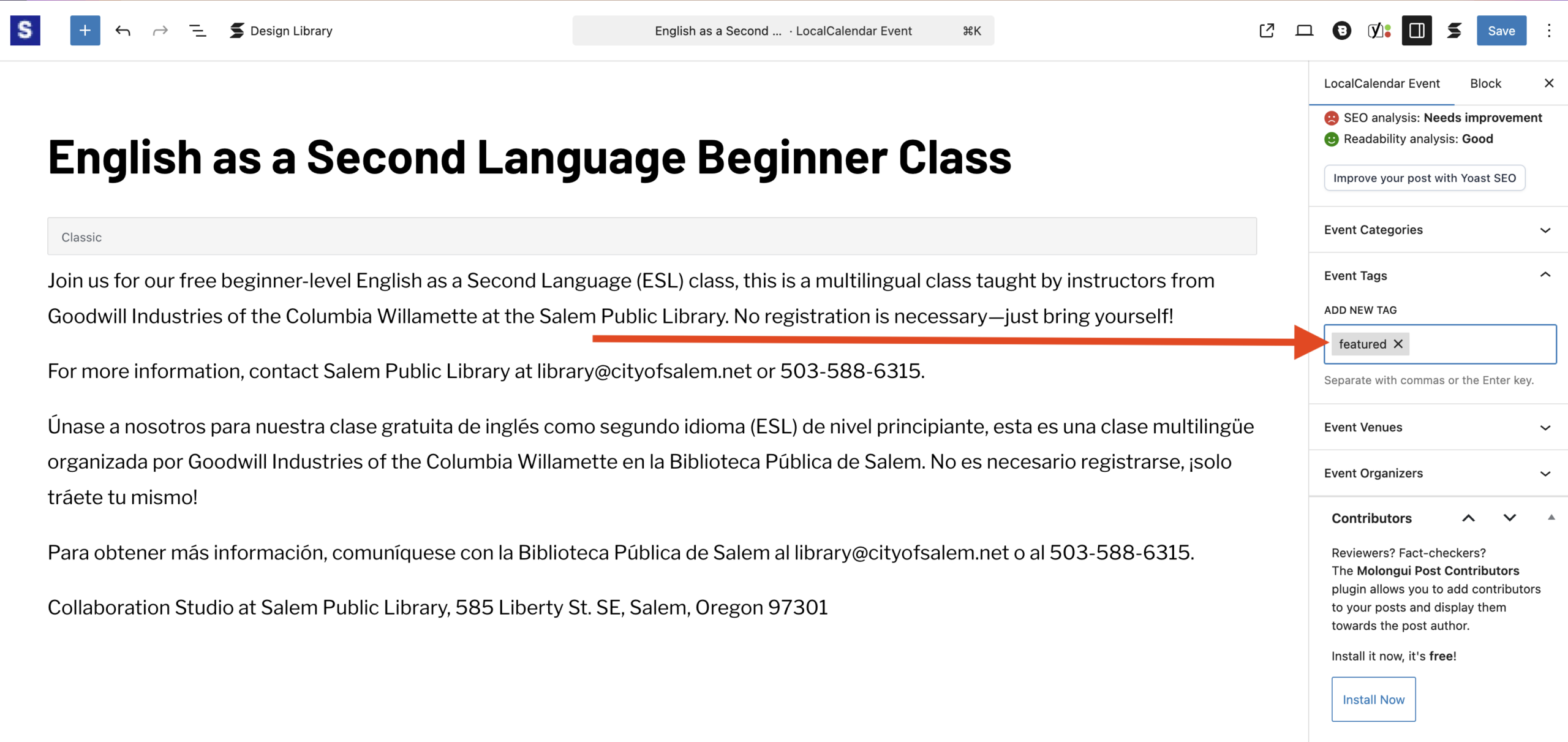
Add the featured tag under Event Tags.
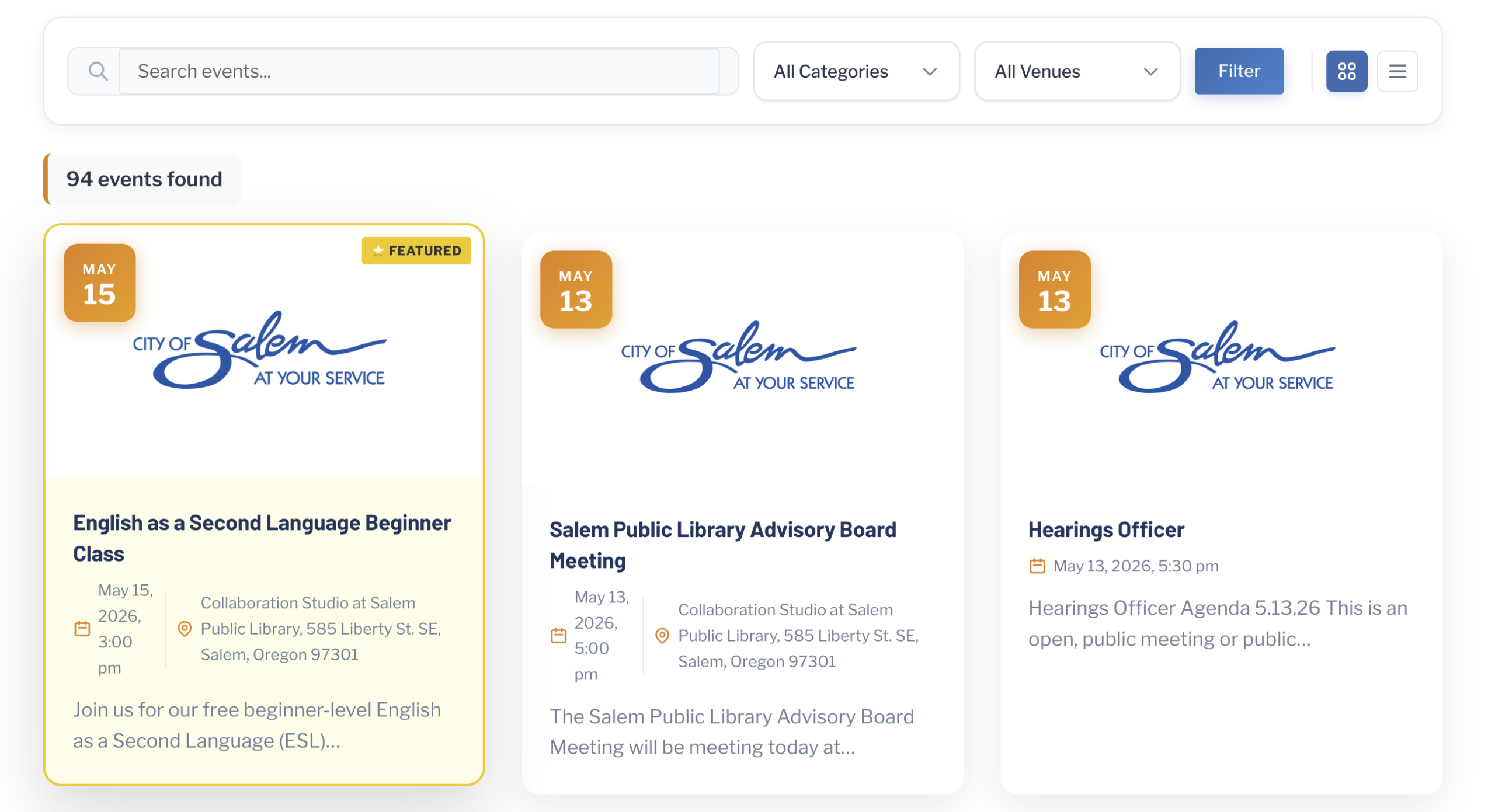
Visit your calendar page, and you’ll notice a sticky featured event at the top. This event remains pinned on every paginated calendar page (page 1, 2, 3, etc.) for maximum visibility.