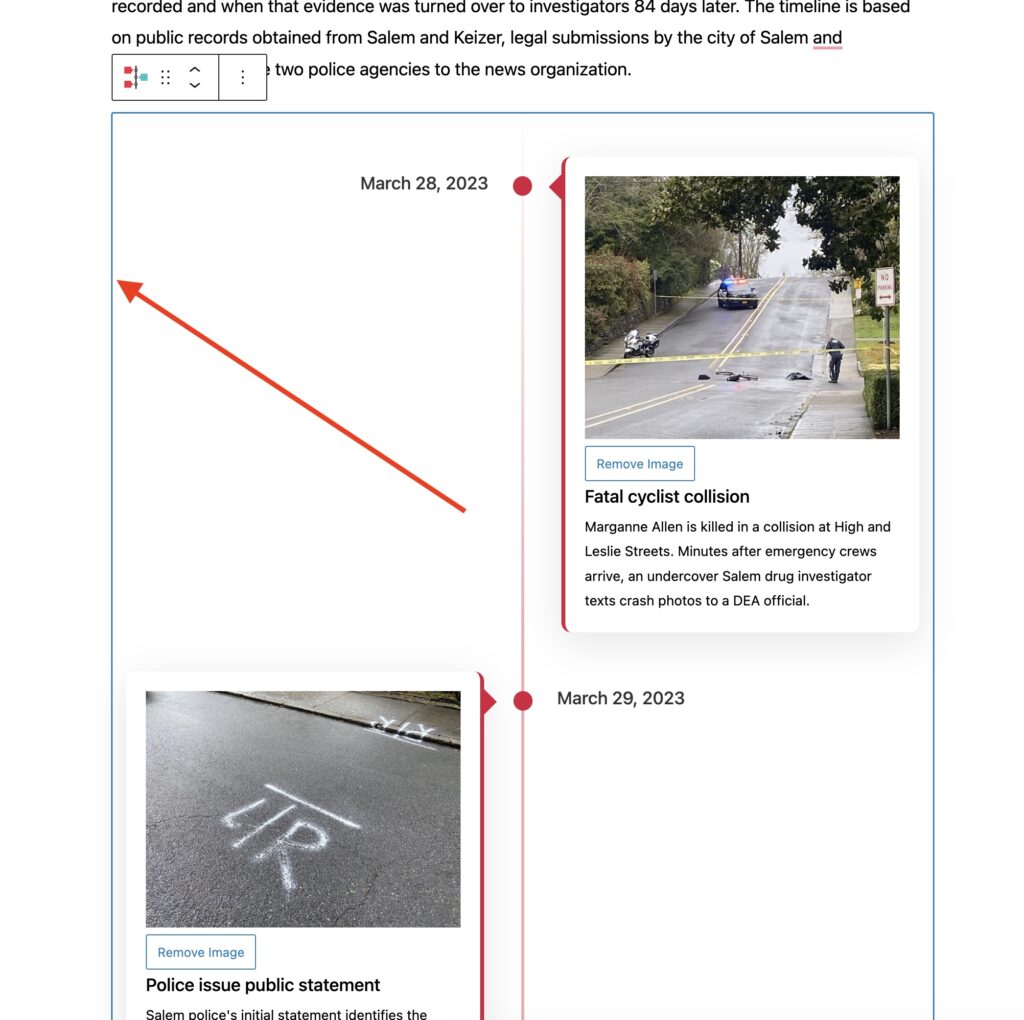
Select the entire block you wish to make reusable. Generally, you’ll need to select the very edge of the element.
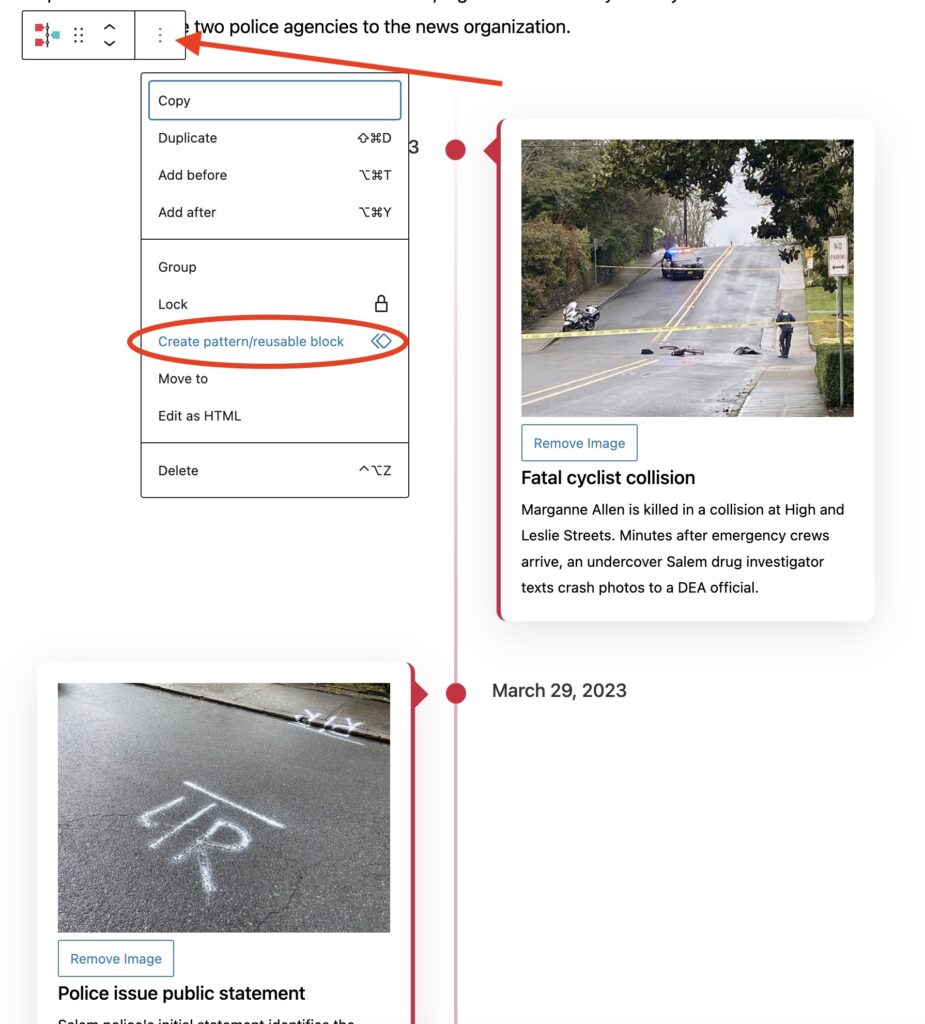
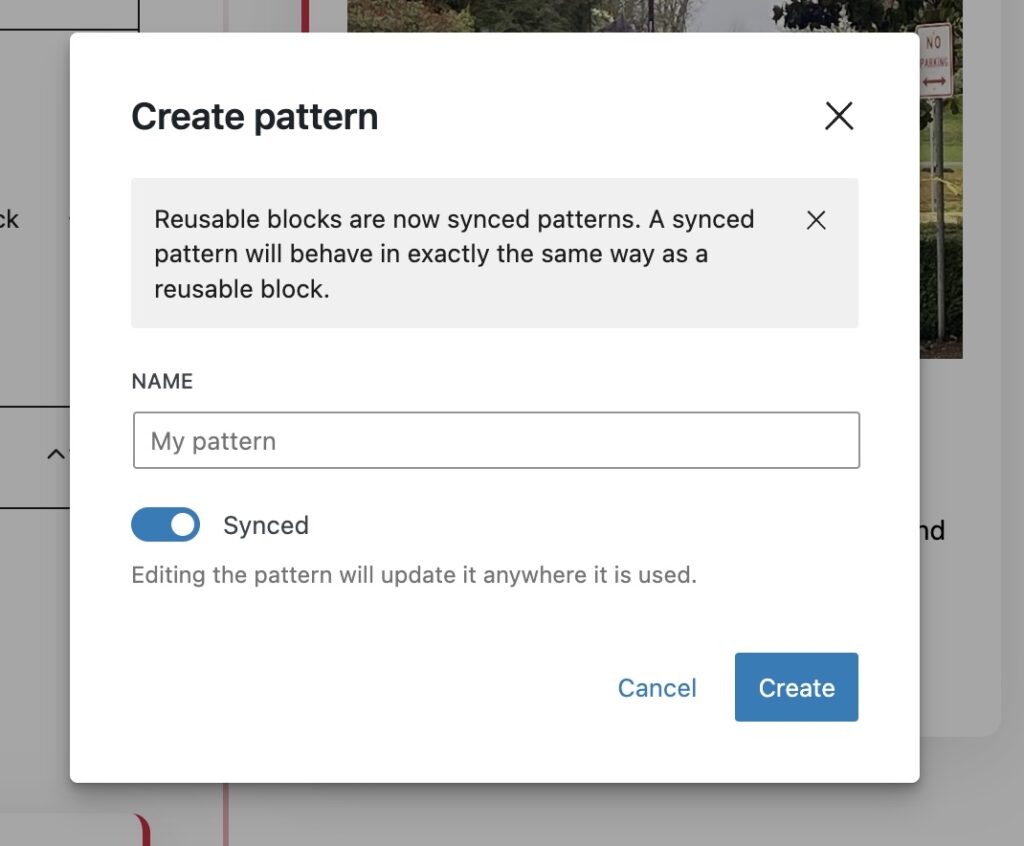
Name the reusable block. This is the title that will be used to retrieve the reusable block.
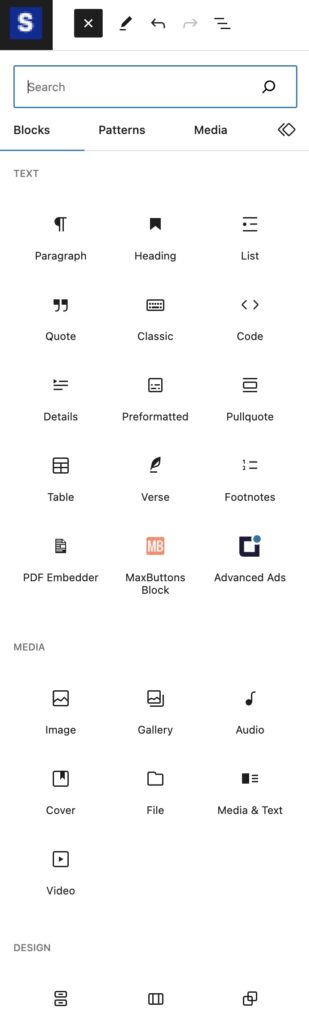
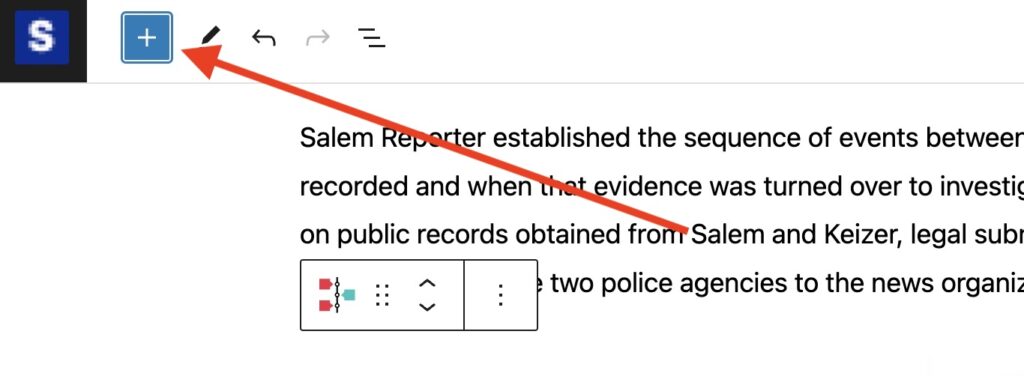
When you are ready to use your new reuseable block, head to the top left and select the blue + icon.
Search for your new block and select.