
By default, all PaywallProject sites have comments disabled. Please reach out to support if you’d like to enable comments.
Once comments are enabled, they will automatically be enabled on all new posts. Old posts will remain closed to commenting. To disable or enable commenting for a post, edit the post and select Open next to Discussion in the sidebar.
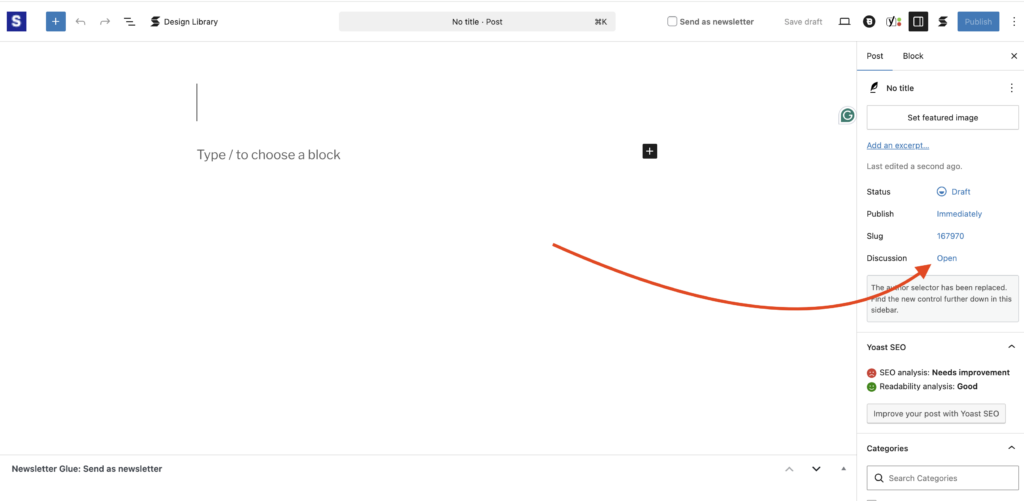
To disable commenting, match your settings to those found below:

Don’t forget to save your post!