
Login to the newsletter portal with your provided credentials: https://newsletter.paywallproject.com/login
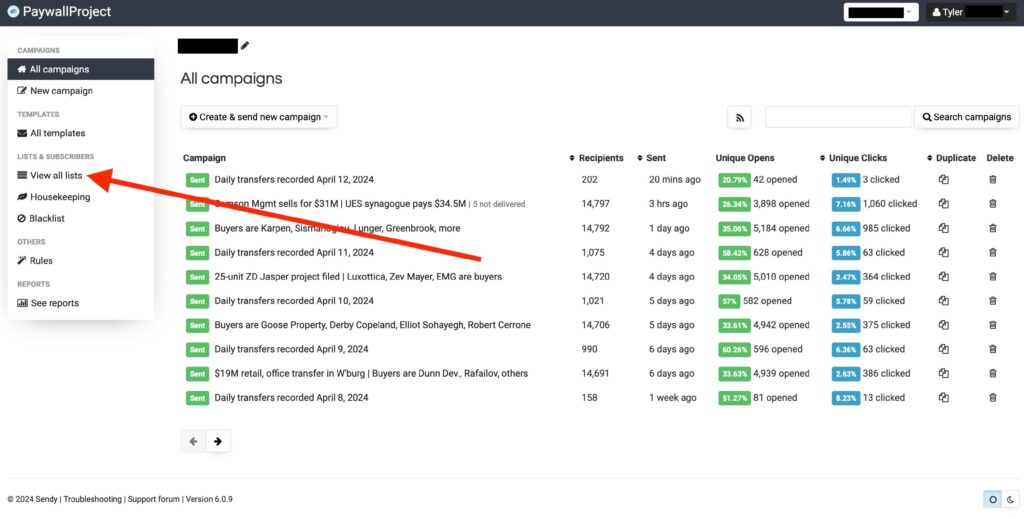
Select “View all lists”.
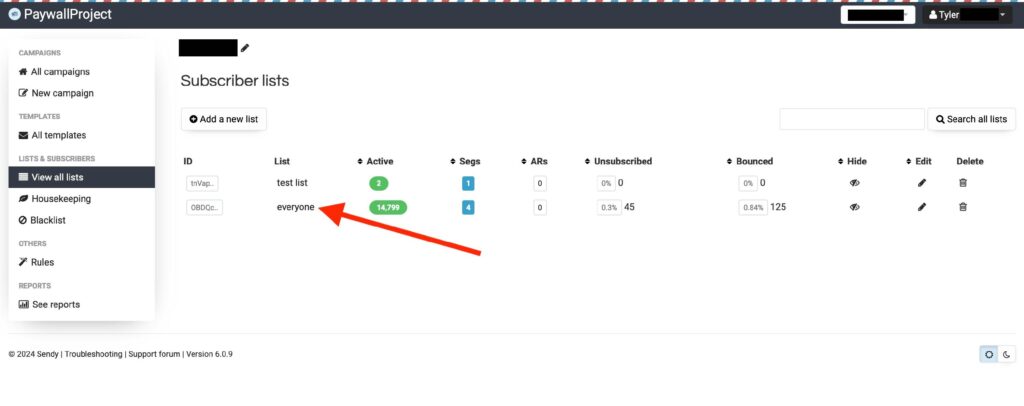
Select the list that you’d like to create a new segment for or a list that already contains an existing segment.
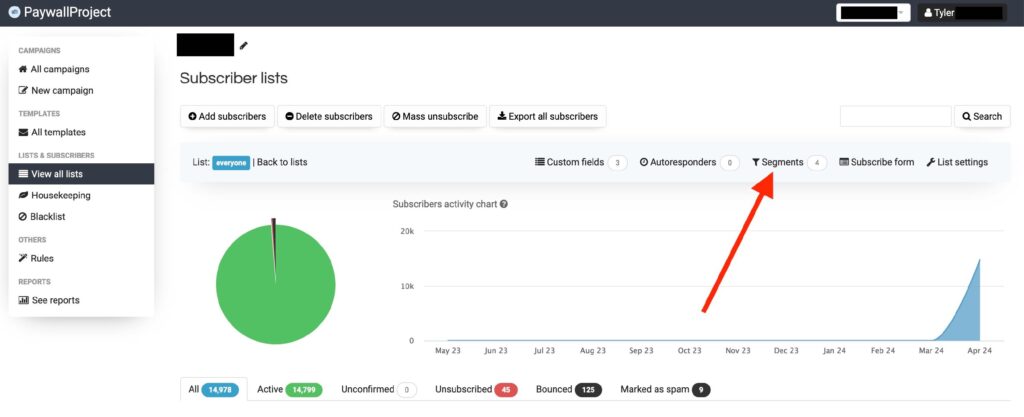
Select the “Segments” link.
To create a new segment, select “Create a new segment”. To see an existing Segment select from an existing segment.
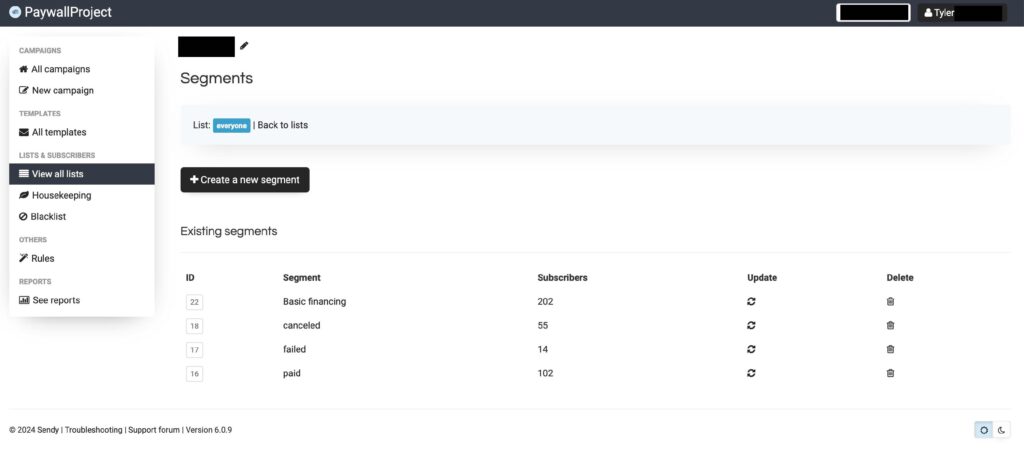
Segments are based mostly based on custom fields in your lists. These custom fields are automatically populated via your PaywallProject setup.