
1. Home
  2. Advertising
  3. How to place an ad in NewsletterGlue
  1. Home
  2. Newsletter
  3. How to place an ad in NewsletterGlue

How to place an ad in NewsletterGlue

Note: this help doc assumes the ad has already been uploaded to the media library.

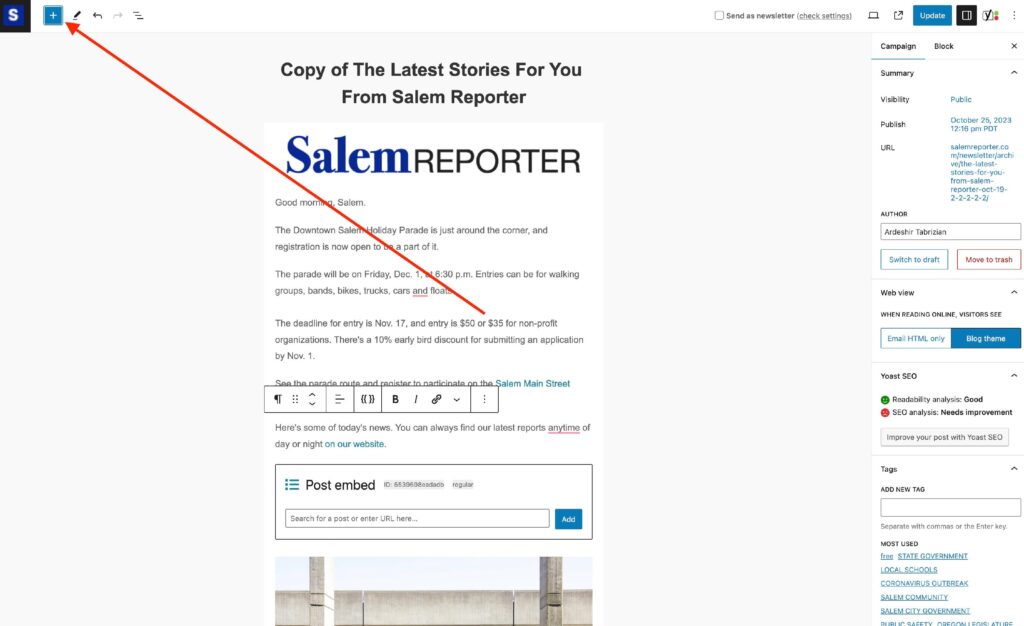
While in a newsletter draft, select the + icon at the top left.
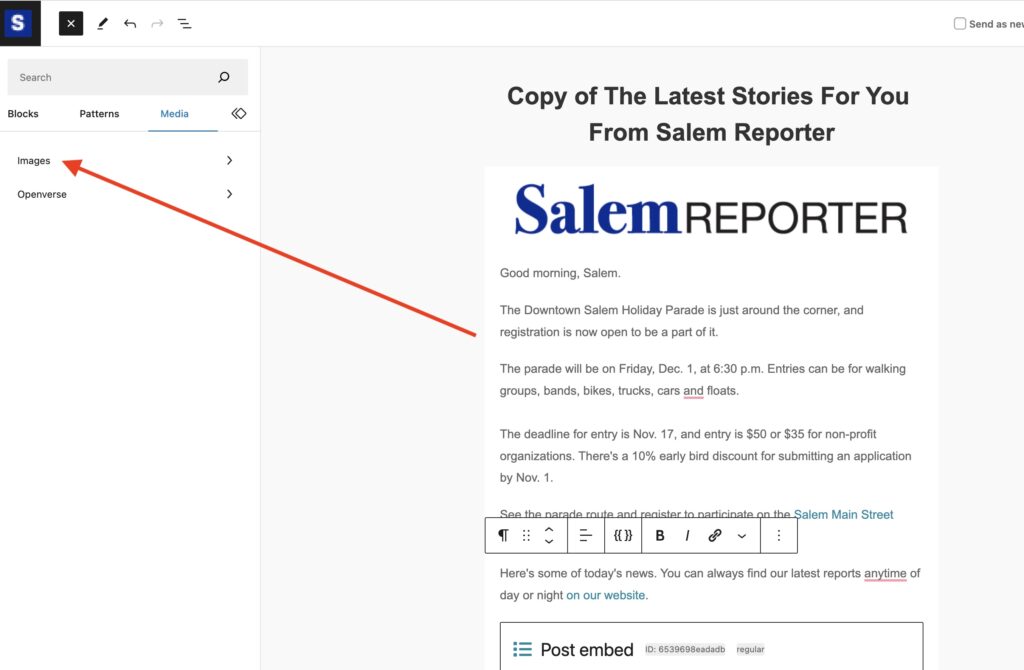
Next, select Media -> Images
Screenshot

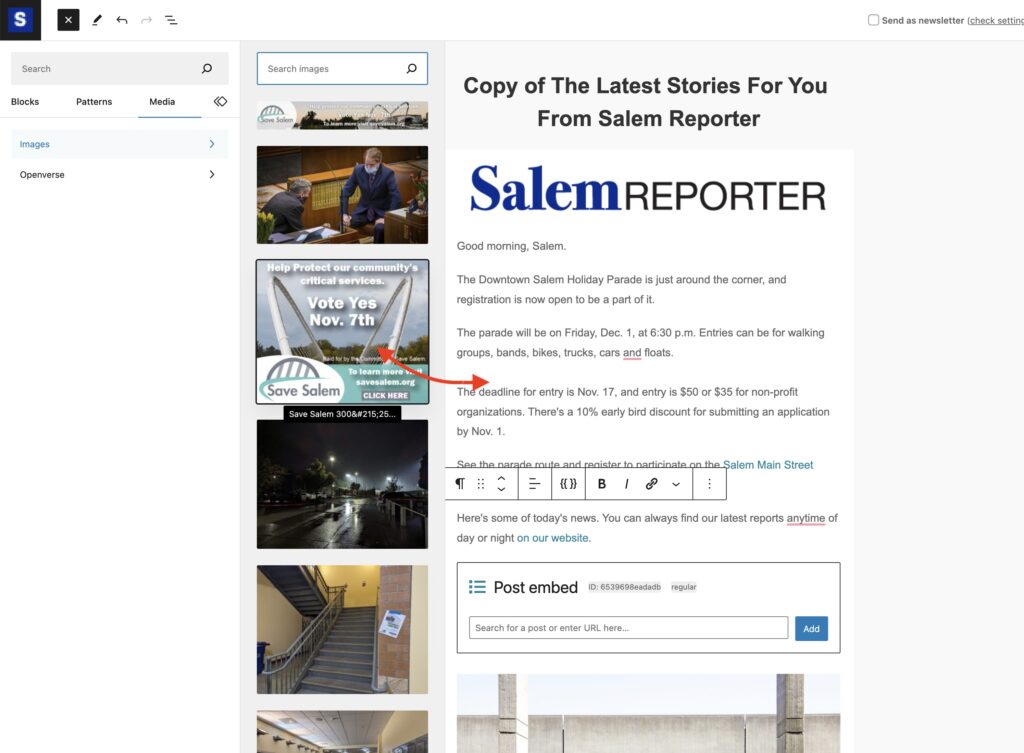
Search for the ad in the media library and drag and drop it into the preferred location.
Screenshot

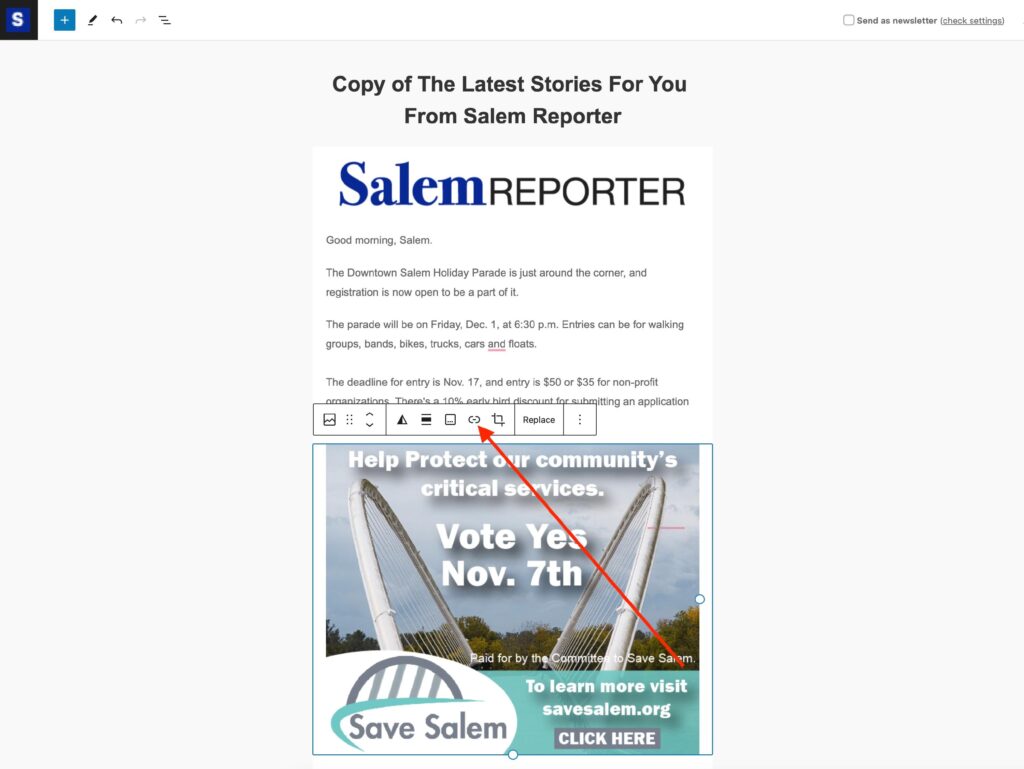
Don’t forget to link the ad to the correct URL.
Updated on November 22, 2025
Was this article helpful?
Get more help
Can't find the answer you're looking for? Get in touch.
Contact support