
LocalCalendar pulls in events from across the web. In some case, you may way to filter the type of events that get imported. For example, perhaps you’d like to prevent events related to casinos/gambling. To do this, go to Settings -> LocalCalendar.
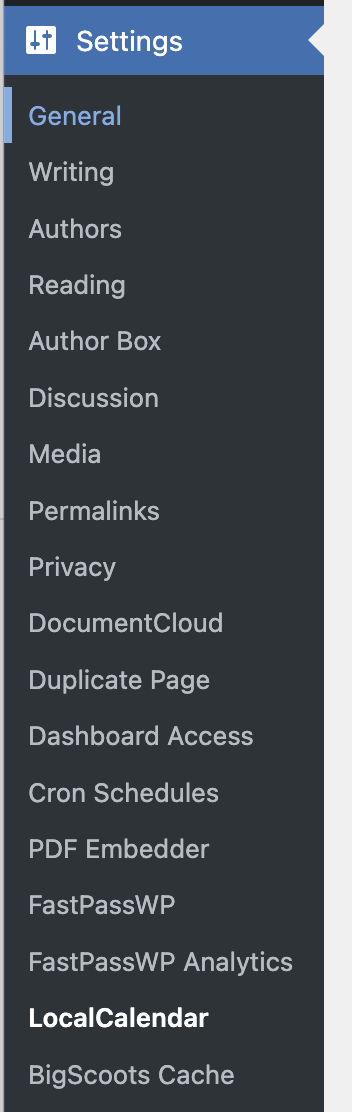
Select the Blocklist tab.
Enter keywords that should be blocked. You can block exact title names, or events that contain specific keywords in the title or description.
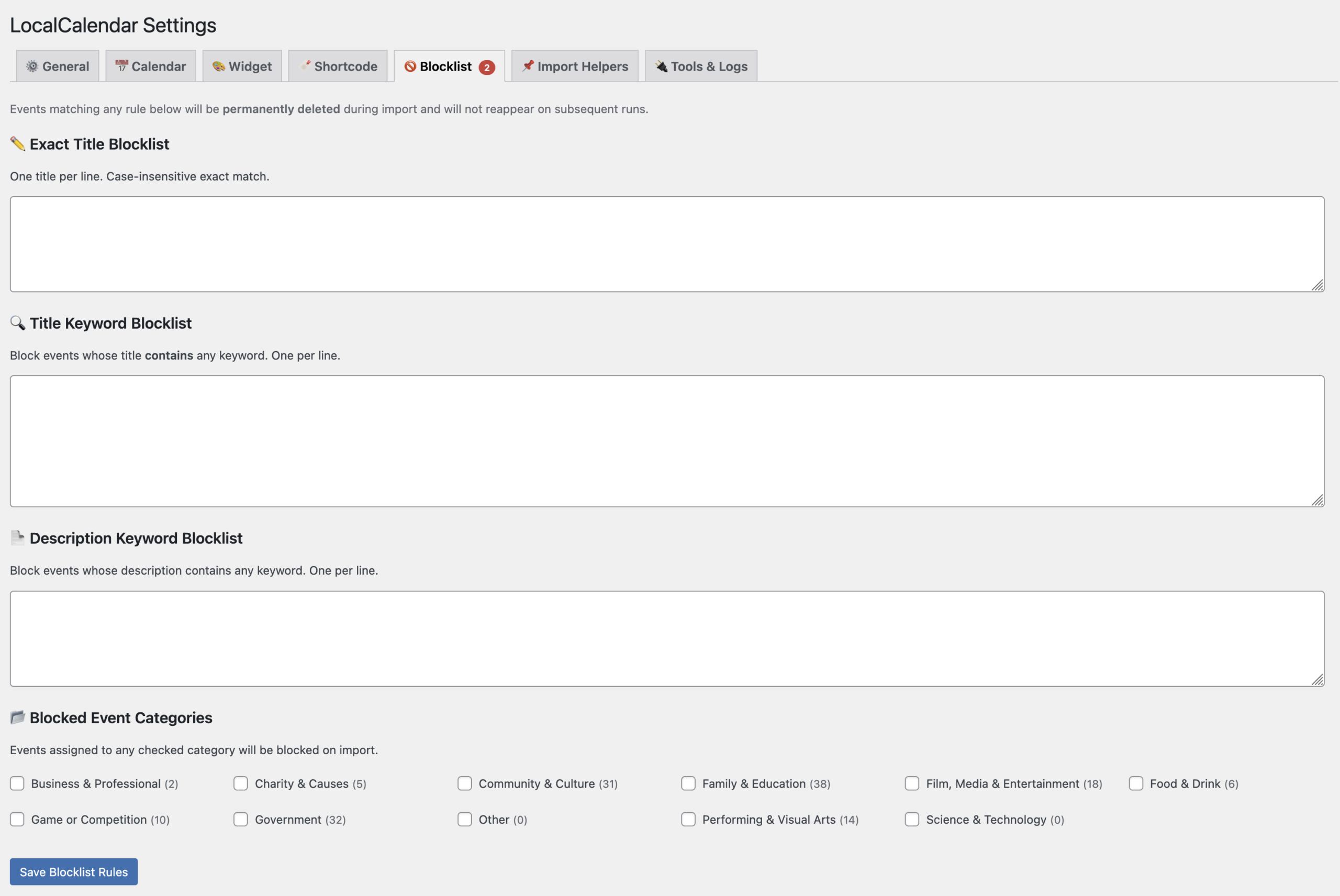
Once finished, select Save Blocklist Rules, and you’re all set.