
After you learn how to manage segments in your newsletter, you can go beyond it by tied custom field to segments. The steps will be similar.
First, you need to login to the newsletter portal: https://newsletter.paywallproject.com/login
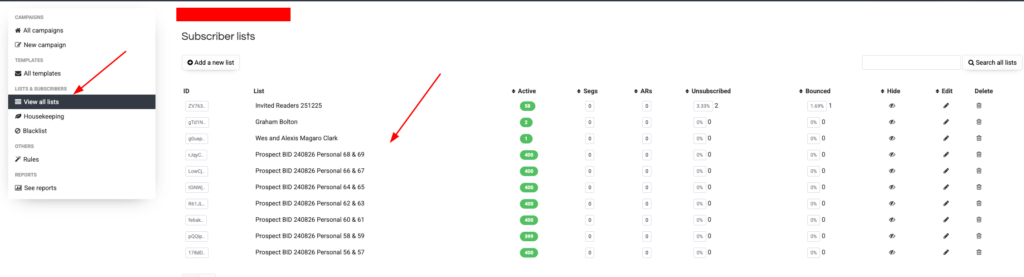
Select “View All List” then select the list you want to add segments
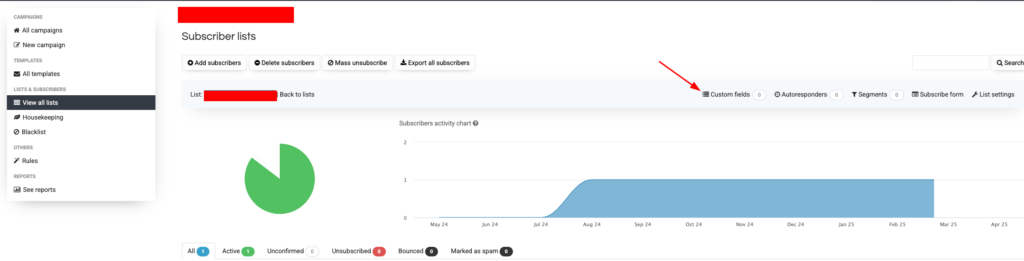
Then click “Custom fields”
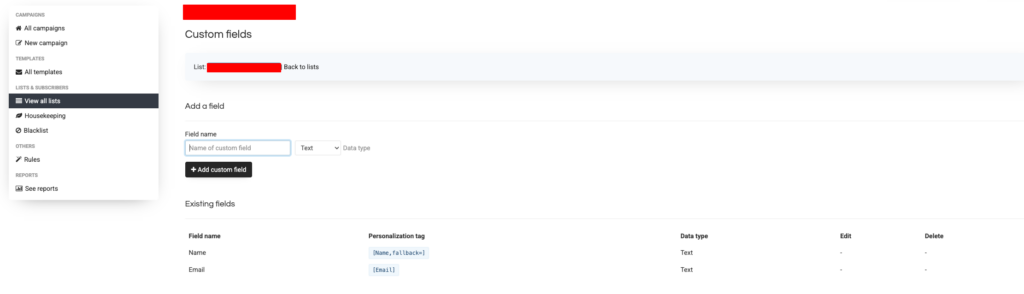
Here, you can add any custom fields that you want to add, (e.g. City, Role, Interest)
Now, back to the lists, and click “Segments”
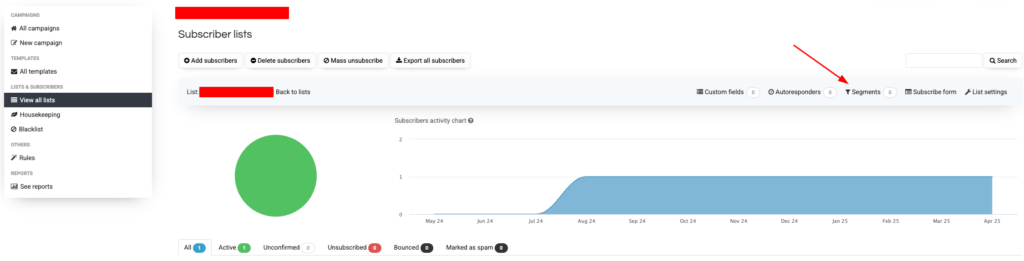
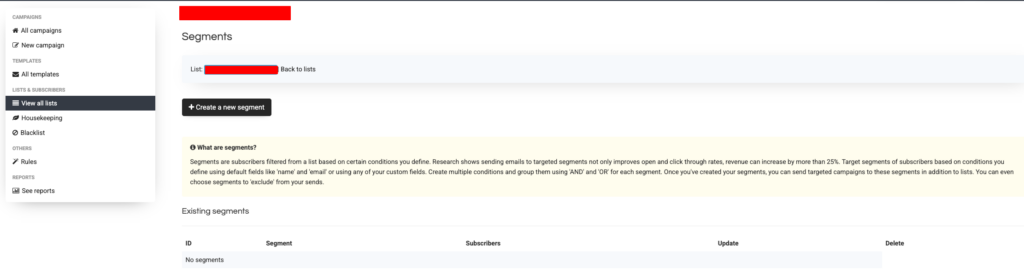
Click “Create a new segment”
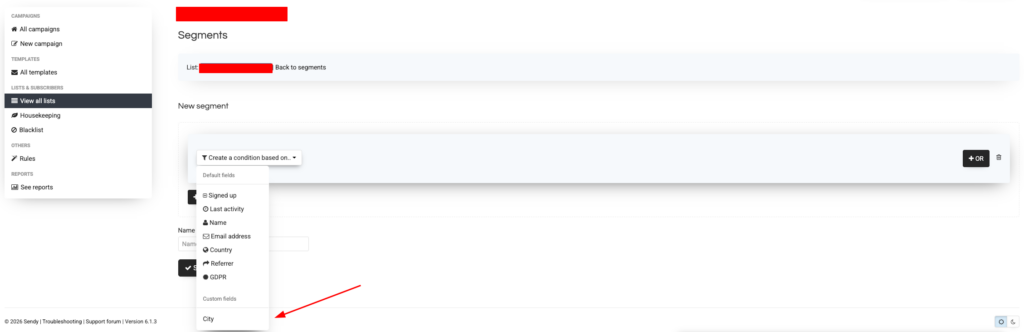
Here, you can select segment by your custom fields:
If you still have difficulties and need help to set this up, feel free to contact our team for assistance.