If you’re using the dFlip Books plugin, see this doc.
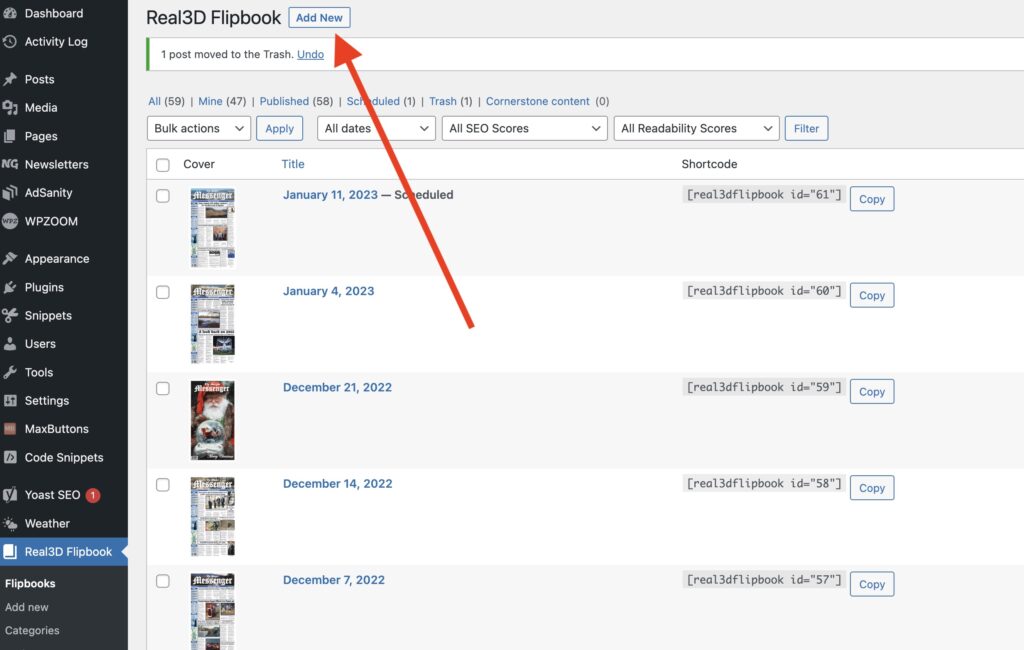
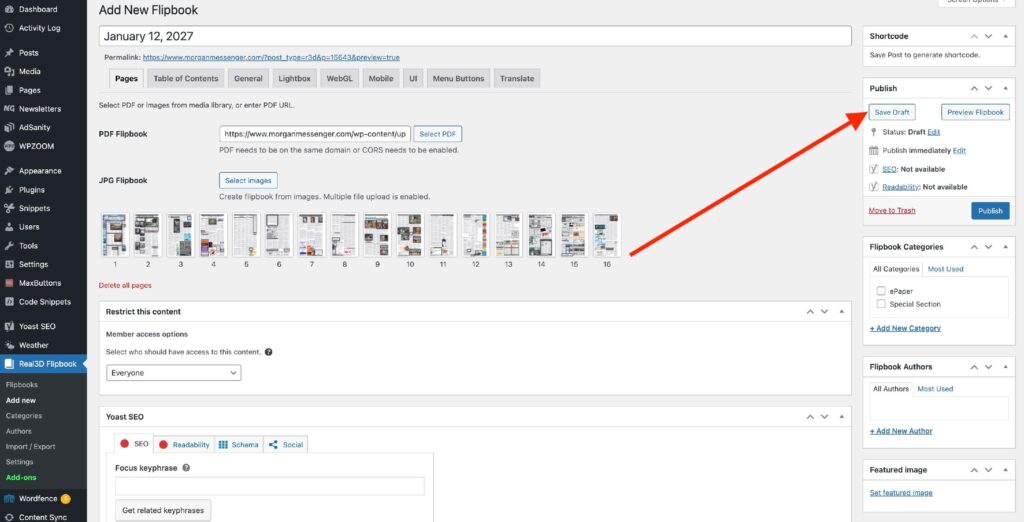
1) When inside Real3D Flipbook, select “Add New”
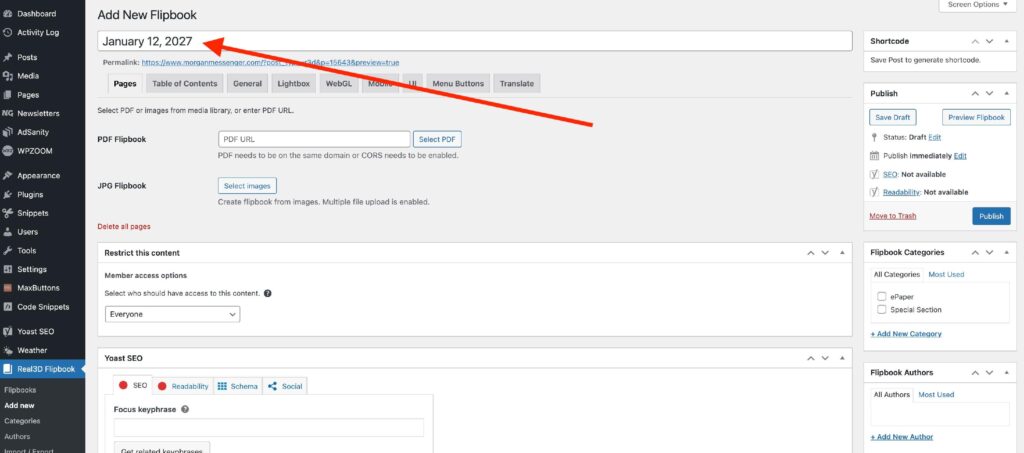
2) Add the title (use the date)
3) Select/upload the PDF from the media library
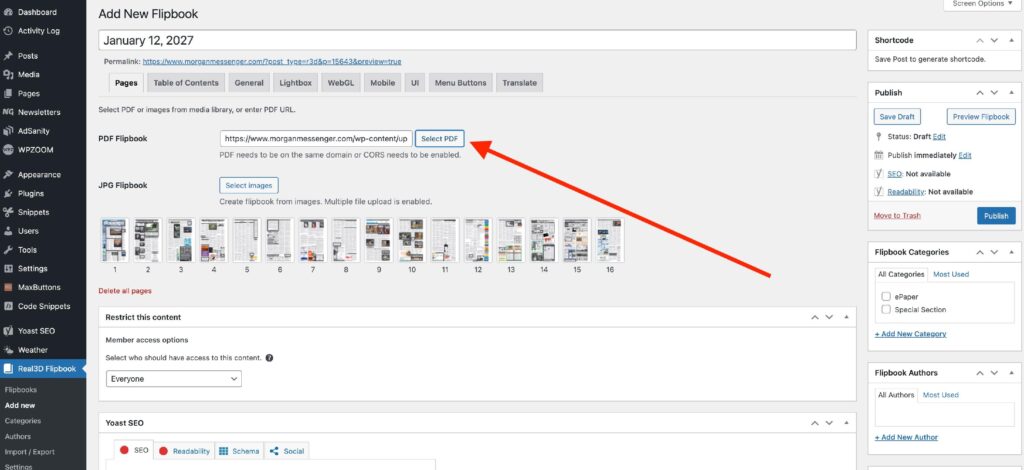
4) Once the thumbnail images have populated, select “Save Draft”.
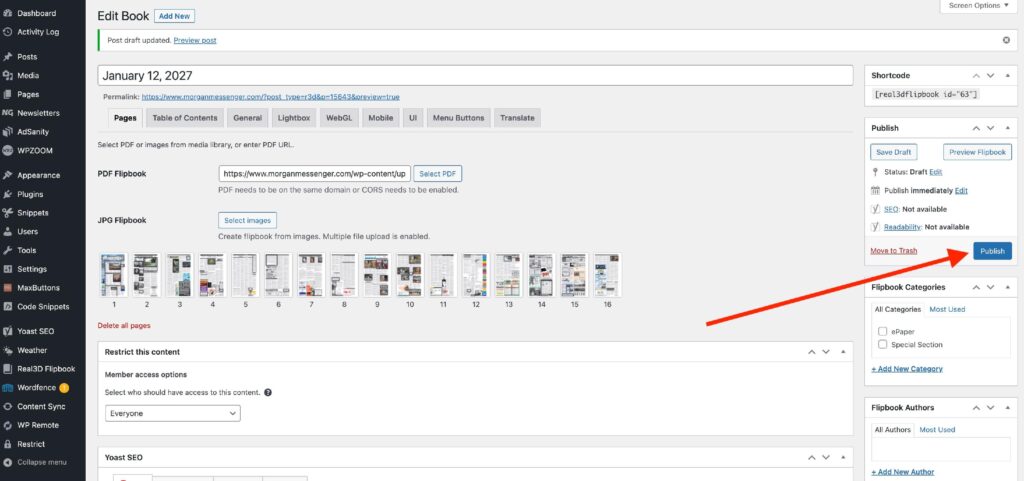
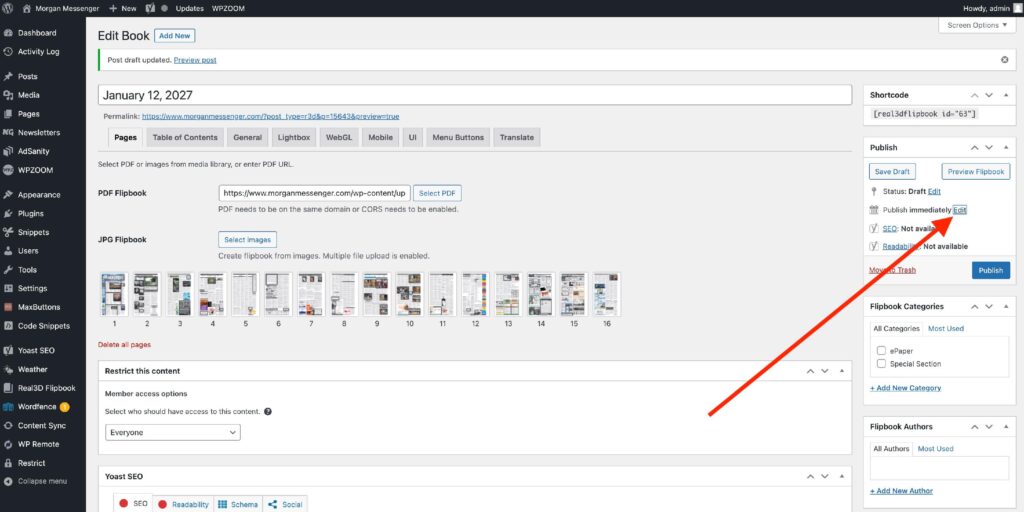
5) If you wish to schedule in the future, select “Edit” under Publish time.
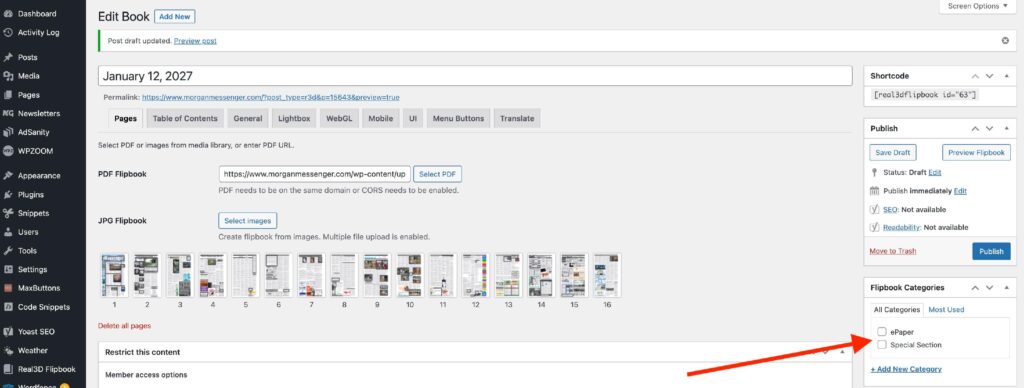
6) Select the category if applicable.
7) Select “Schedule” or “Publish”.