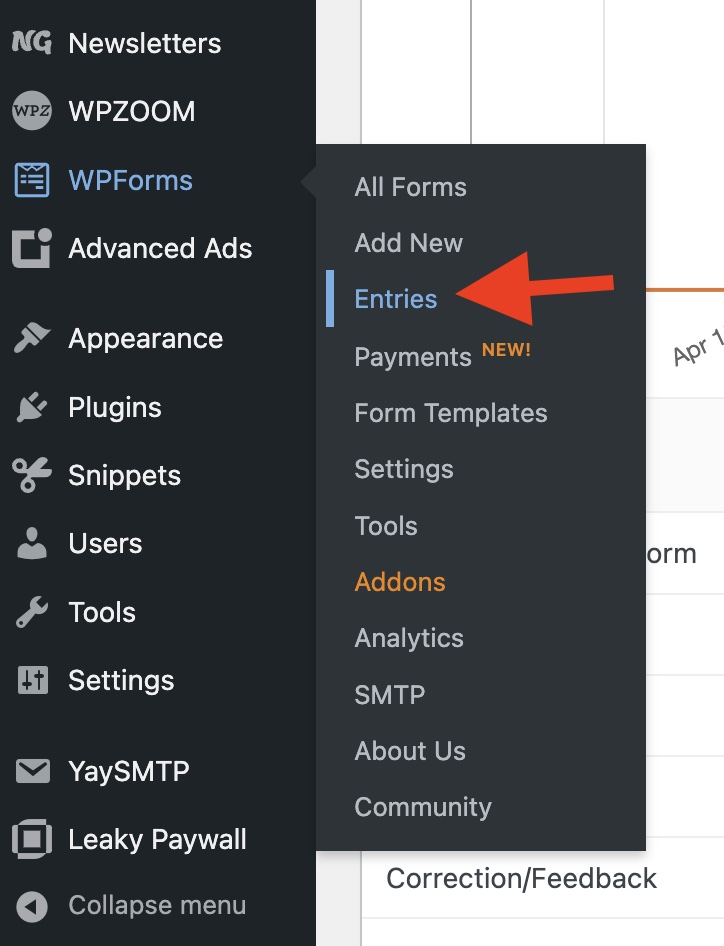
To view your contact form submissions in WordPress, log in as an admin on your site and select WPForms -> Entries.
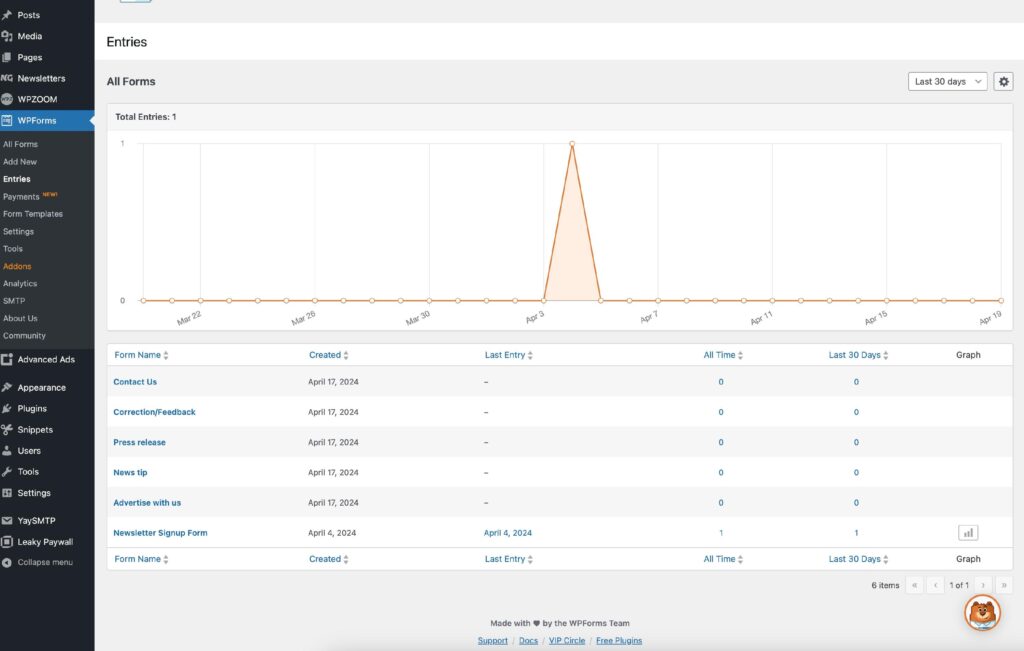
Select the form you’d like to view entries for.
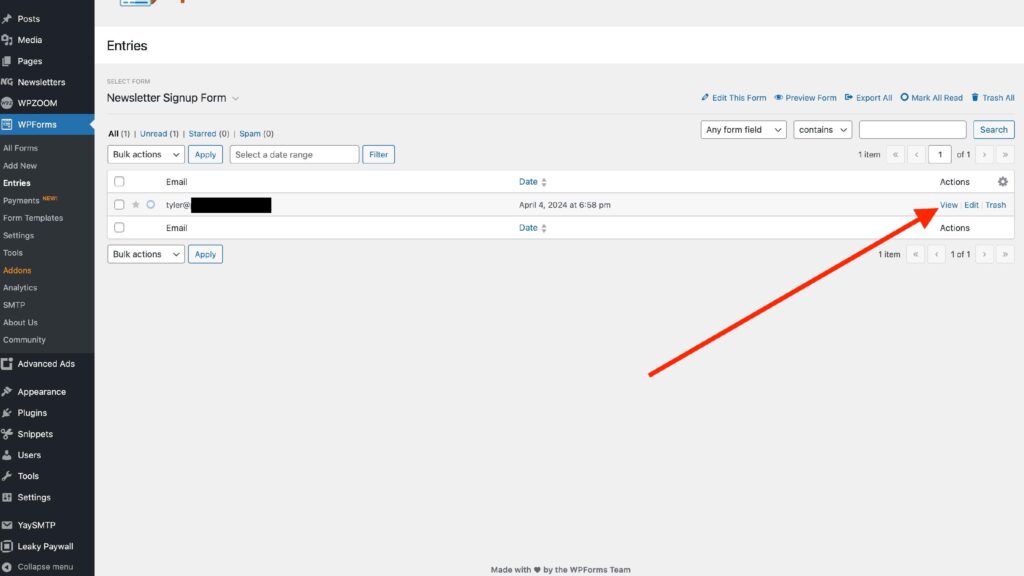
Select View.

To view your contact form submissions in WordPress, log in as an admin on your site and select WPForms -> Entries.
Select the form you’d like to view entries for.
Select View.