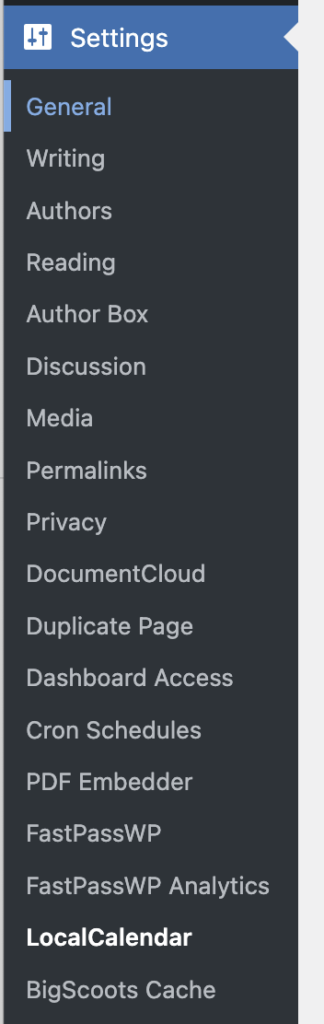
Go to Settings -> LocalCalendar
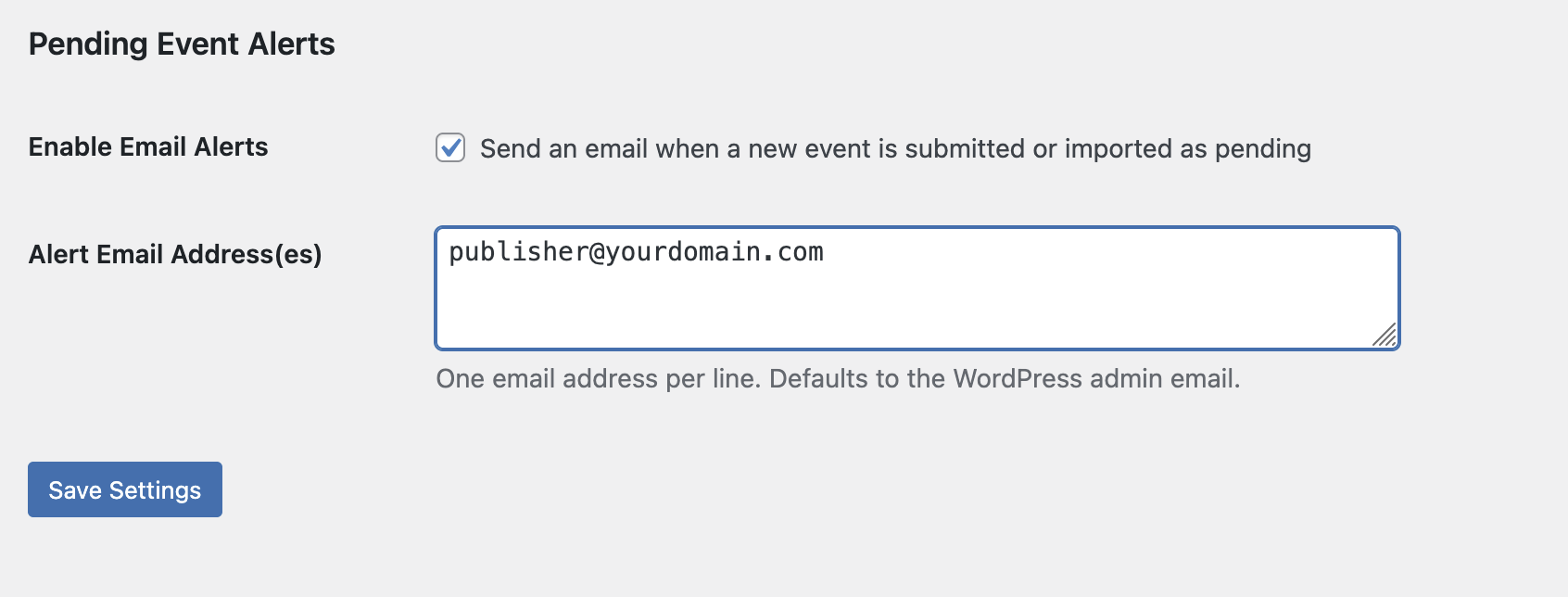
Under the General tab, scroll to the Pending Event Alerts area. Toggle the Enable Email Alerts option on and enter the email address that should receive alerts when events are submitted. If multiple email address alerts are desired, include one email address per line.
Save Settings, and you’re all set!