
If a headline runs into the sidebar instead of wrapping onto the next line, it has hidden spaces in it from copying and pasting. Here’s how to remove them in WordPress.
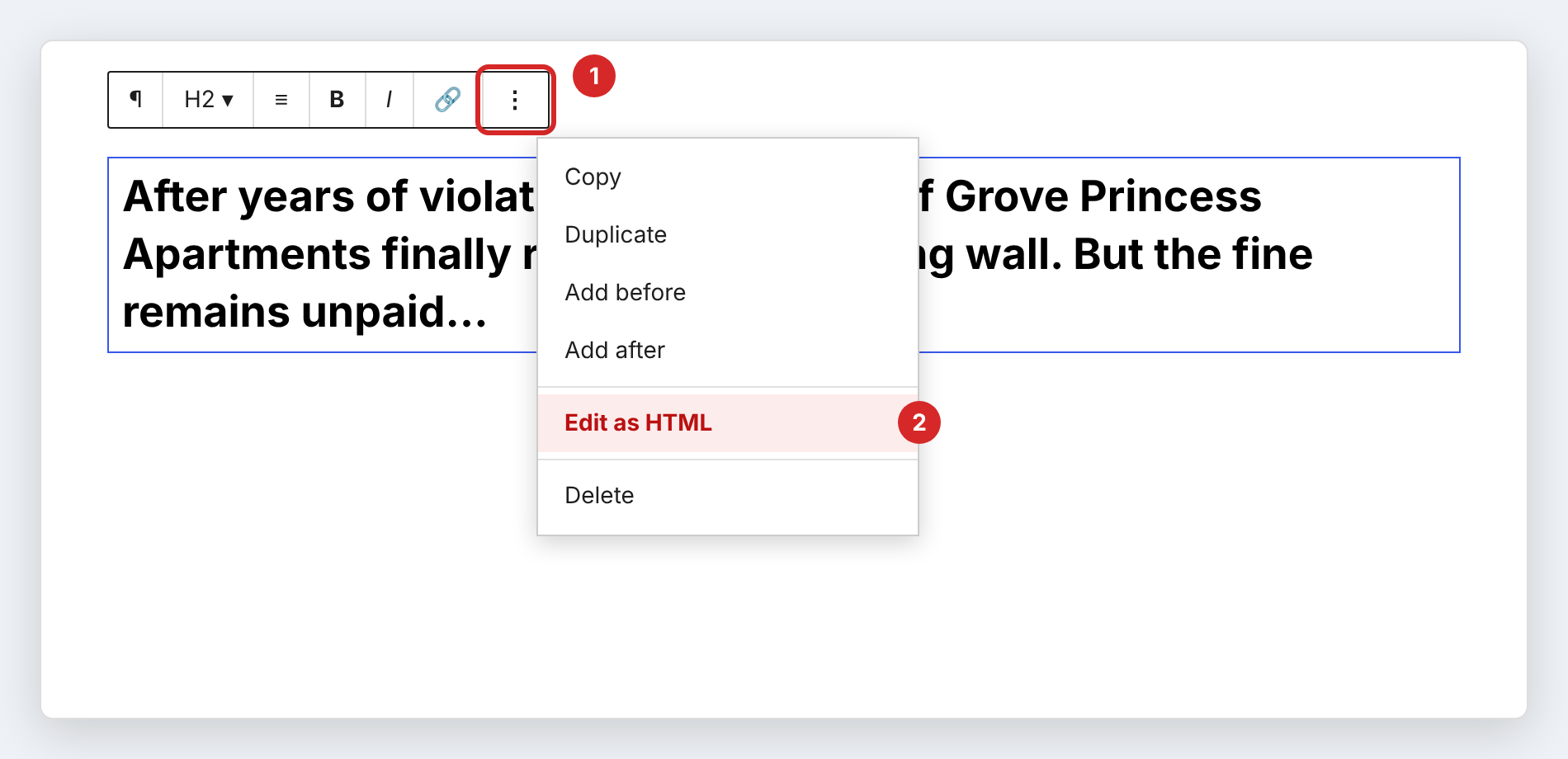
- Click the headline block.
- In the toolbar above it, click the ⋮ (three dots) and choose Edit as HTML.
- You’ll see
between the words. Those are the hidden spaces. Delete each and type a regular space in its place.
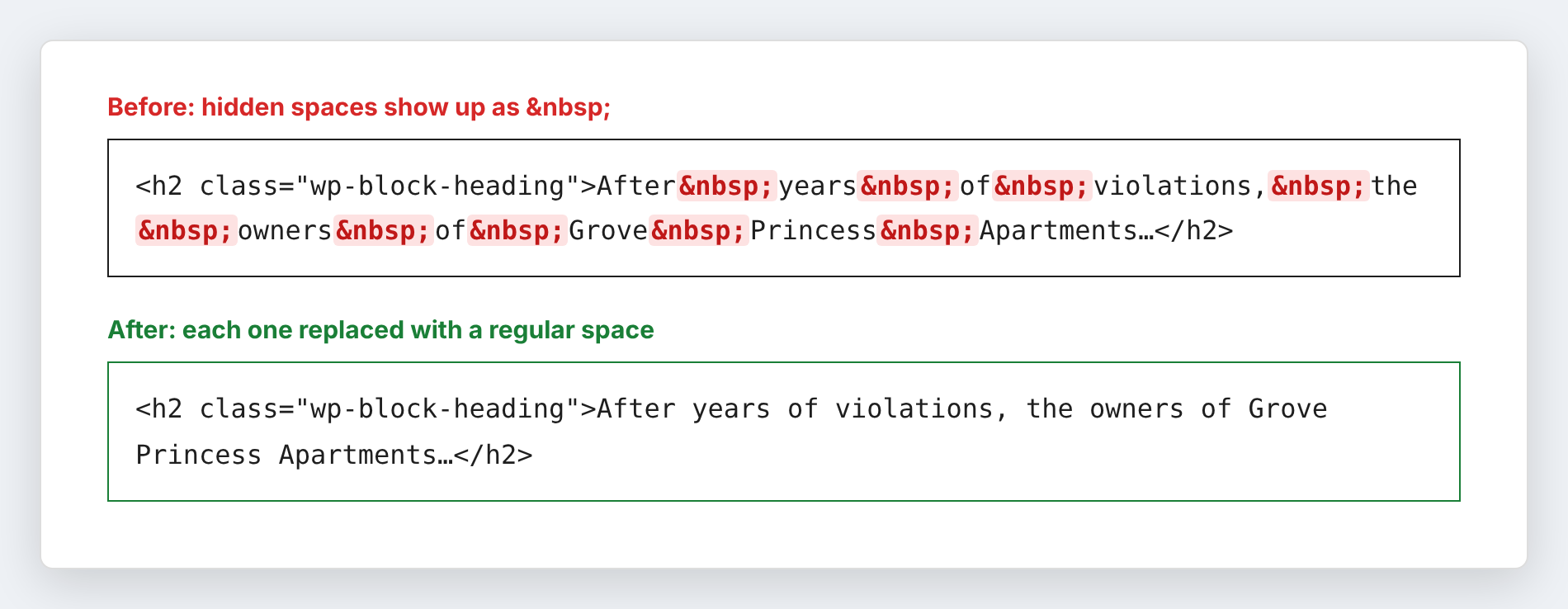
- Click the ⋮ again and choose Edit visually.
- Click Update.