First, login to your Stripe.com account.
Select the gear icon at the top right and then select “Business”.

Next select the “Bank accounts and currencies” tab.

Adjust the payout schedule as you see fit.

First, login to your Stripe.com account.
Select the gear icon at the top right and then select “Business”.
Next select the “Bank accounts and currencies” tab.
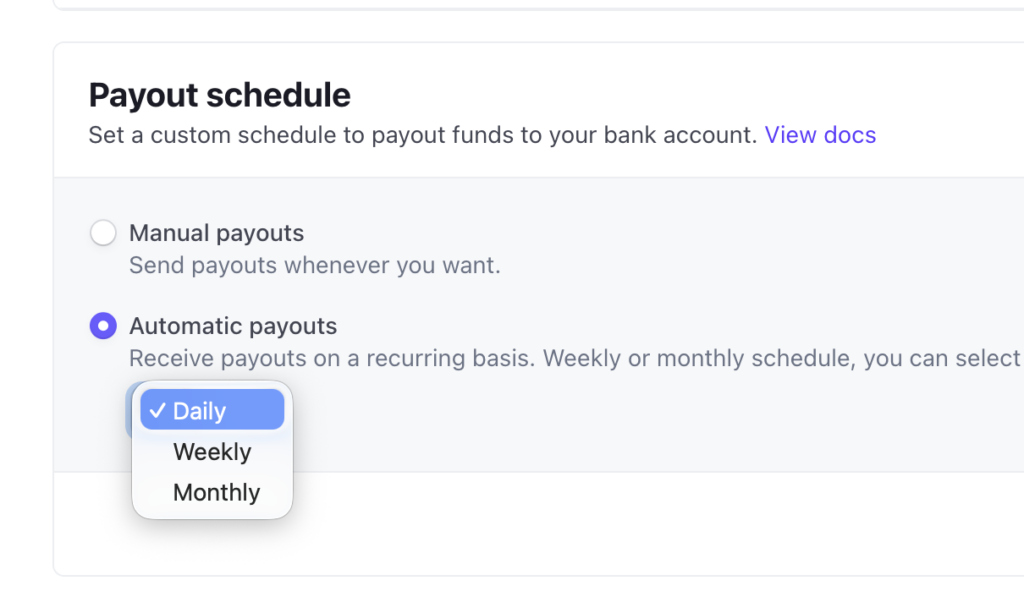
Adjust the payout schedule as you see fit.