After you learned how to manage segment, now we will learn how to to remove them from a segment.
First, login to your newsletter then go to All List:

Then search for the subscriber that you want to remove from a segment.

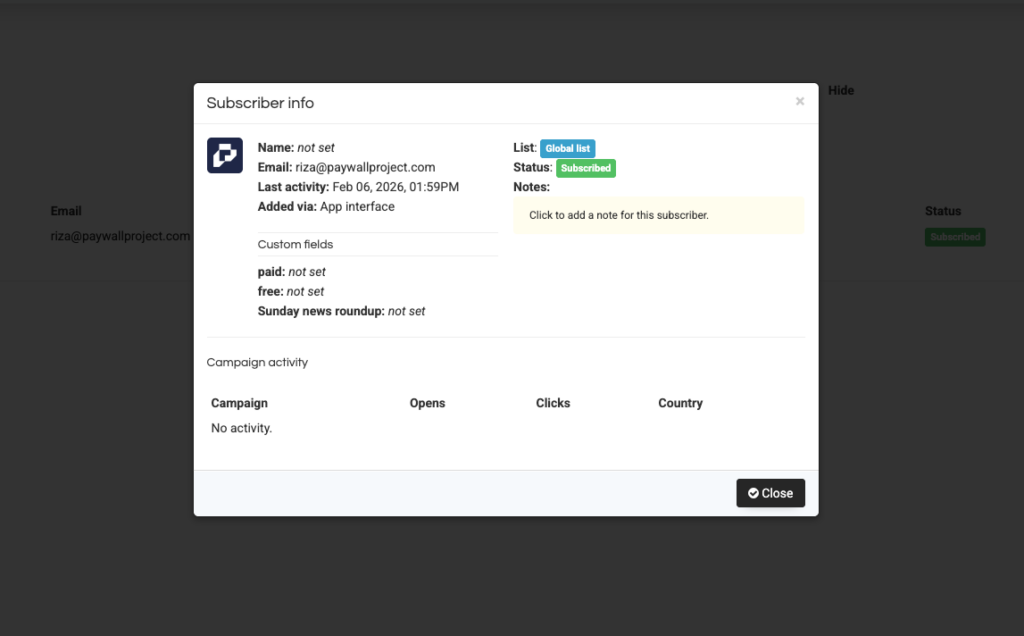
Click on the subscriber, and it will open this popup:
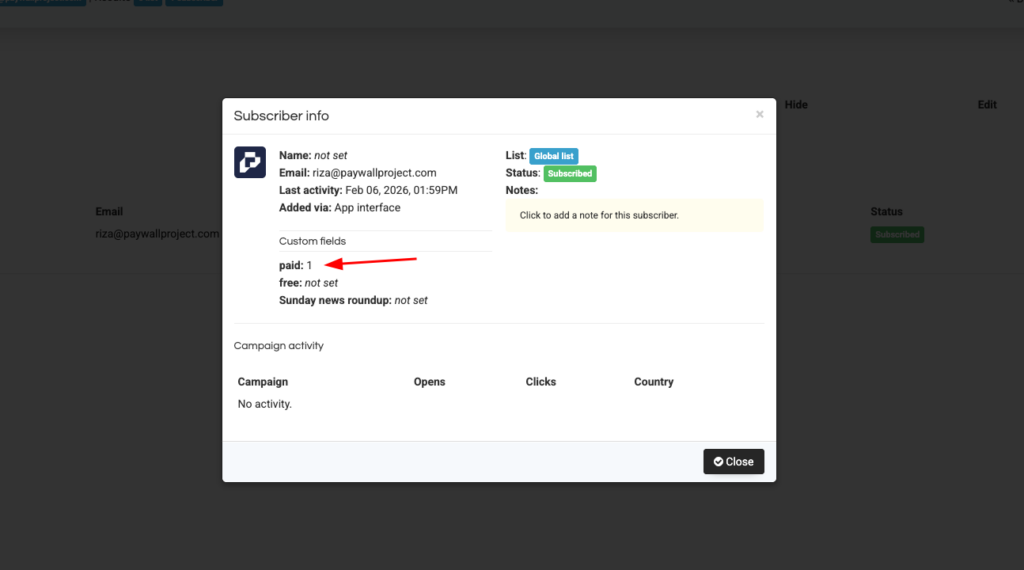
Click on the segment you want to remove, in this case it’s “paid” segment.
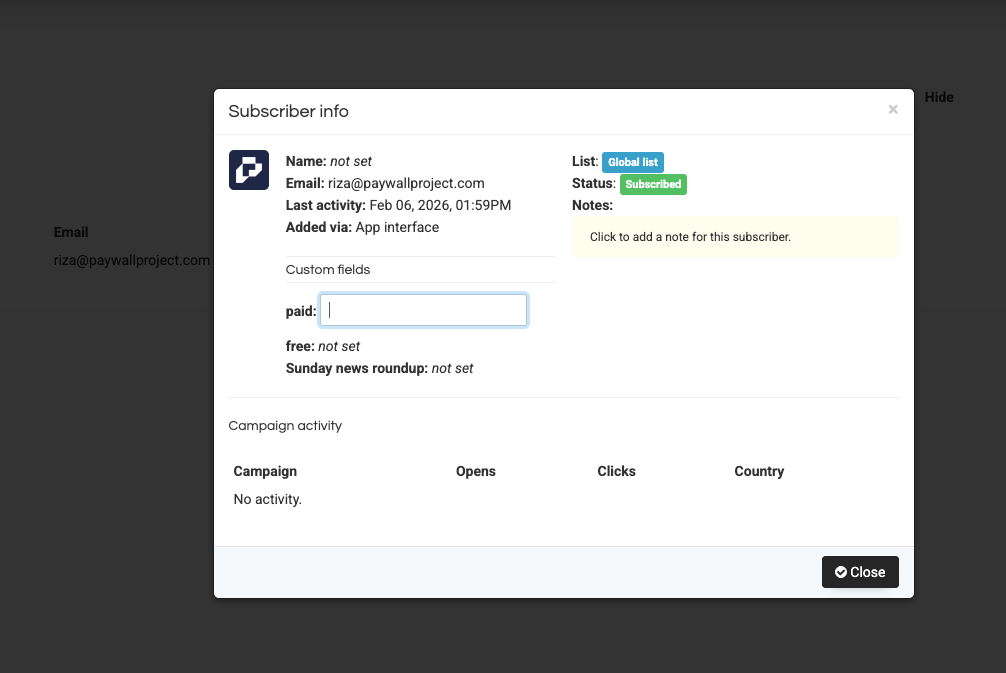
Once you click it, it will open this typing field, you just need to remove them and keep it empty.
Then close, then refresh. Check again on that subscriber, make sure on the segment it says “not set”