Granting free access by IP address makes it easy for schools, government offices, local coffee shops, and other locations to access your site without the hassle of creating individual accounts.
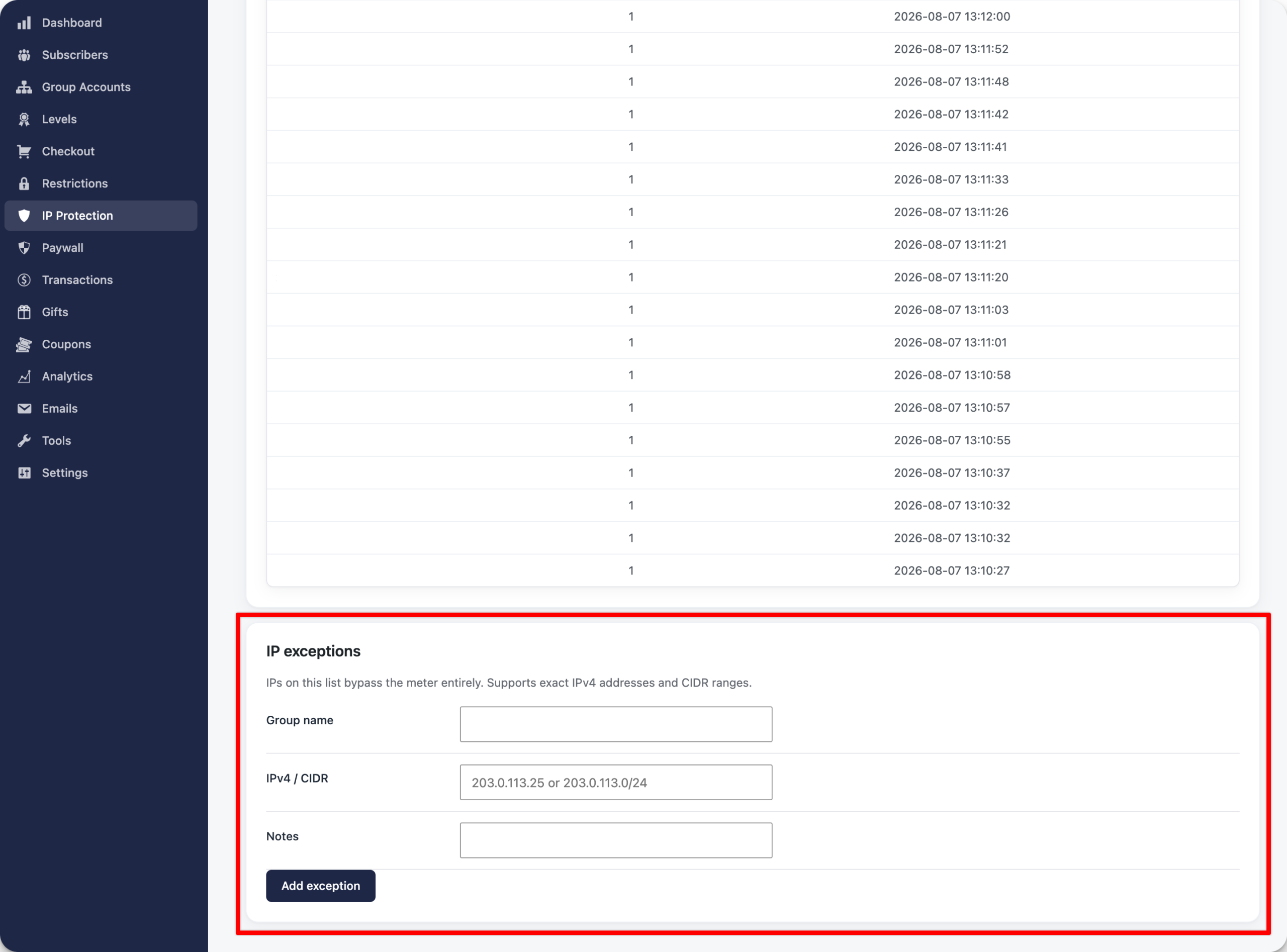
To set this up, go to PaywallProject -> IP Protection and scroll to IP exceptions at the bottom.
Create a Group name, enter the IP address or range of IPs that should have access (in most cases, you can find this by reaching out to the group’s IT team), add an optional note for admins (not shown publicly), and select Add exception.
That’s it! Now anyone accessing from an IP address below will be able to see unlimited content on your site without having to log in.