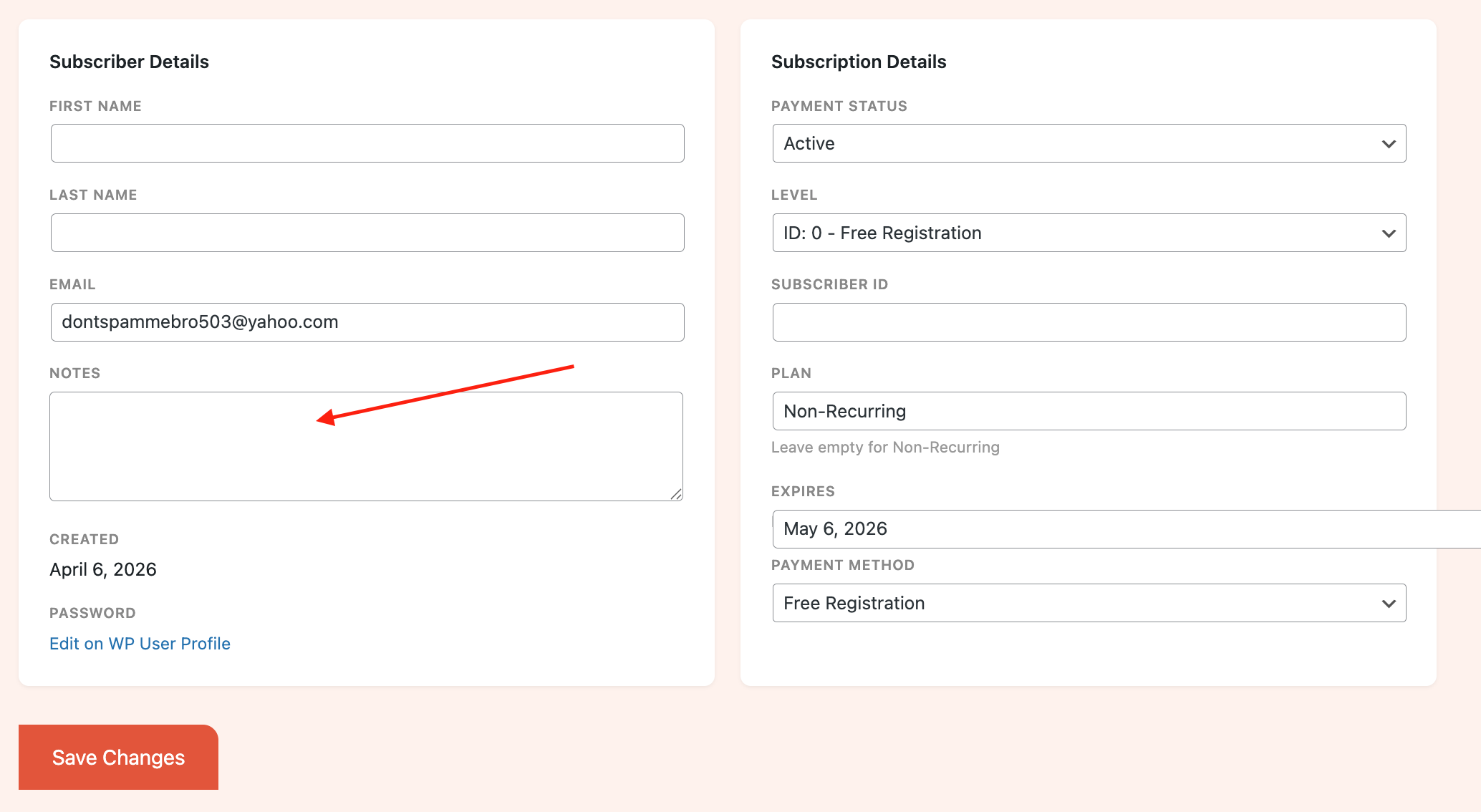
In some cases, you may want to include a custom note about a particular subscriber’s account.
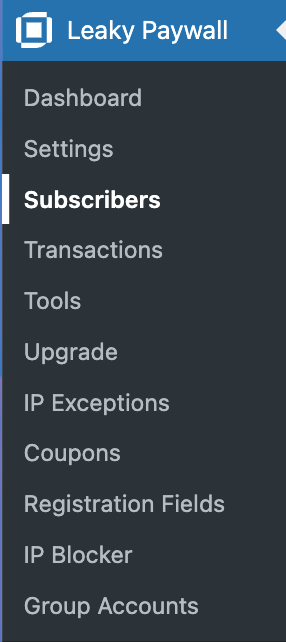
Log in to your WordPress dashboard. Select Leaky Paywall -> Subscribers
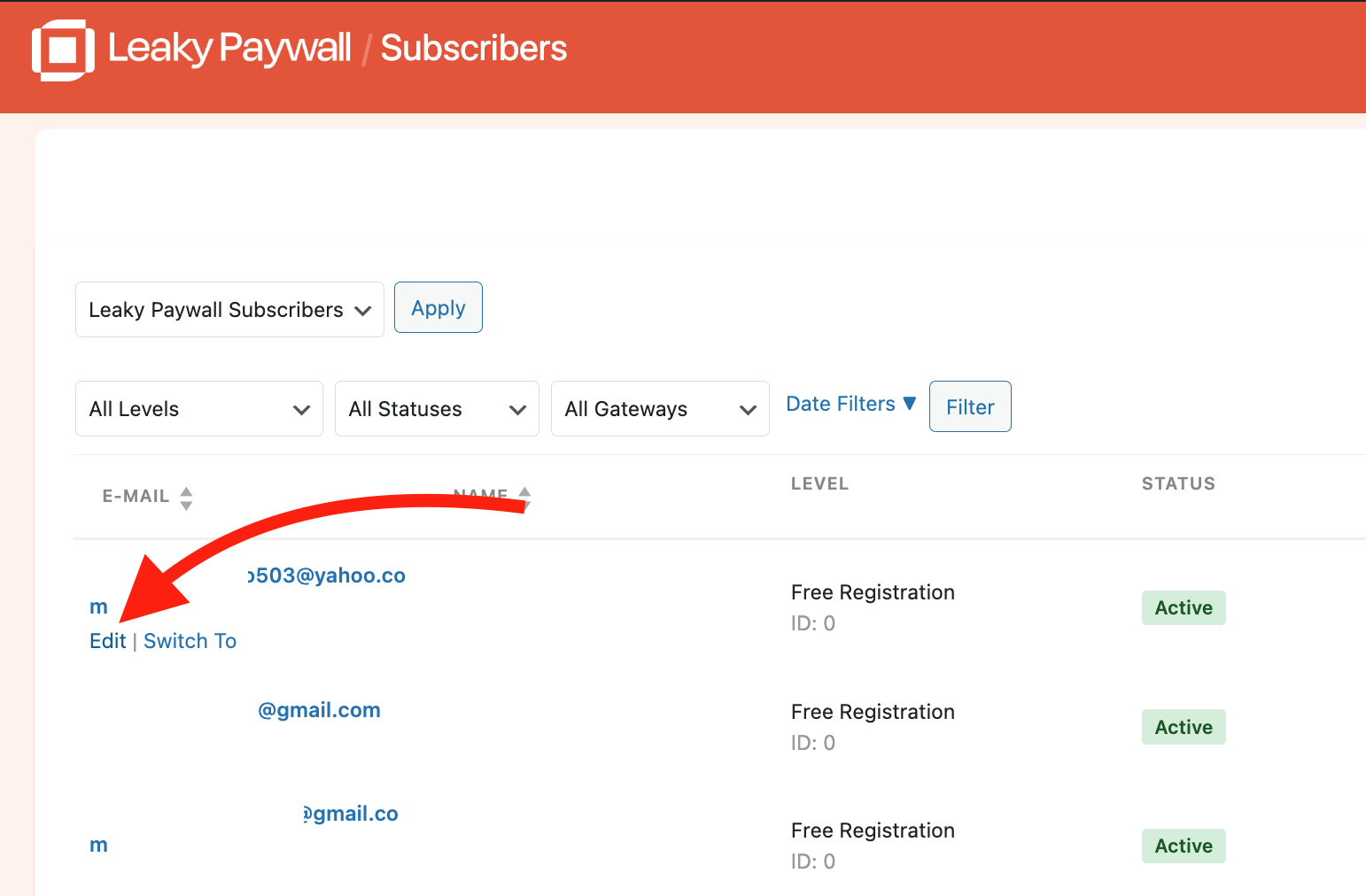
Select Edit for the subscriber you’d like to add notes to.
Add notes to the account. These notes are only visible to the admin and not the subscriber. Don’t forget to Save Changes.