1. Home
  2. Paywall
  3. How to create a custom welcome email for a specific subscription level

How to create a custom welcome email for a specific subscription level

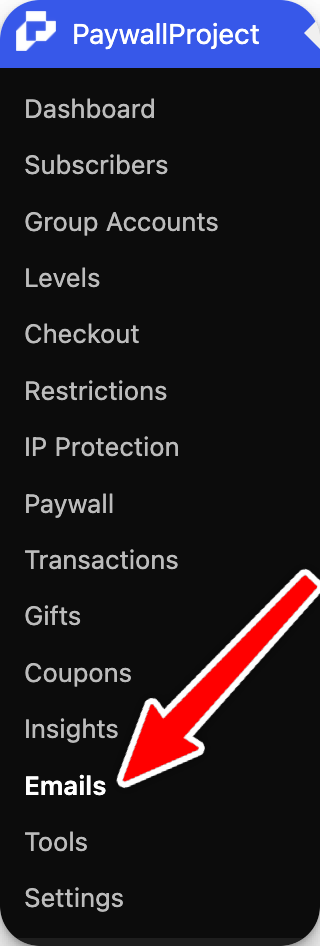
Log in to your WordPress dashboard and select Leaky Paywall -> Settings

Select Subscriptions.

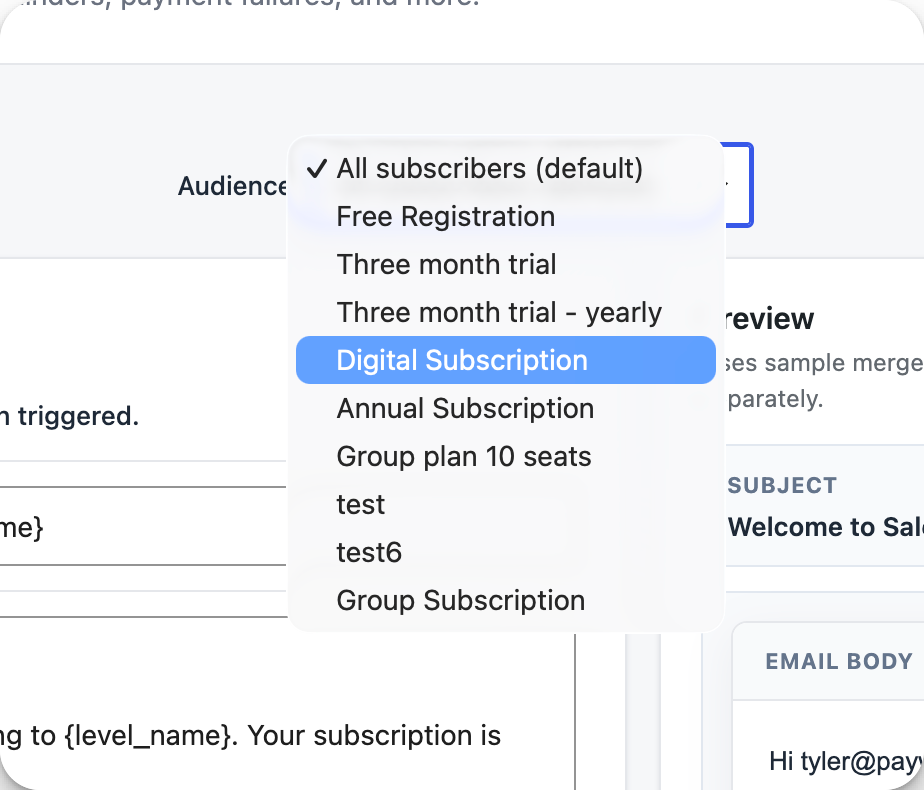
Selec Edit under the subscription level that you’d like to create a custom welcome email for.

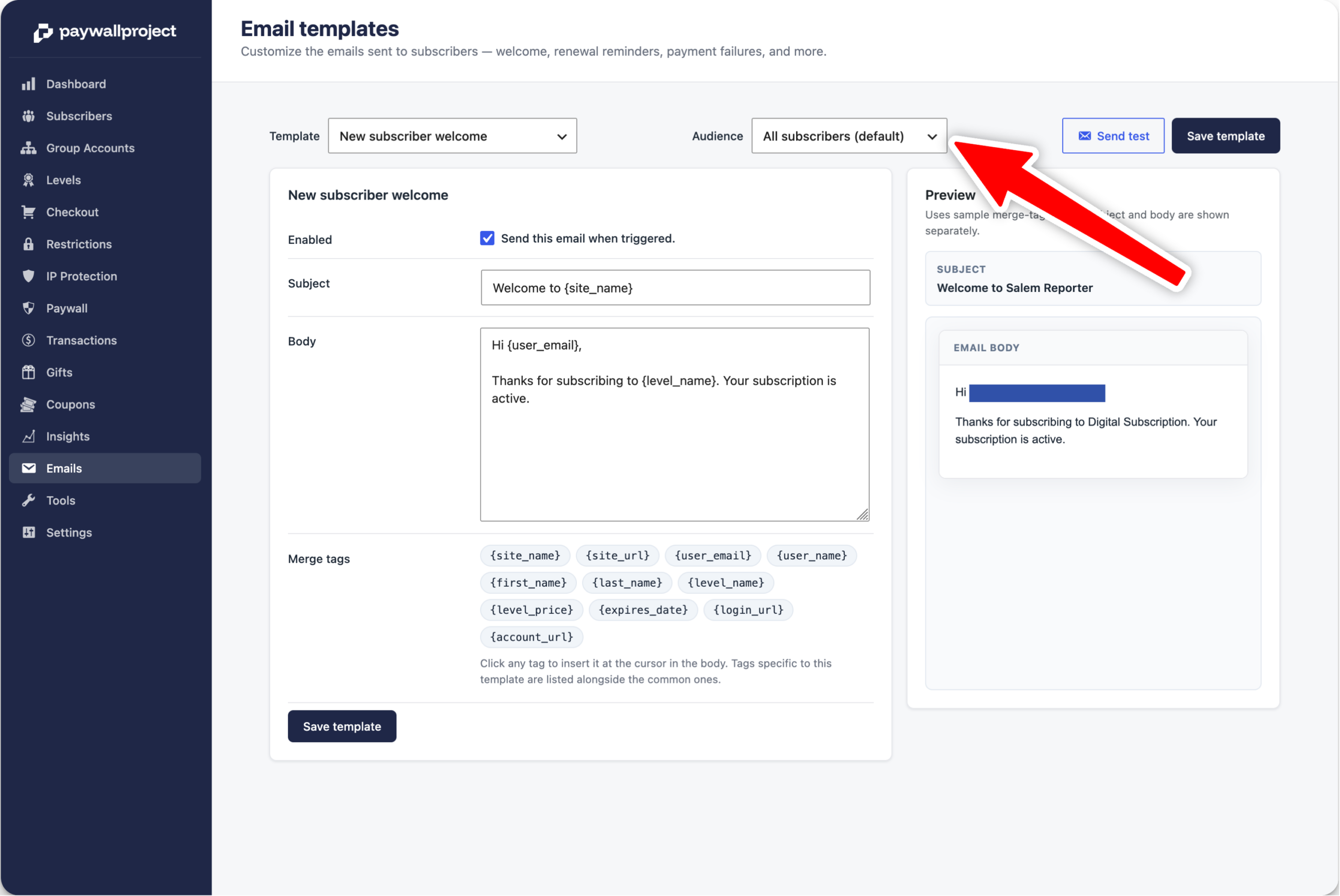
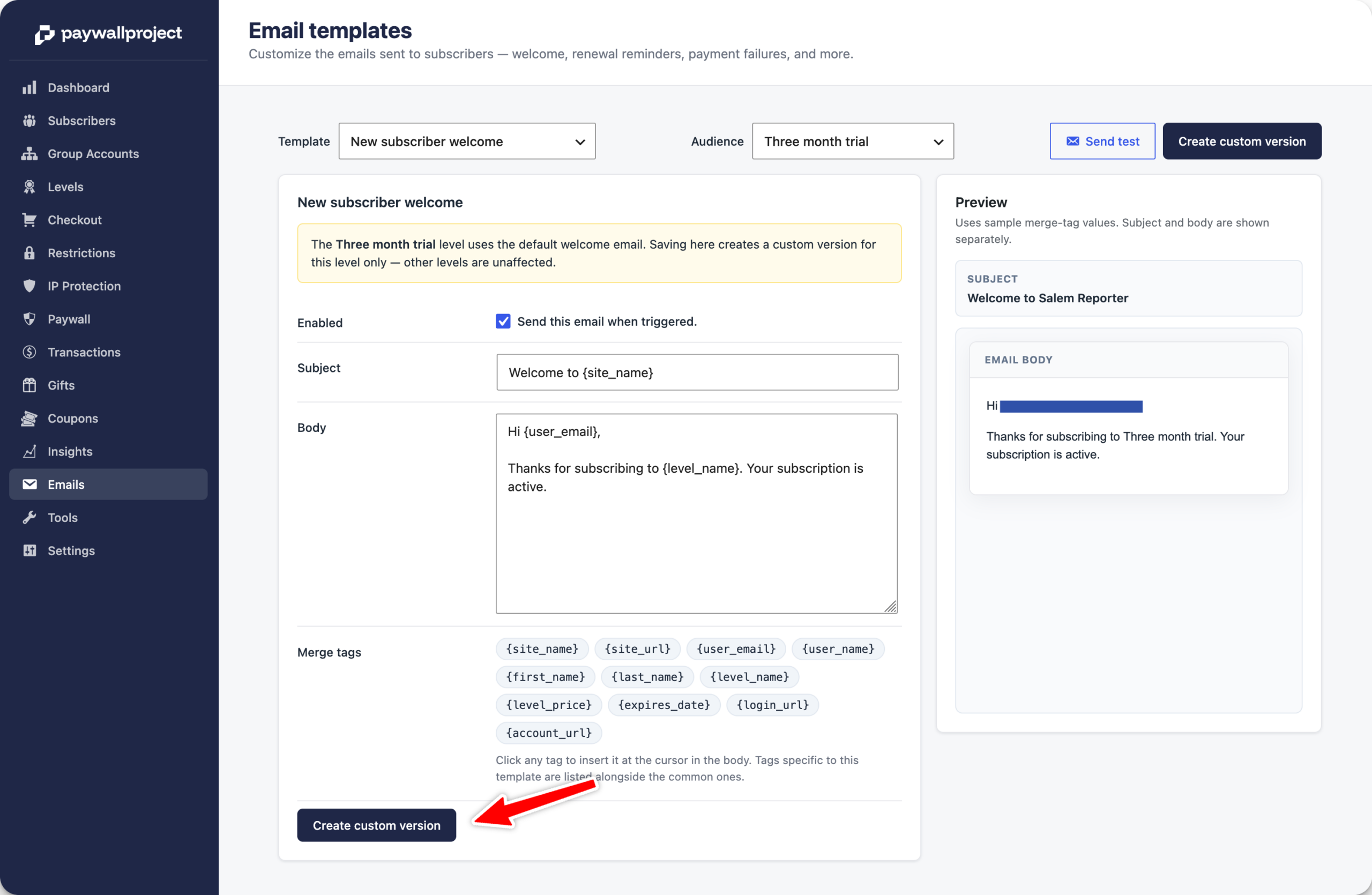
Scroll to the bottom, and you’ll see an option to include a subject and email body for this specific subscription level. Once finished, don’t forget to select Save Settings!

Updated on April 5, 2026
Was this article helpful?
Get more help
Can't find the answer you're looking for? Get in touch.
Contact support