If your subscription cards were custom-designed, this doc does not apply.
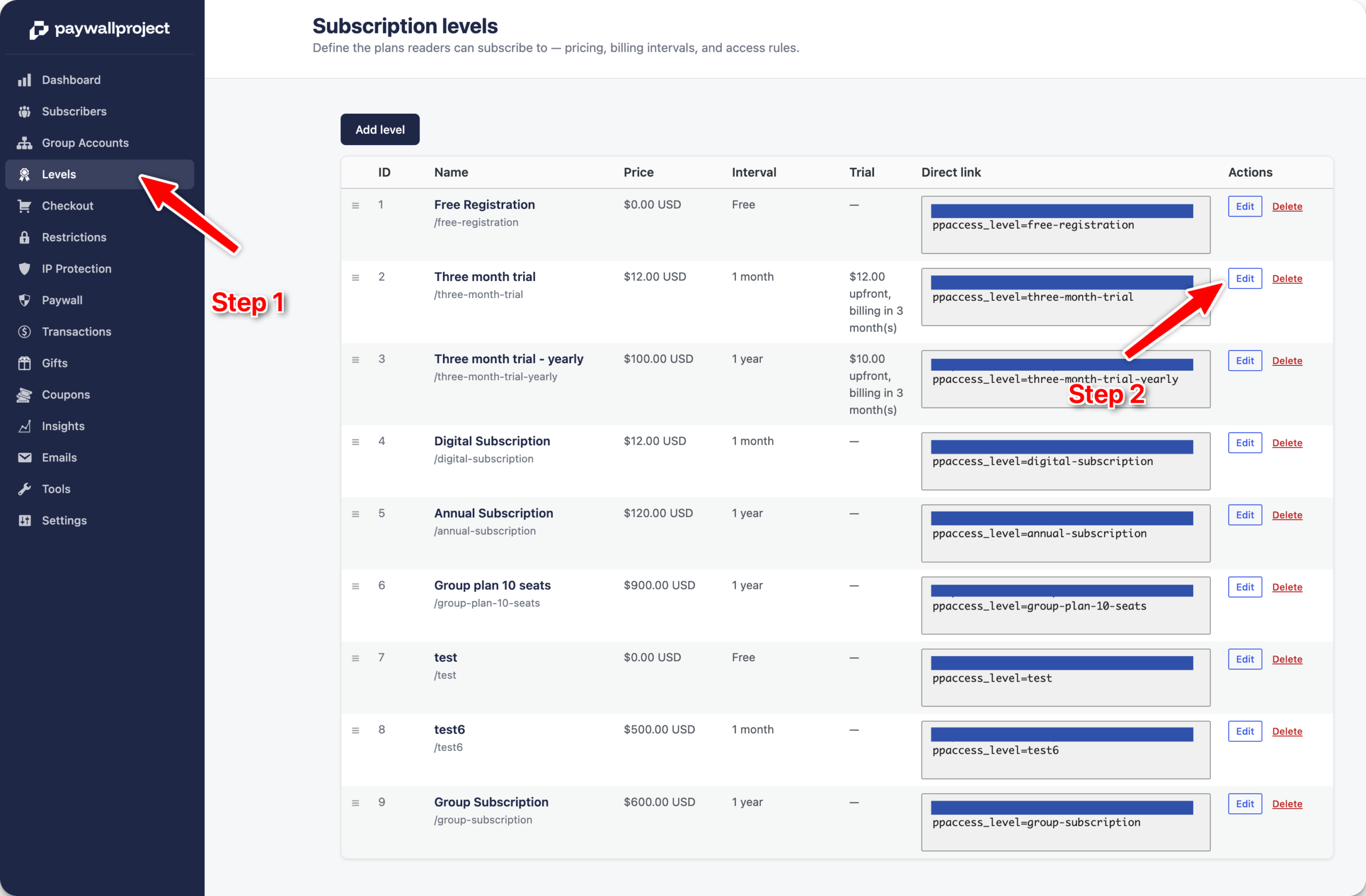
Log in to your WordPress dashboard and select PaywallProject -> Levels. Select the Edit option next to the level you’d like to update.
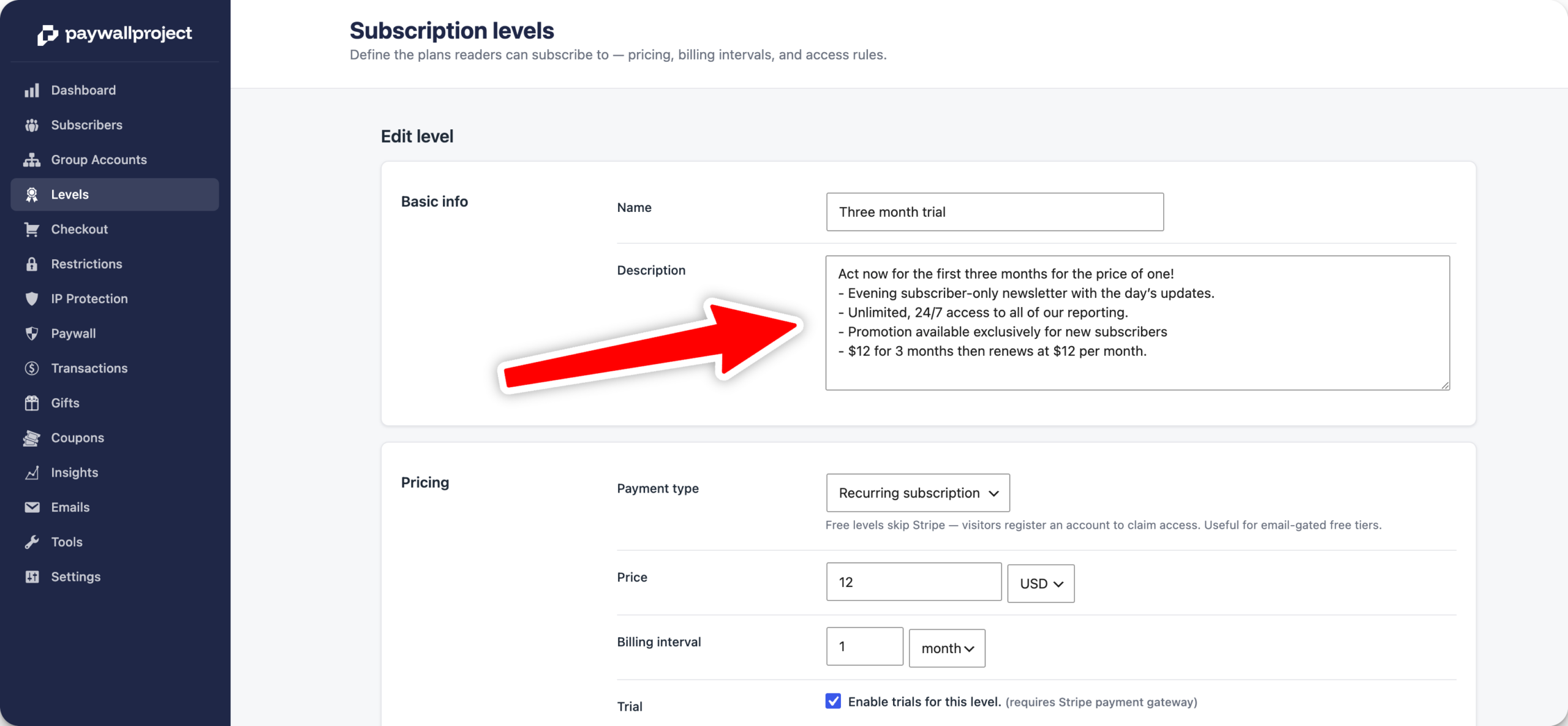
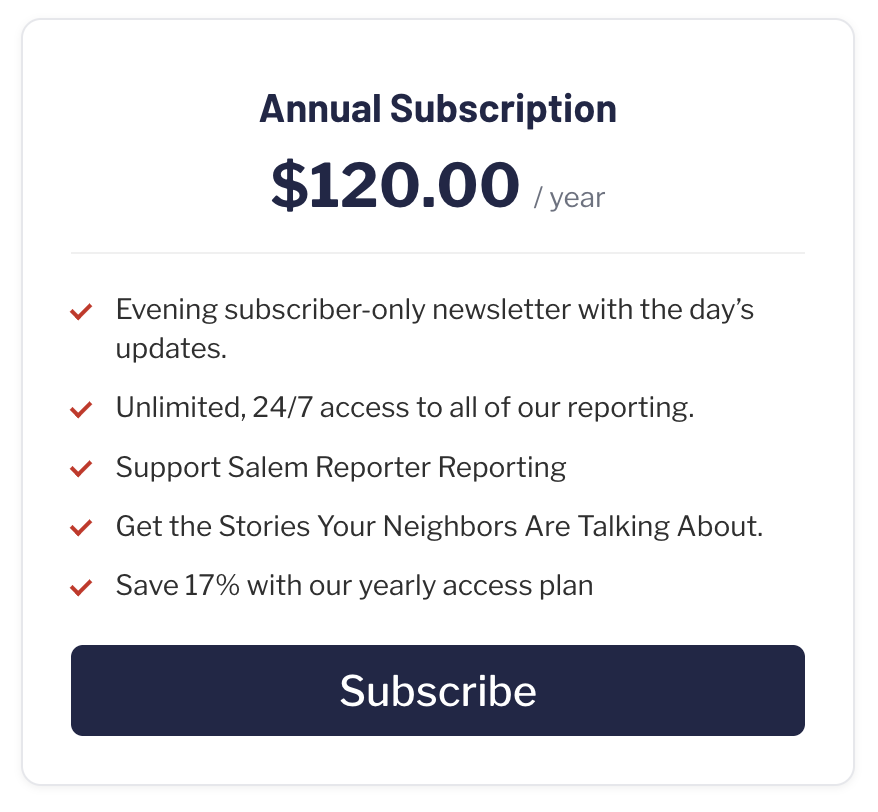
Update the description has needed. Pro tip: add a dash followed by a space next to the feature to automatically create a check mark on the subscribe card page and in the checkout area.
Select Save level to save changes.