
Log in to your Stripe.com account.
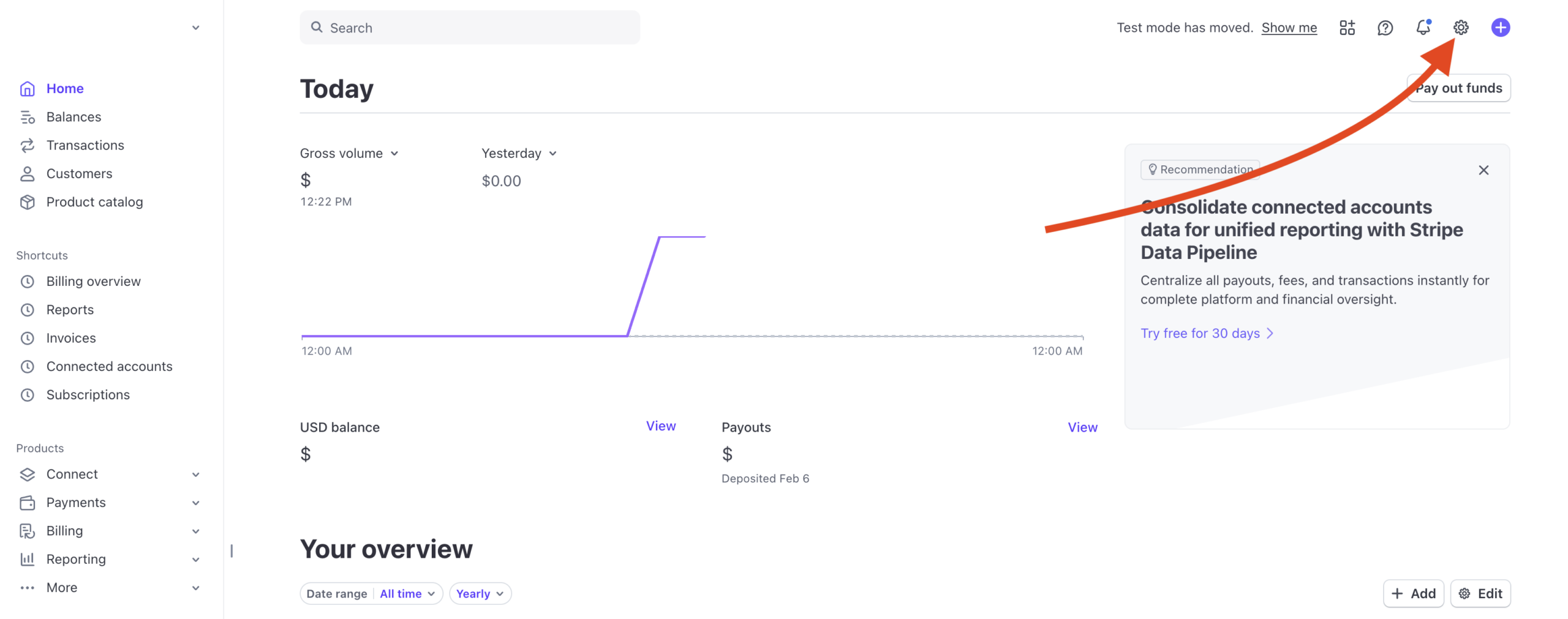
Select the gear icon at the top right.
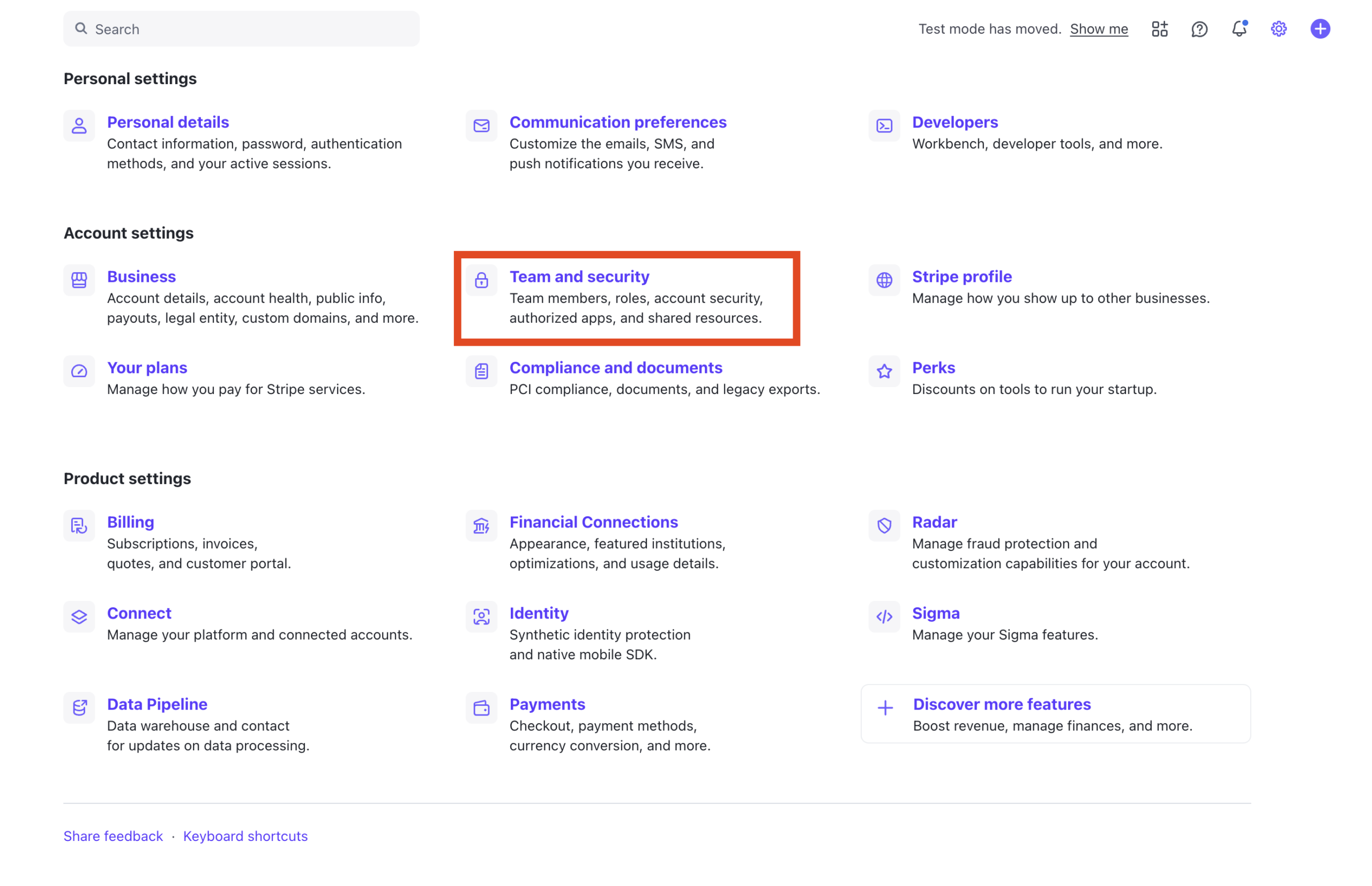
Select Team and security.
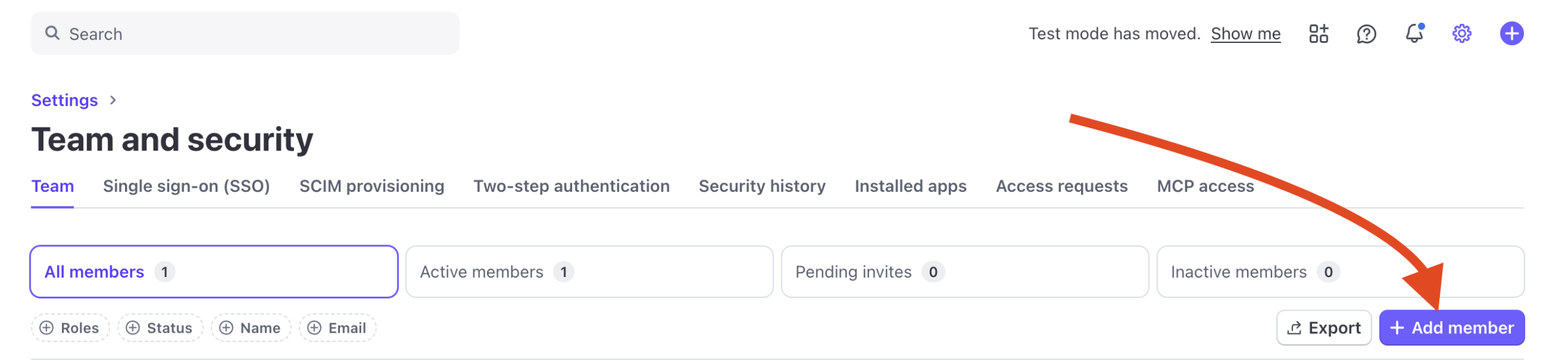
Select + Add member.
Enter the email address(es) for the member(s) you’d like to add. In the example below, we’ll use Tyler’s email from PaywallProject and the PaywallProject support team email. Next, we’ll give both addresses Developer access. The Developer role limits access to your Stripe account to include just what’s needed from a developer’s perspective.

Scroll to the bottom and Send invite.

That’s it! The invitation will be sent to the new team member(s).