
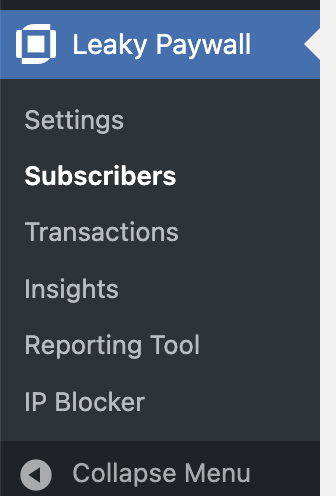
To manually add a subscriber to Leaky Paywall, go to Leaky Paywall -> Subscribers.
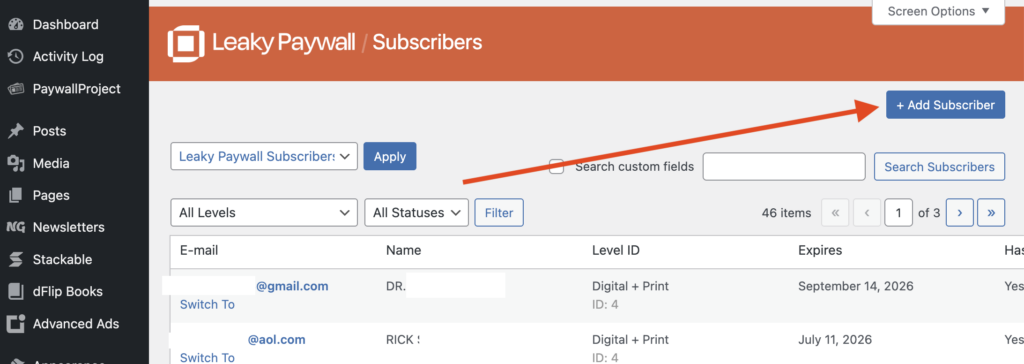
Select + Add Subscriber.
Enter the desired Username, Email Address, Price Paid (optional), Expiration date, Subscription Level, Payment Status (should keep as Active if you want the user to have access to content), Payment Method (should keep as Manual), and Subscriber ID (can be left empty).
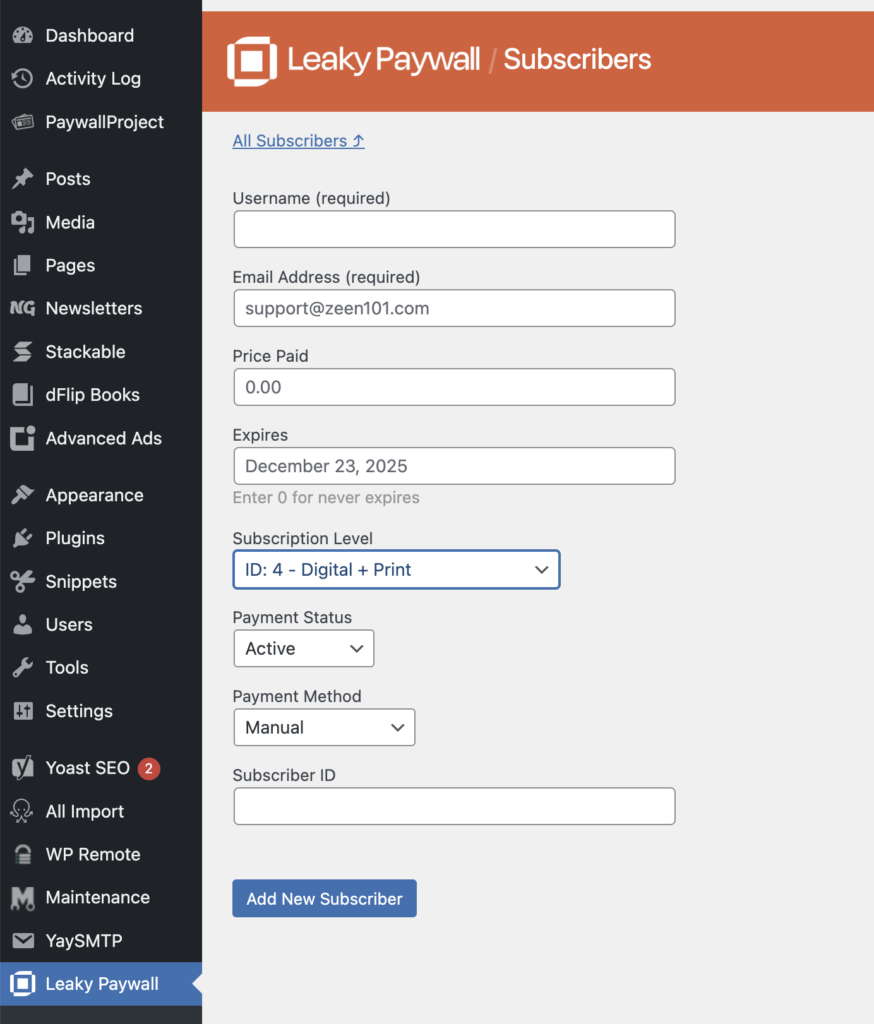
Select Add New Subscriber, and that’s it! The user will need to set a password by resetting it with your site’s Forgot Password link found on the Log in page. You can also set a password for the subscriber and send it to them via email.