
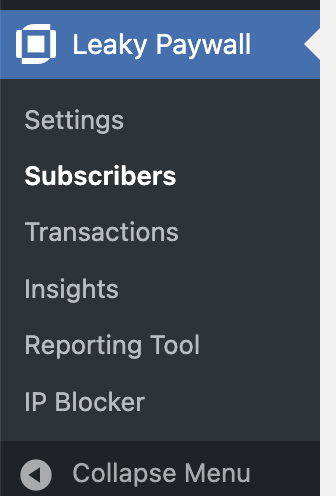
To manually update a subscriber to Leaky Paywall, go to Leaky Paywall -> Subscribers.
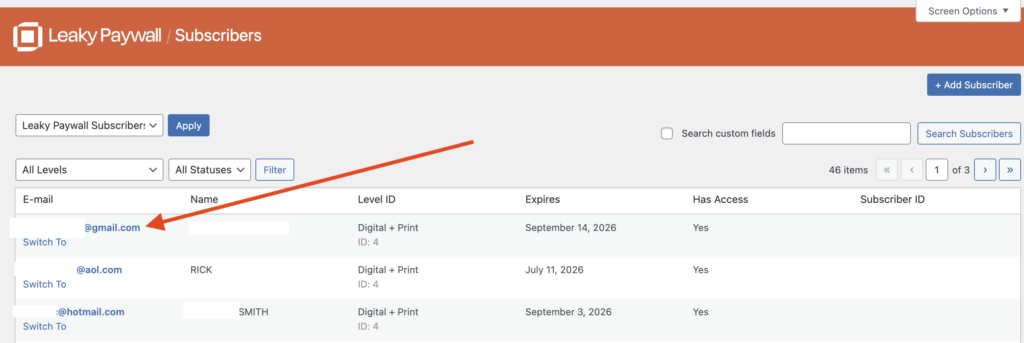
Click on the email address of the subscriber you’d like to update.
Update the desired details such as Address, First Name, Last Name, etc.
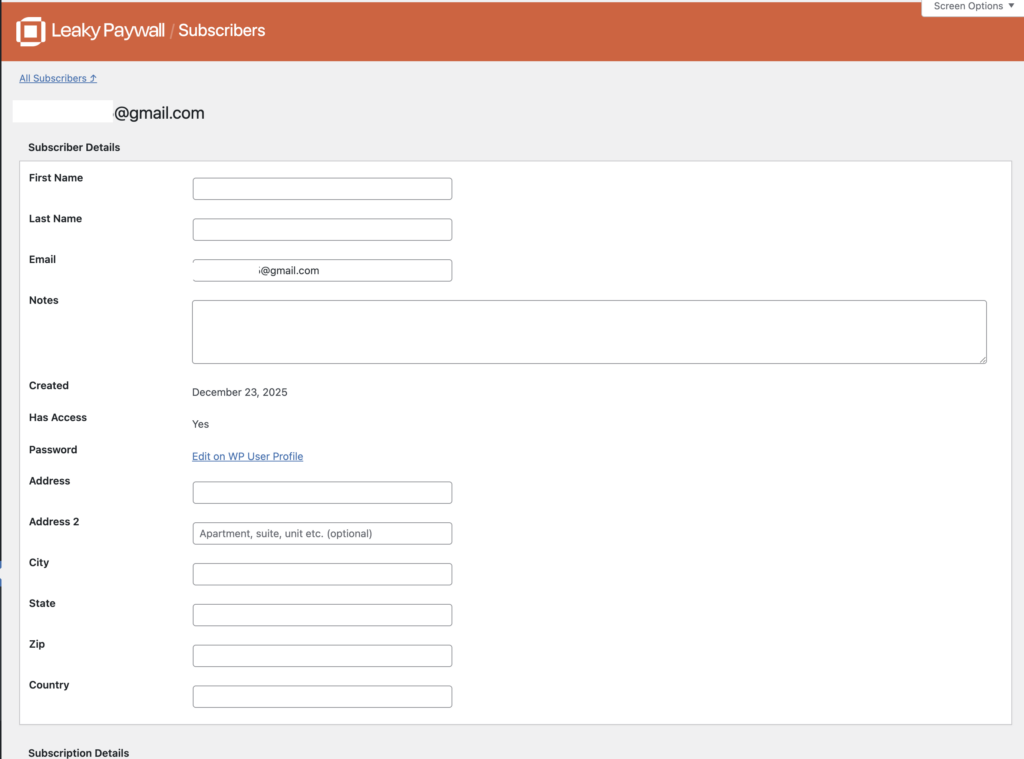
Once finished, select Save Changes.