1. Home
  2. Paywall
  3. How to manually update subscriber details

How to manually update subscriber details

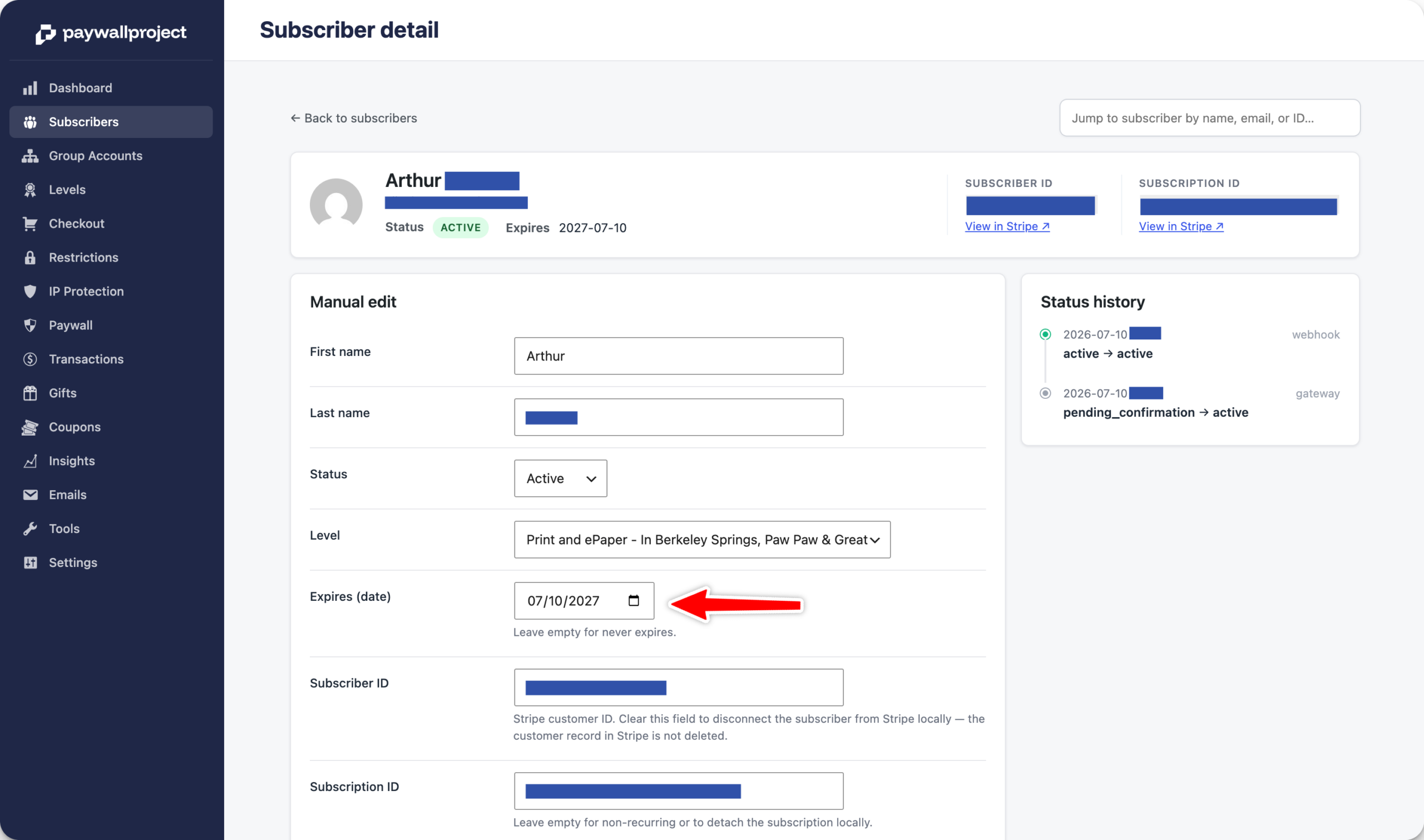
Note: to manually adjust the expiration date or the account payment status for a subscriber with a Stripe customer ID, you’ll first need to remove the Stripe Subscriber ID.

To manually update a subscriber to Leaky Paywall, go to Leaky Paywall -> Subscribers.

Click on the email address of the subscriber you’d like to update.

Update the desired details such as Address, First Name, Last Name, etc.

Once finished, select Save Changes.

Updated on May 4, 2026
Was this article helpful?
Get more help
Can't find the answer you're looking for? Get in touch.
Contact support