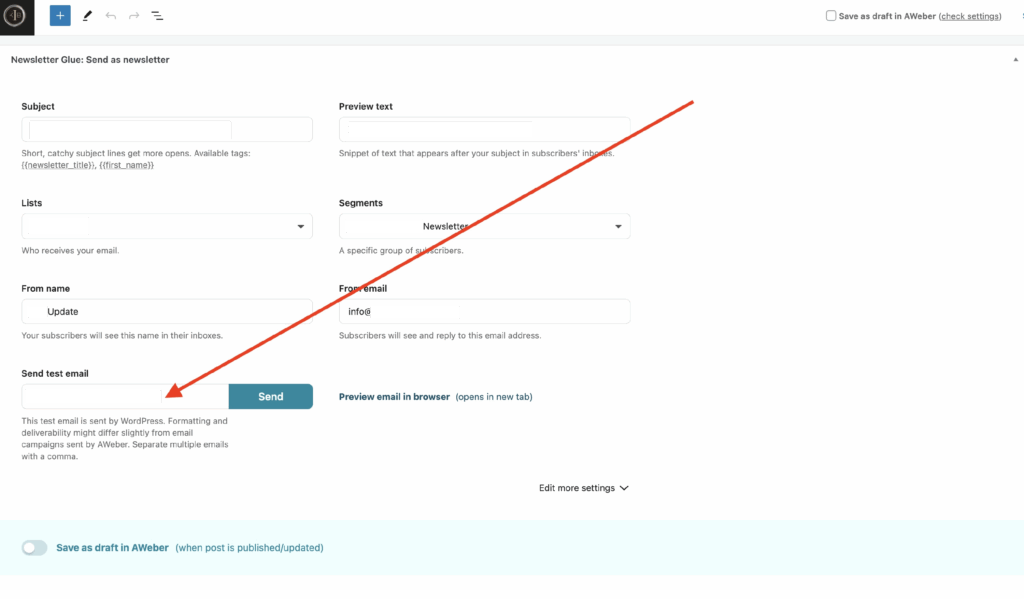
How to send a newsletter test email At the bottom of your newsletter, enter your email under “Send test email” and select “Send”. Updated on November 22, 2025 Was this article helpful? Yes No Related Articles Sync subscribers to Newsletter Glue How to set up a drip/autoresponder campaign Subscriber does not appear on newsletter list How to remove someone from a segment What happens when the same email exists in multiple subscriber lists? How to tie custom fields to segments in newsletter lists Get more helpCan't find the answer you're looking for? Get in touch.Contact support