
If a subscriber is struggling to log in, here are a few steps to help:
1) Reset the password for the subscriber and send them the password via email, or direct your subscriber to the forgot password link on your site. This can be found on the login page.
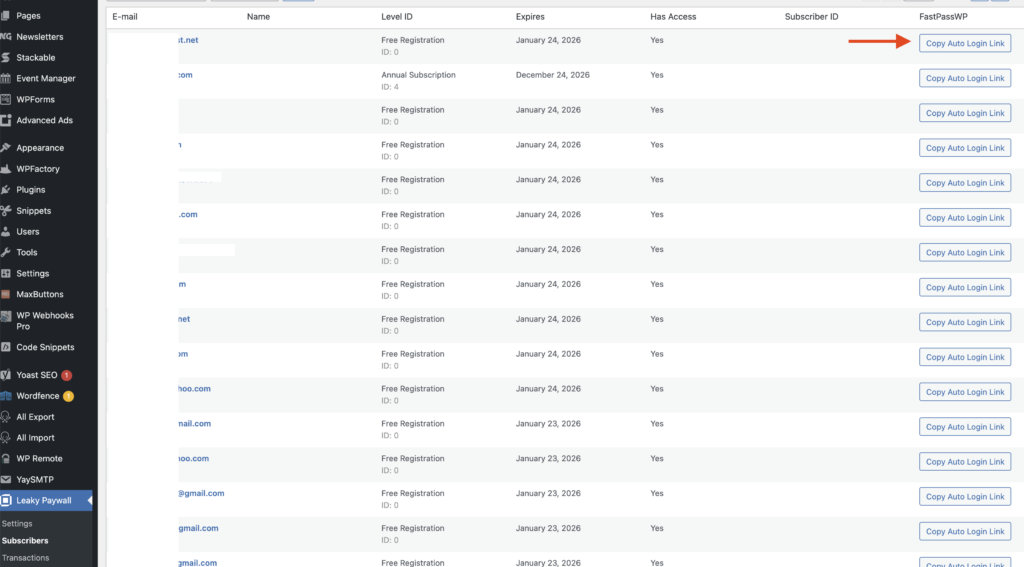
2) Send the subscriber a FastPassWP one-time automatic login link. Go to Leaky Paywall -> Subscribers -> Copy Auto Login Link and send this link to the subscriber via email. If you don’t see this option, please reach out to support to have this premium option enabled.
3) If the subscriber is logged in, but cannot see content, make sure they are not logged in to a Free Registration account. Occasionally, we discover that subscribers may have multiple accounts.