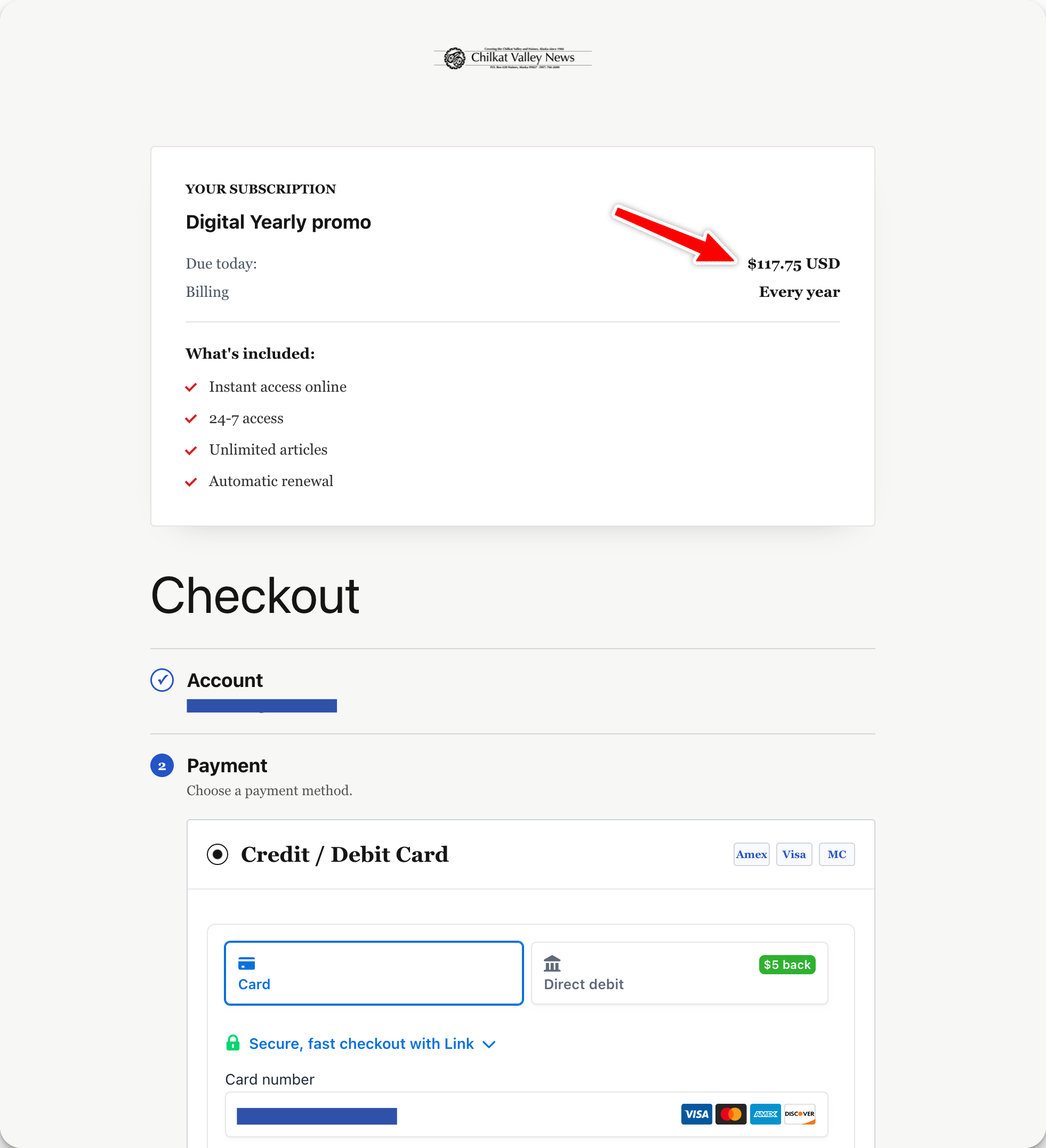
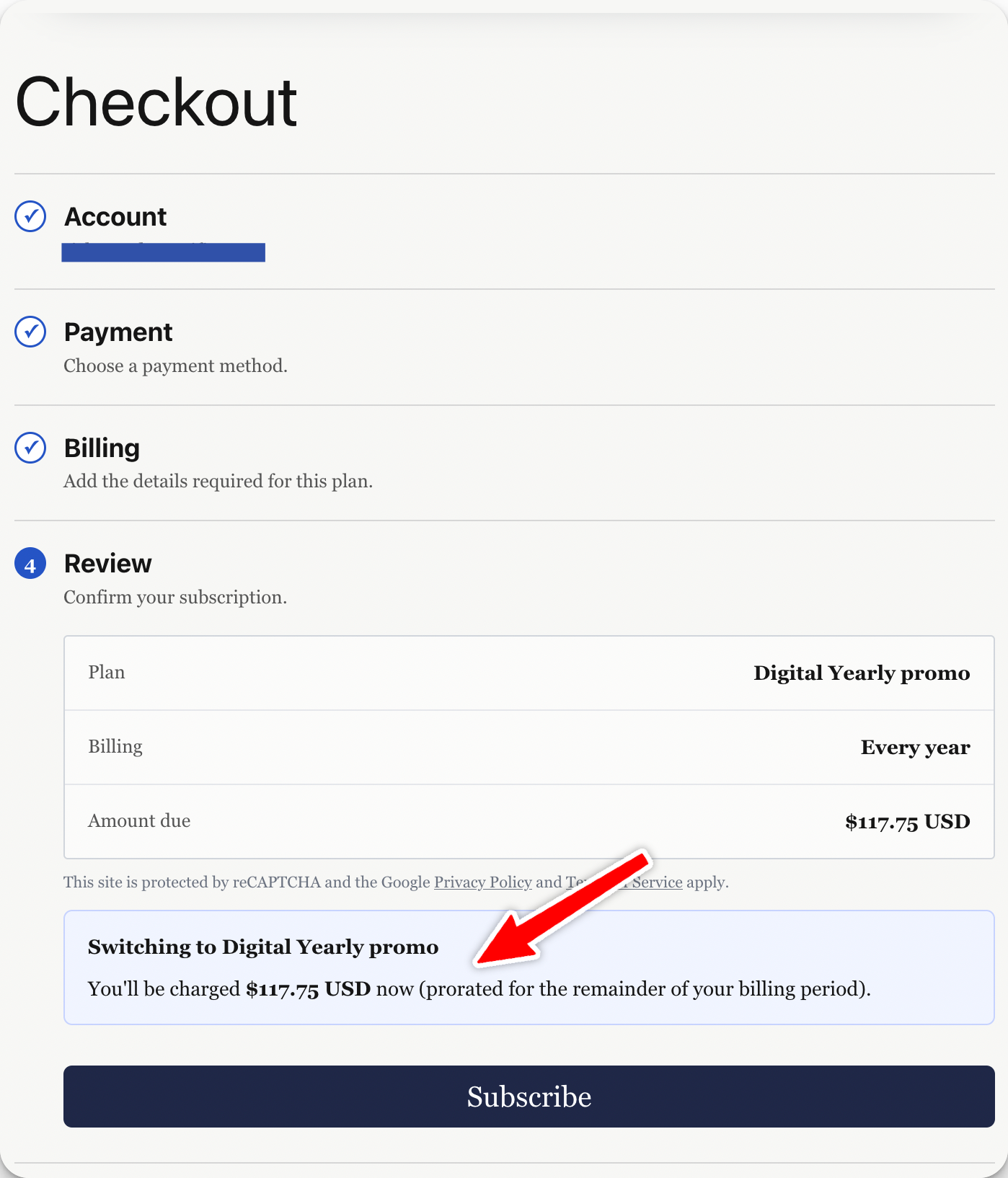
With PaywallProject, subscribers can change their subscription at any time by simply selecting the new subscription level and checking out.
If a pro-rate is warranted, it will automatically show at checkout for the subscriber.

With PaywallProject, subscribers can change their subscription at any time by simply selecting the new subscription level and checking out.
If a pro-rate is warranted, it will automatically show at checkout for the subscriber.