To turn on emails for non-recurring subscribers, simply navigate to PaywallProject -> Emails and select the Renewal Reminder template.
Enter the message you’d like to send to non-recurring subscribers. This message will be sent 7 days before the subscriber is set to expire. If they happen to renew early, time is added to their current expiration date.
You can also customize the message with merge tags.
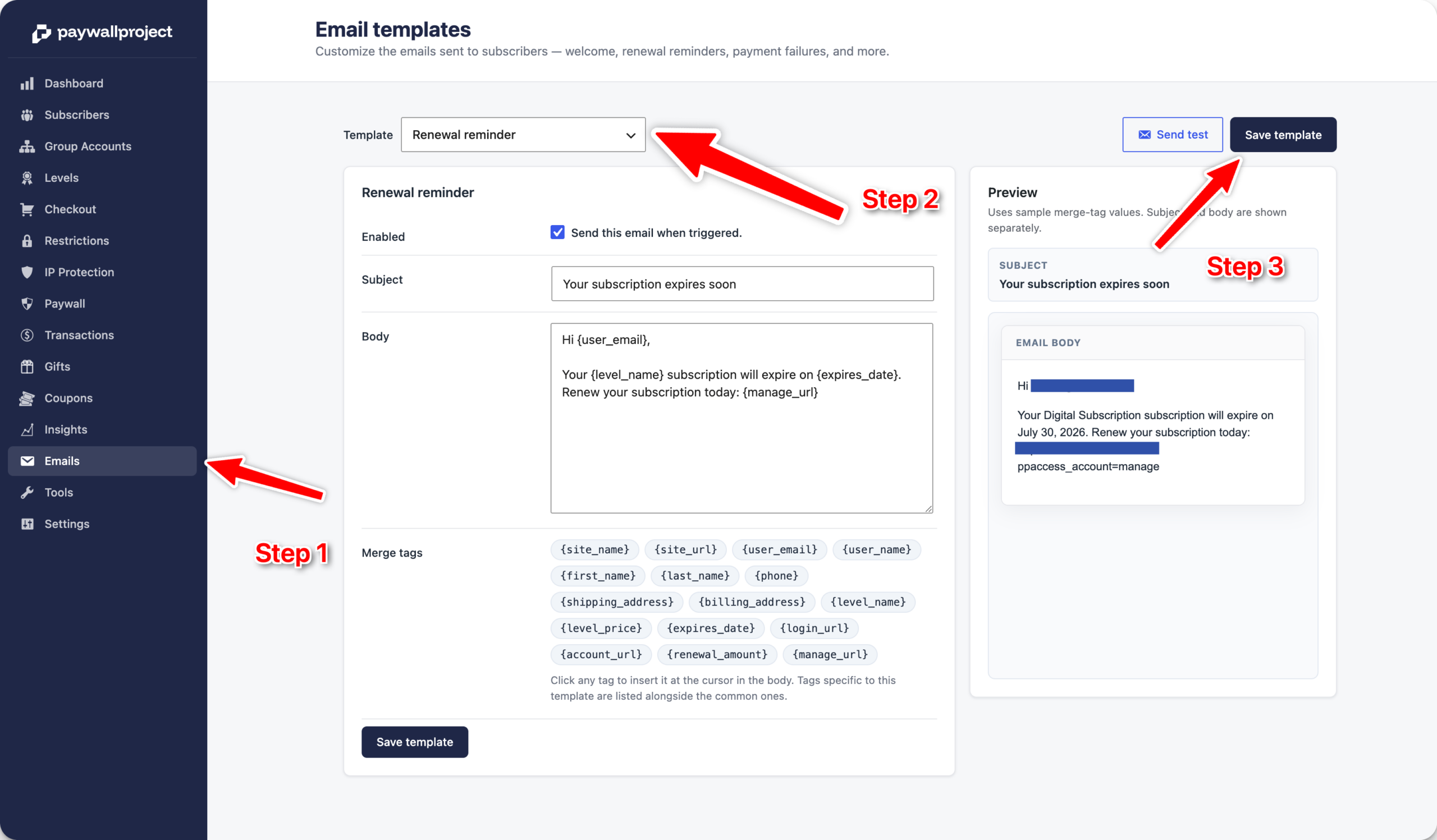
Don’t forget to save the template.
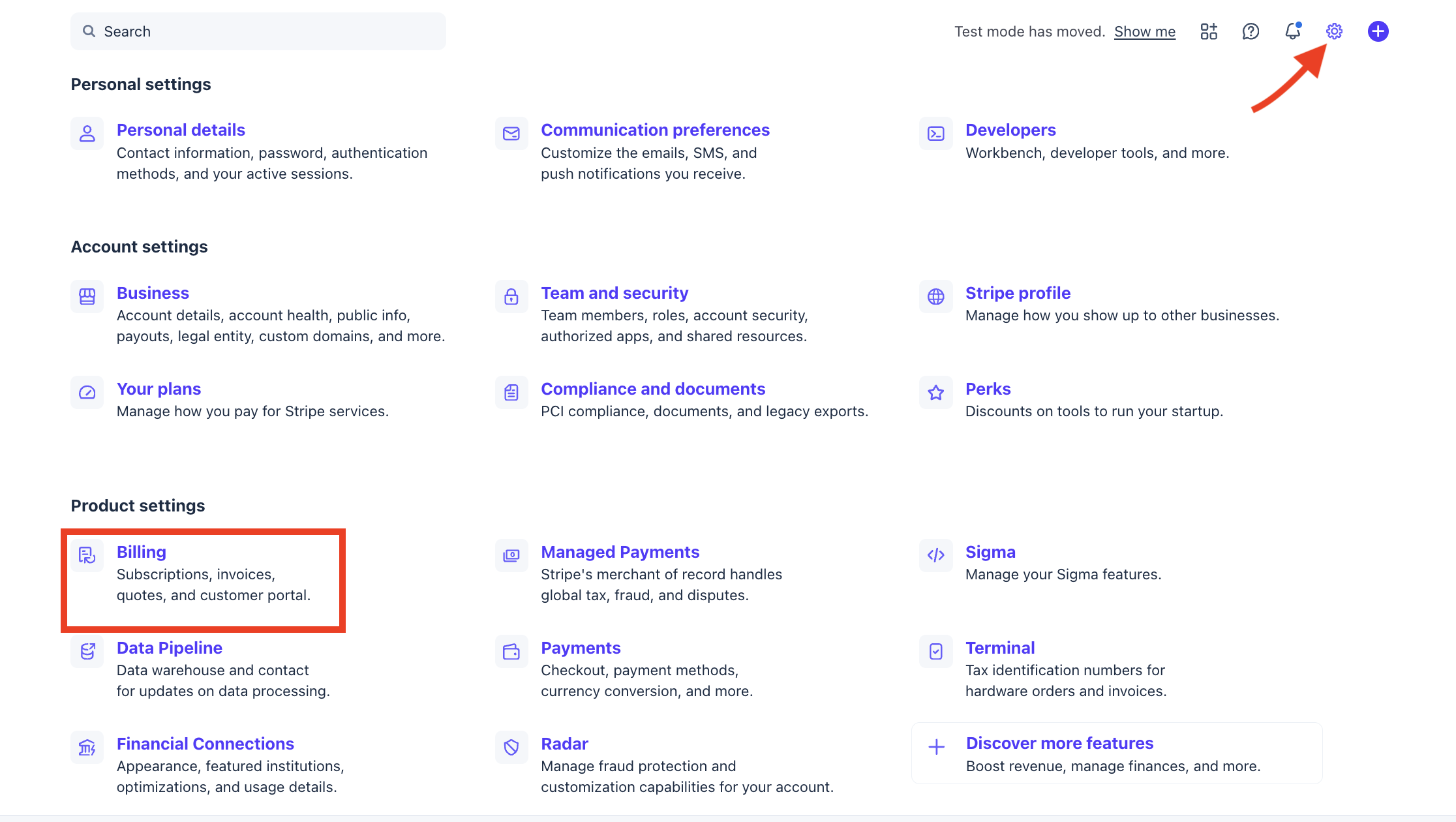
For recurring subscriptions, the upcoming renewal email is managed in Stripe. Log in to your Stripe.com account and select the gear icon at the top right. Next, select Billing.
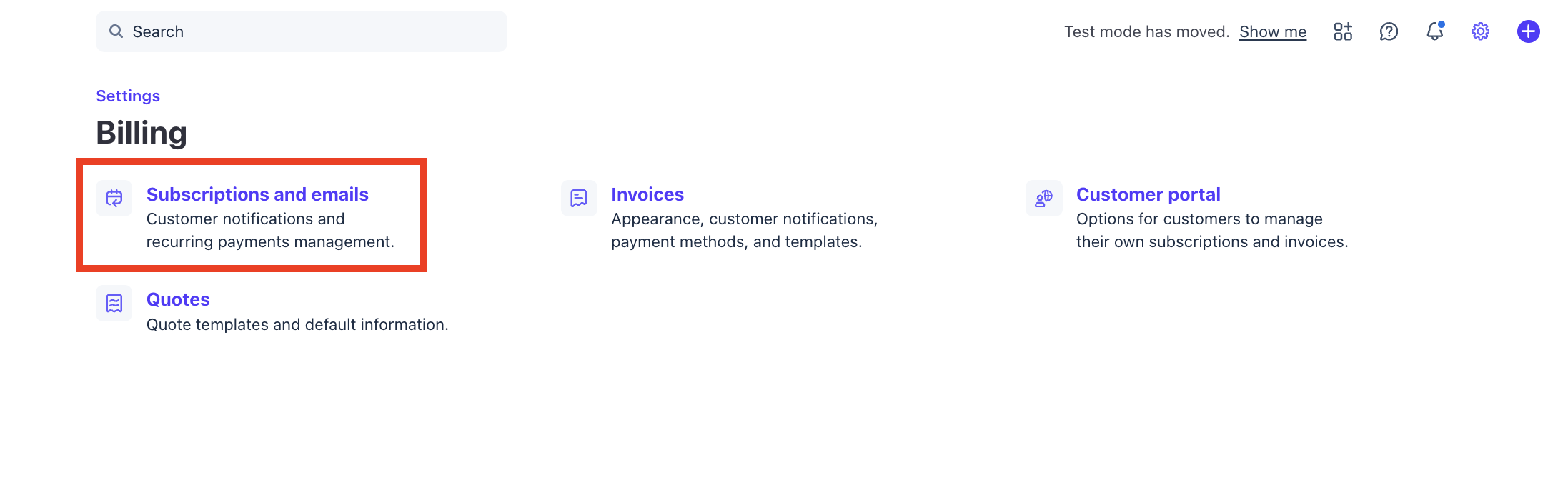
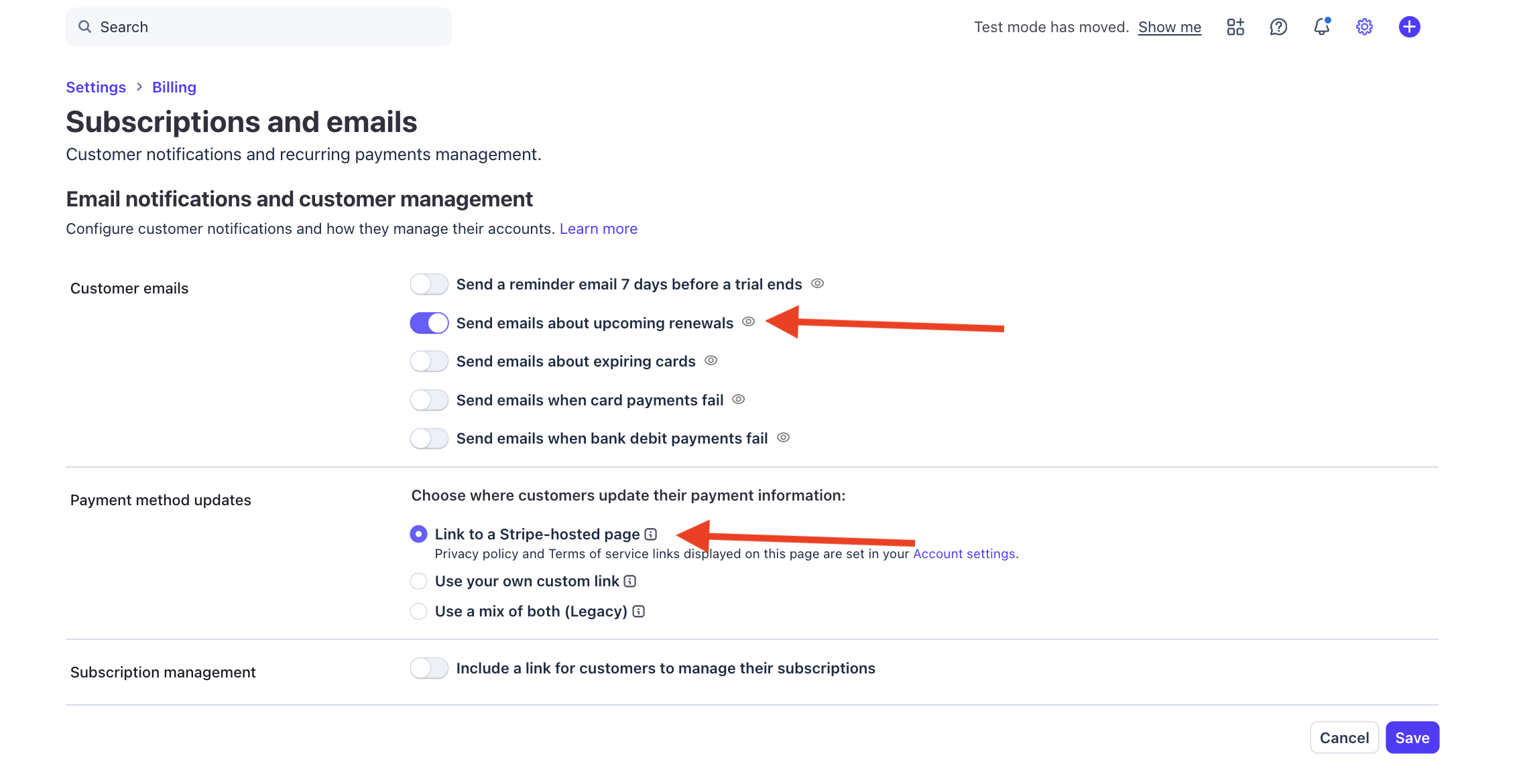
Select Subscriptions and emails.
Toggle the Send emails about upcoming renewals to on. This will fire an email 7 days before a subscription is due. We also recommend the Link to a Stripe-hosted page option in case subscribers would like to update their payment cards before the renewal is processed. Select Save to activate your settings.
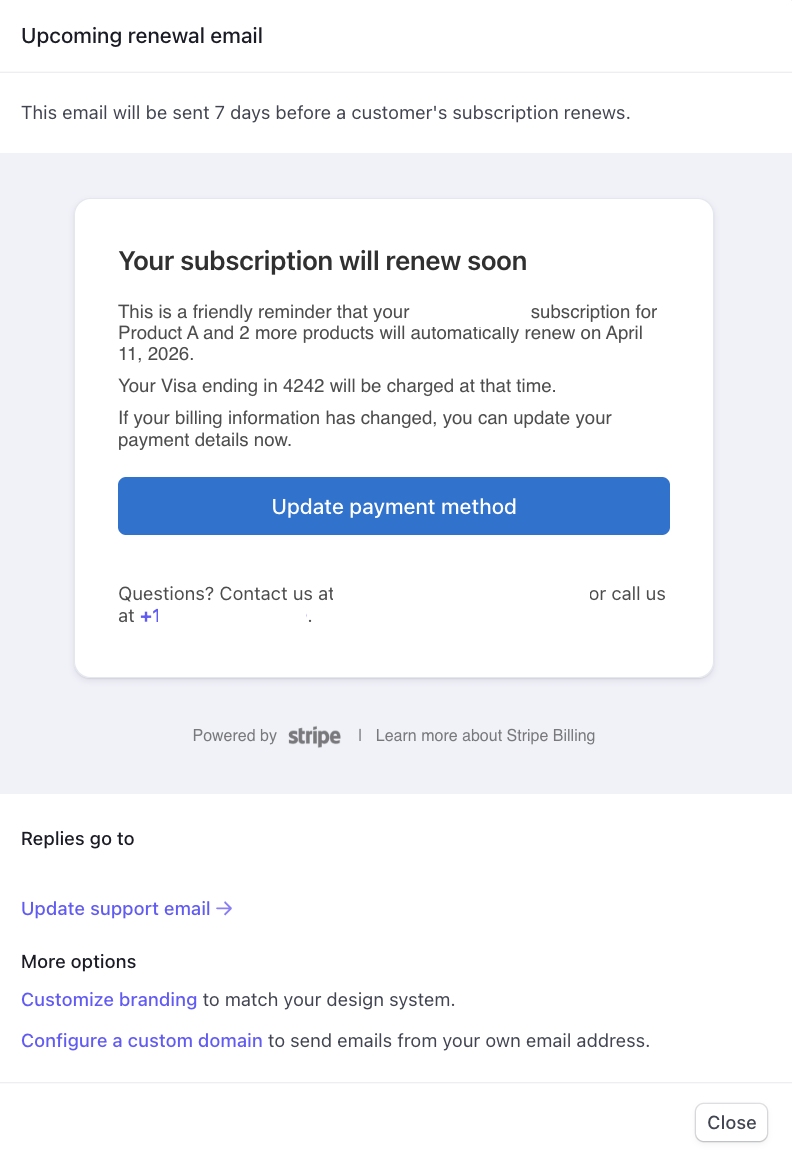
This is an example of the renewal email from Stripe. While the text cannot be modified, the branding/styling is adjustable.