
Add this custom filter to your snippets plugin of choice:
add_filter( 'leaky_paywall_before_update_stripe_subscription_args', 'lp_disable_proration_on_change', 10, 2 );
function lp_disable_proration_on_change( $data, $level ) {
    // Change proration_behavior to 'none' to completely disable proration
    $data['proration_behavior'] = 'none';

    return $data;
}Additionally, you may want to remove the proration language within Leaky Paywall’s “Change Subscription” window.
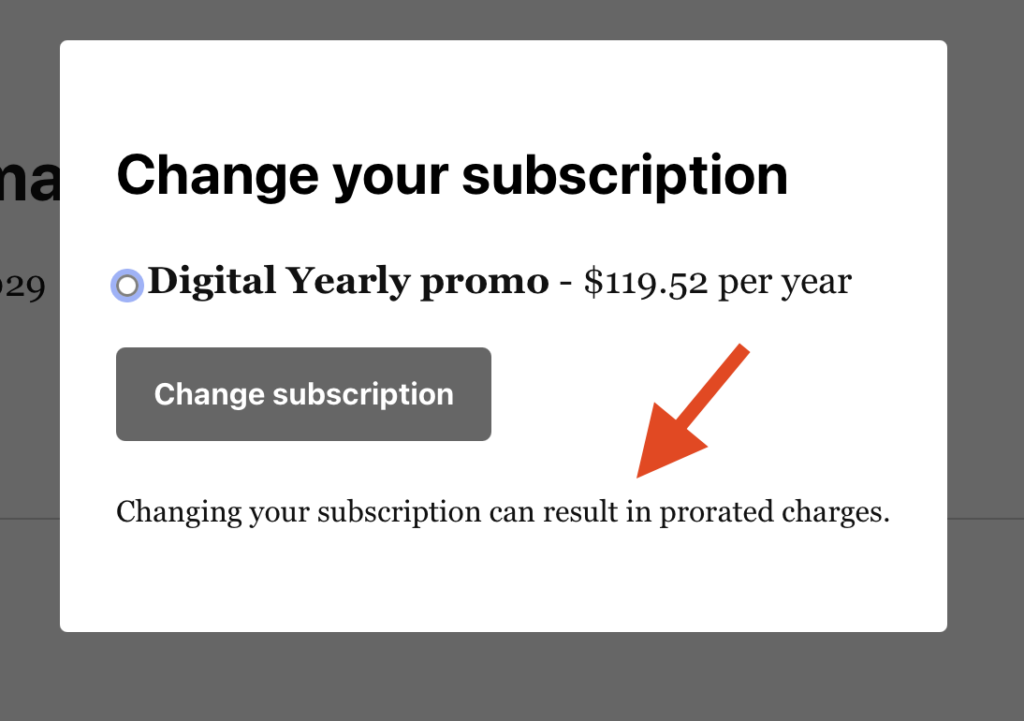
Add this CSS to the “Additional CSS” area to hide that text:
#leaky-paywall-change-subscription p small {
            display: none;
}