
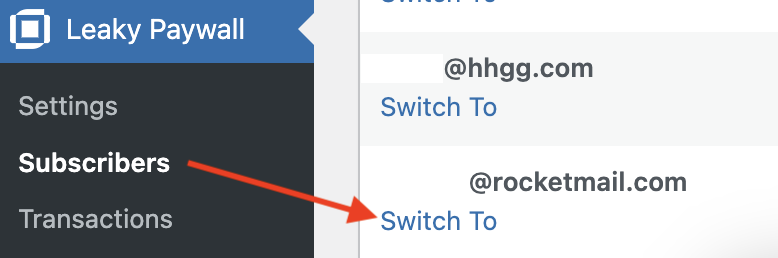
Subscribers can update credit cards on their own within the My Account area. If a customer calls and prefers that you update it for them, please go to Leaky Paywall -> Subscribers -> Switch to for that subscriber.
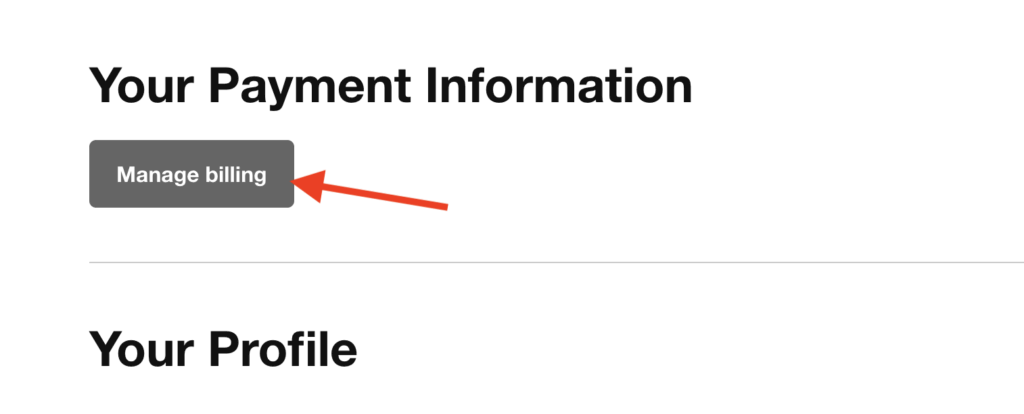
Select “Manage billing”.
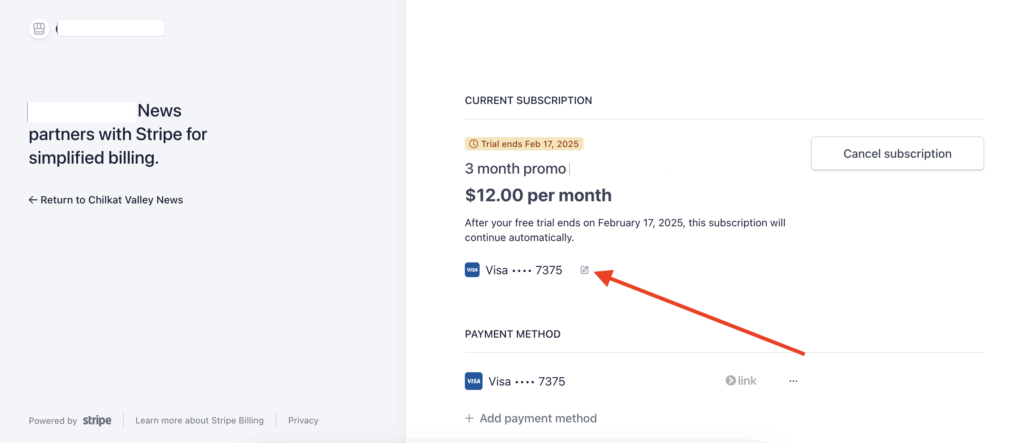
Select the pencil tool next to the existing credit card.
Add the new card.
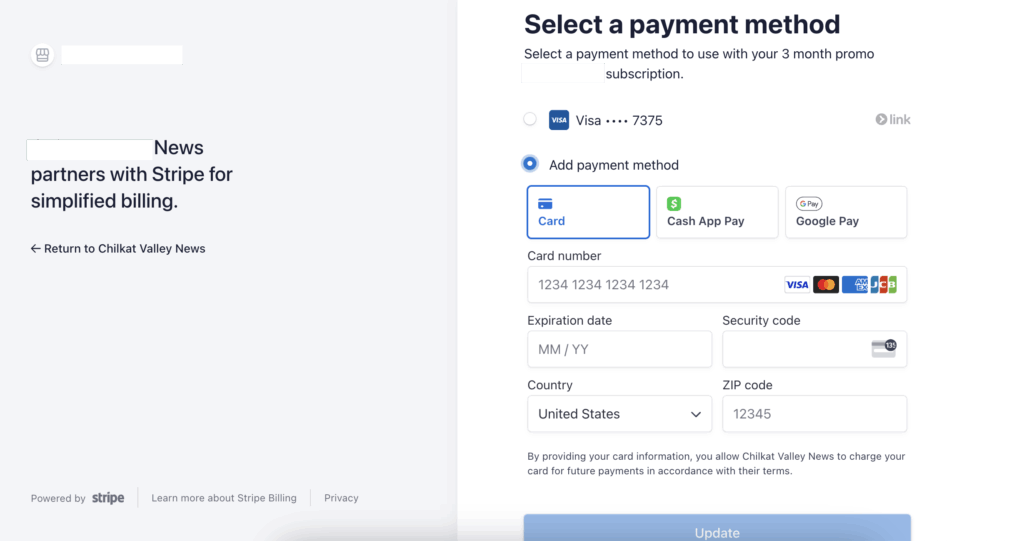
Select “Update” when finished.