

When a story is open to a free level, its paywall usually asks logged-out readers to create a free account. Sometimes you want that story to sell subscriptions instead. You can turn off the free sign-up form on that one story, so the paywall shows your plans. Readers who already have the free level can still read it.
Use this for a big story or an investigation that you want to put in front of paying readers, without locking out your free subscribers.
Before you start
- You need permission to edit the post.
- Your site must offer free sign-up on the paywall. Check this under PaywallProject → Paywall: Enable free registration offer must be ticked. If it isn’t, the paywall never shows the free sign-up form, and the option below doesn’t appear. See How the free registration funnel works.
- You need at least one free level, set up under PaywallProject → Levels.
Turn off free sign-up on a post
- Open the post in the editor.
- In the settings sidebar on the right, find the Paywall visibility box. If you don’t see the sidebar, click the Settings icon at the top right of the editor.
- Choose Require specific levels.
- Tick the levels that may read the post. Include your free level, so free subscribers keep reading, and your paid levels.
- Tick Do not offer free sign-up on this content.
- Click Save, Update or Publish.
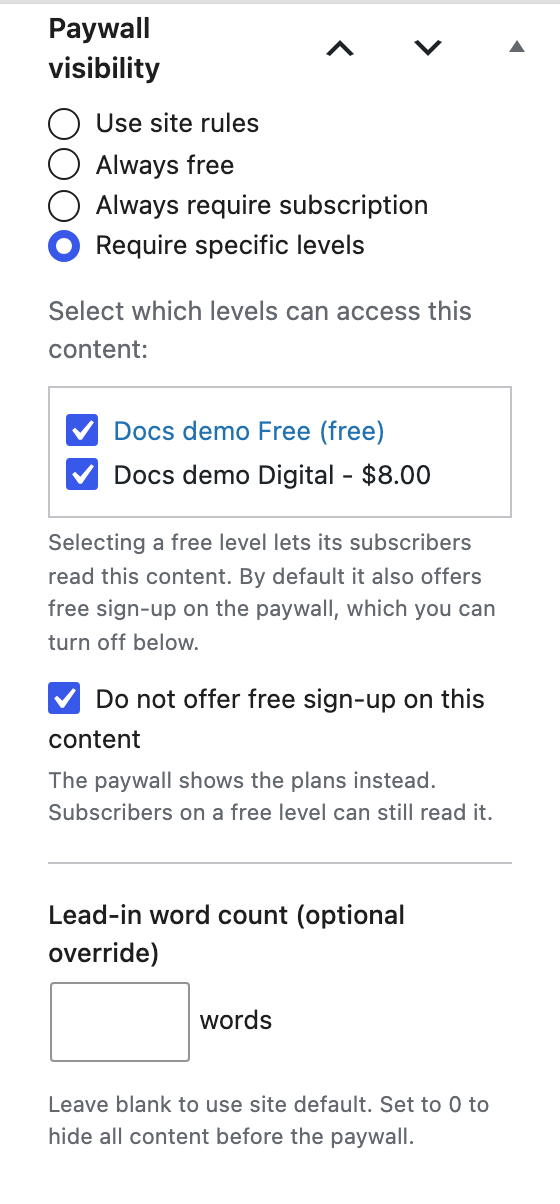
The Do not offer free sign-up on this content option only appears where it would change something. It shows when the post uses Use site rules or Always require subscription, or Require specific levels with a free level ticked. It’s hidden for Always free posts, and for posts that name only paid levels, because those never show the free sign-up form.
What the reader sees
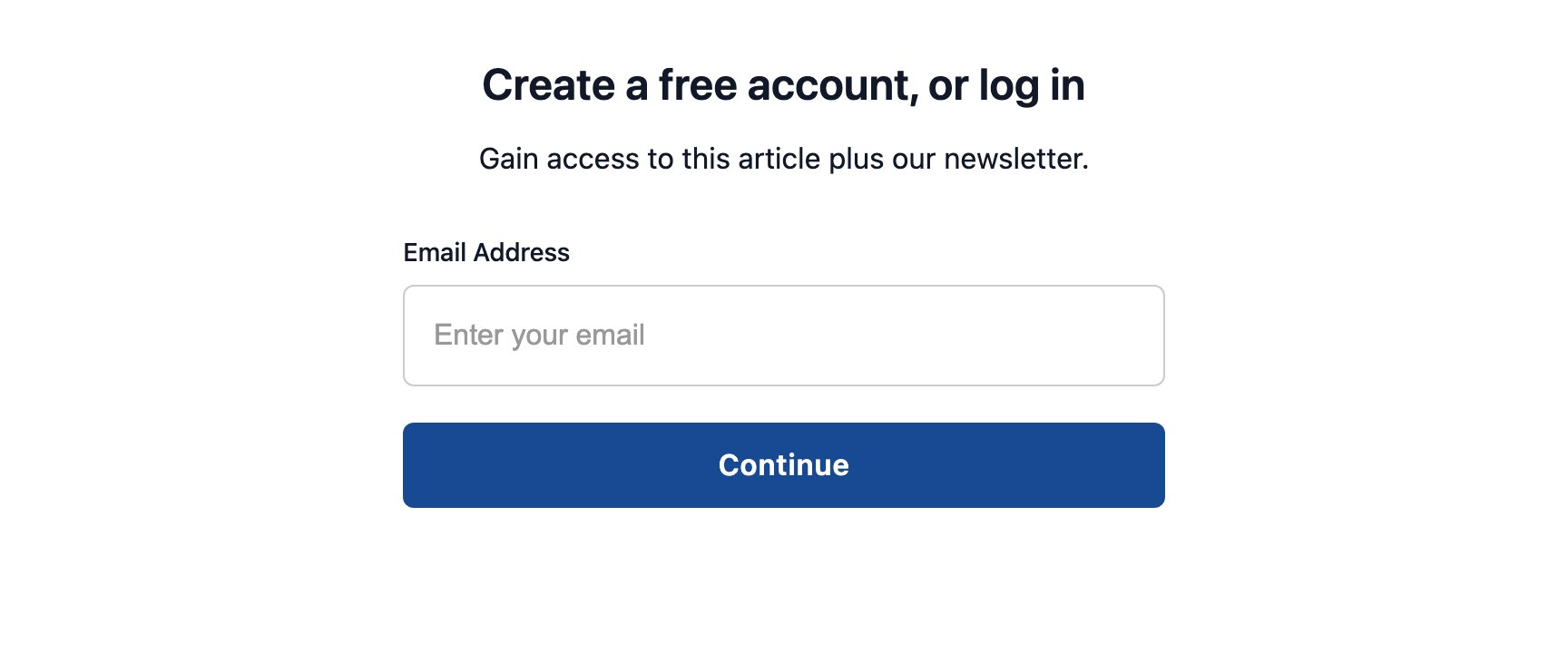
Without the option, a logged-out reader sees the free sign-up form on the paywall:
With the option ticked, the same reader sees your subscribe paywall instead. The button takes them to your plans:
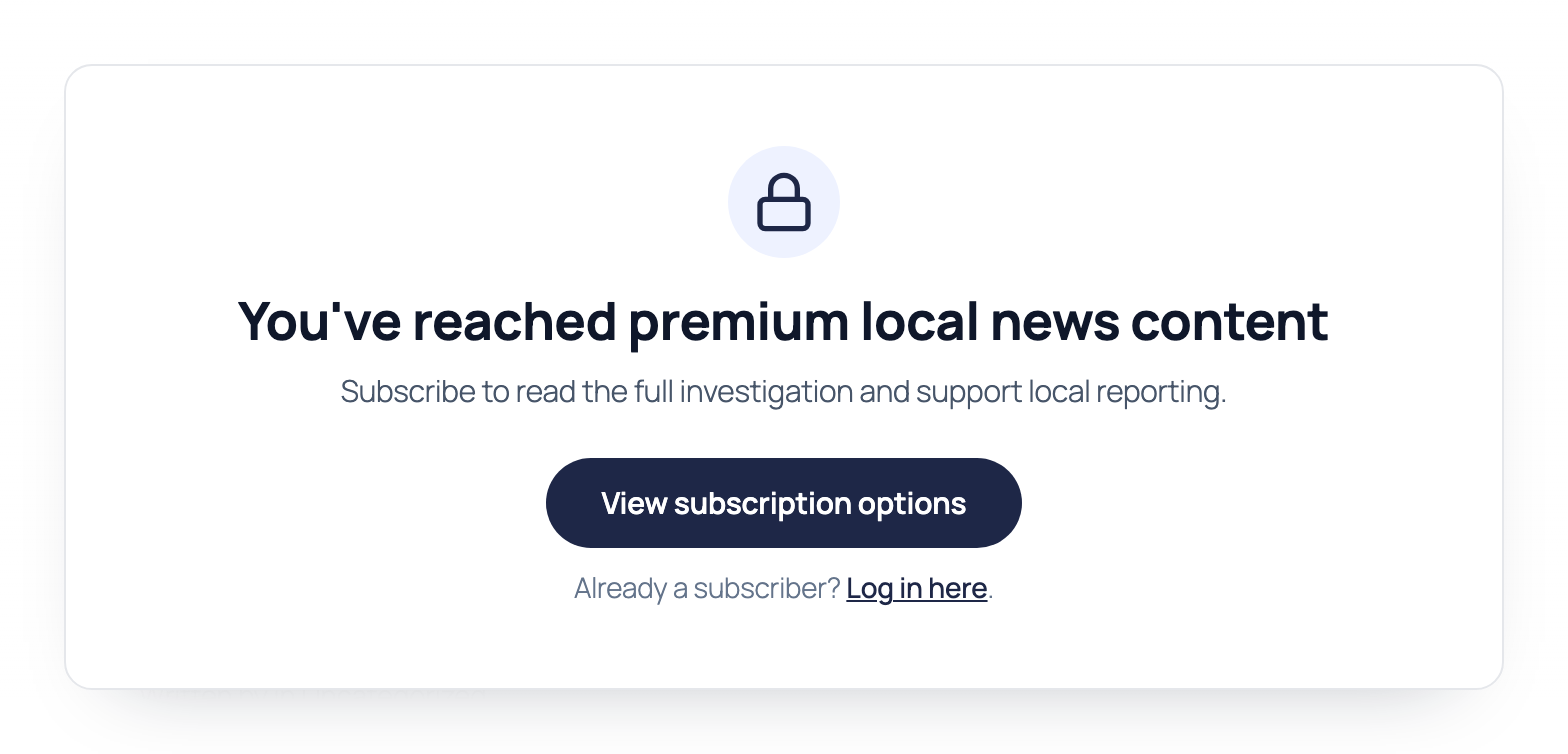
The wording on this paywall comes from the Subscribe box section under PaywallProject → Paywall. The default Subhead says “Sign up for a free account or subscribe to continue.” On a post that no longer offers free sign-up, that text is confusing. If you use this option, change the Subhead so it only talks about subscribing, as in the example above. The same text shows on every post that uses the subscribe paywall.
Good to know
- This changes one post only. Other posts keep offering free sign-up.
- It doesn’t change who can read the post. The levels you tick still decide that. Readers on a ticked free level still get in when they log in.
- To offer free sign-up on the post again, untick the option and update the post.
- If you later turn off Enable free registration offer for the whole site, the option disappears from the editor. The choice you saved on each post is kept, and it applies again if you turn the offer back on.