

Subscribers can open their own receipts and invoices. Every payment is listed on the Billing history tab of their My Account page, so you don’t need to send copies by email.
Before you start
Receipts are for subscribers who pay through Stripe. The Billing history tab shows once a subscriber has at least one payment recorded on your site. There is nothing to turn on.
Find a receipt
Send these steps to the subscriber.
- Sign in and go to My Account.
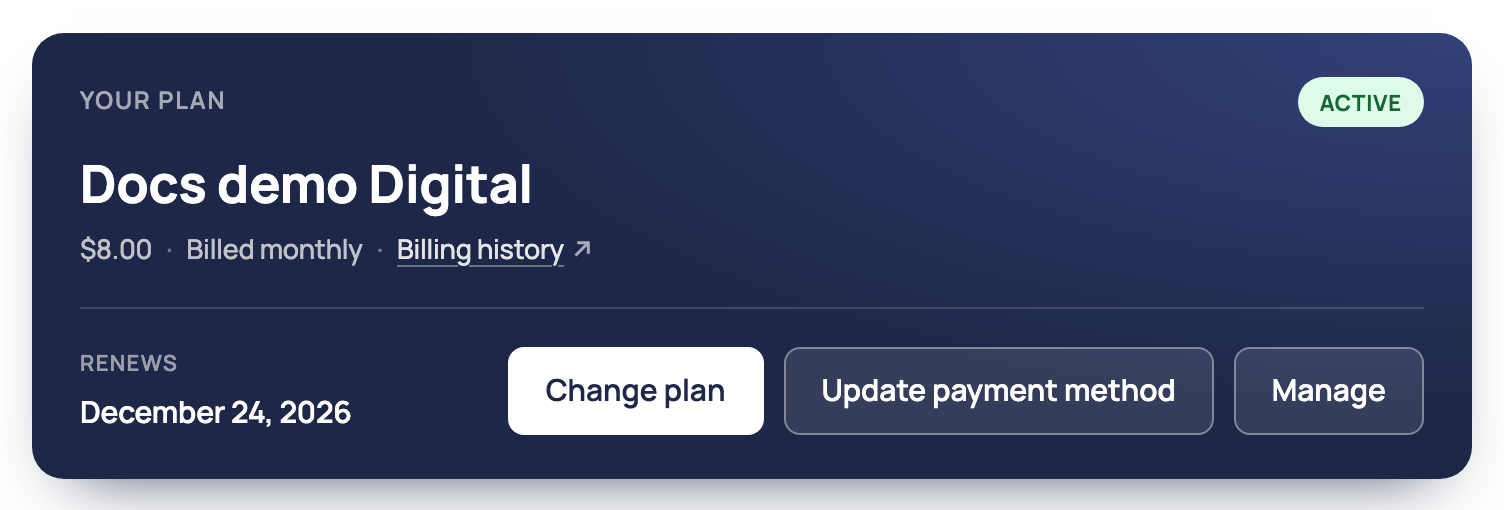
- Select the Billing history tab at the top. You can also select Billing history on the plan card, next to the price.
The tab lists each payment with what it was for, the date, the amount and whether it was paid or refunded. Plan, add-on and product payments are all there.
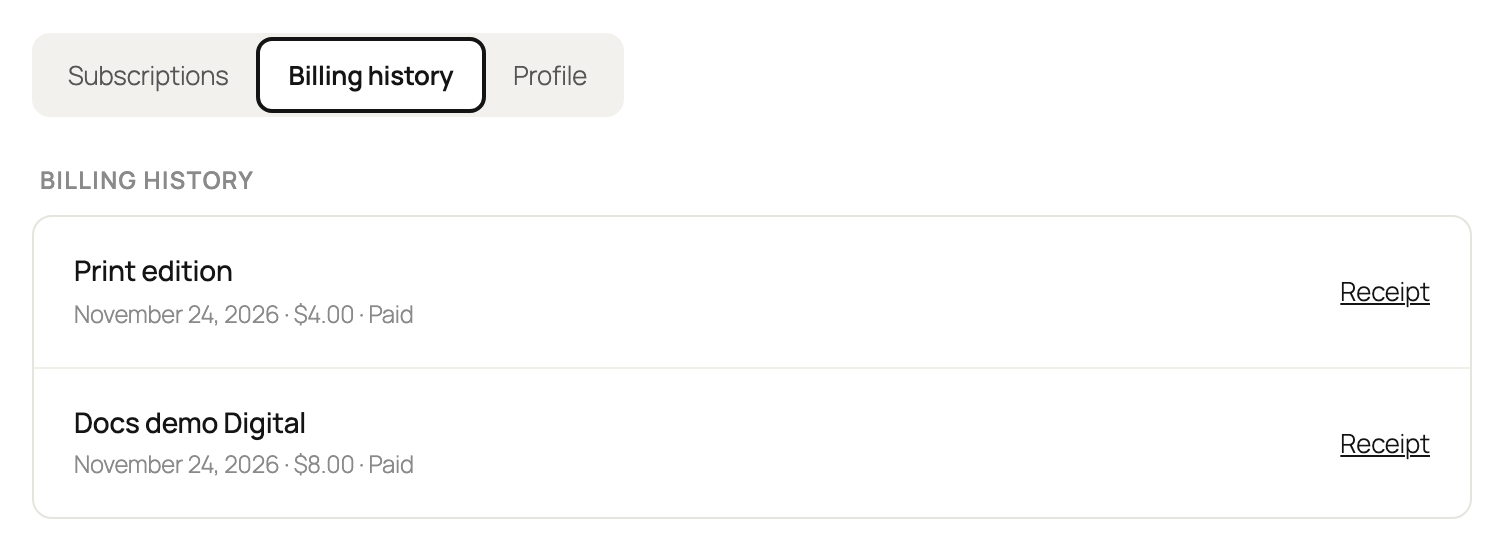
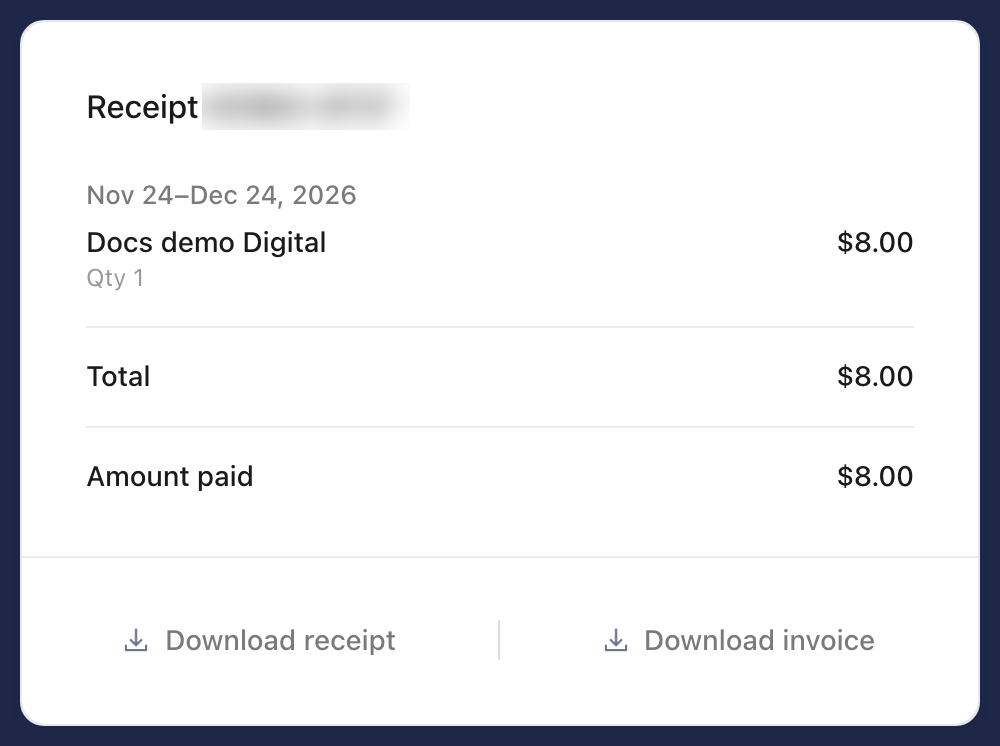
- Select Receipt next to the payment. Stripe’s receipt opens in a new tab.
- Select Download receipt or Download invoice. Each one saves a PDF.
Good to know
- The tab shows the most recent payments, up to 24.
- In the Payment section of the Subscriptions tab, View billing history next to the next payment date opens the same tab.
- If a subscriber has no payments recorded yet, for example a free plan, there is no Billing history tab or link.
- If a subscriber can’t sign in, you can open their account from PaywallProject → Subscribers → Switch to and follow the same steps.